


All products and promotions are independently selected by our experts. To help us provide free impartial advice, we will earn an affiliate commission if you buy something. Click here to learn more




If you're still using Windows 10, another critical defence in its security protections will expire soon.
Microsoft is retiring Security Boot — a feature focused on blocking "untrusted code" so your device isn't susceptible to malware threats. Security Boot will reach the end of its life on all Windows 10 devices later this June.
The tech firm said in a recent blog post, "Retiring old certificates and introducing new ones is a standard industry practice that helps prevent ageing credentials from becoming a weak point and keeps platforms aligned with modern security expectations."
For context, this specific feature was first released in 2011 — making it even older than Windows 10. The upcoming retirement means that potential security vulnerabilities will mount if you don't update your device.
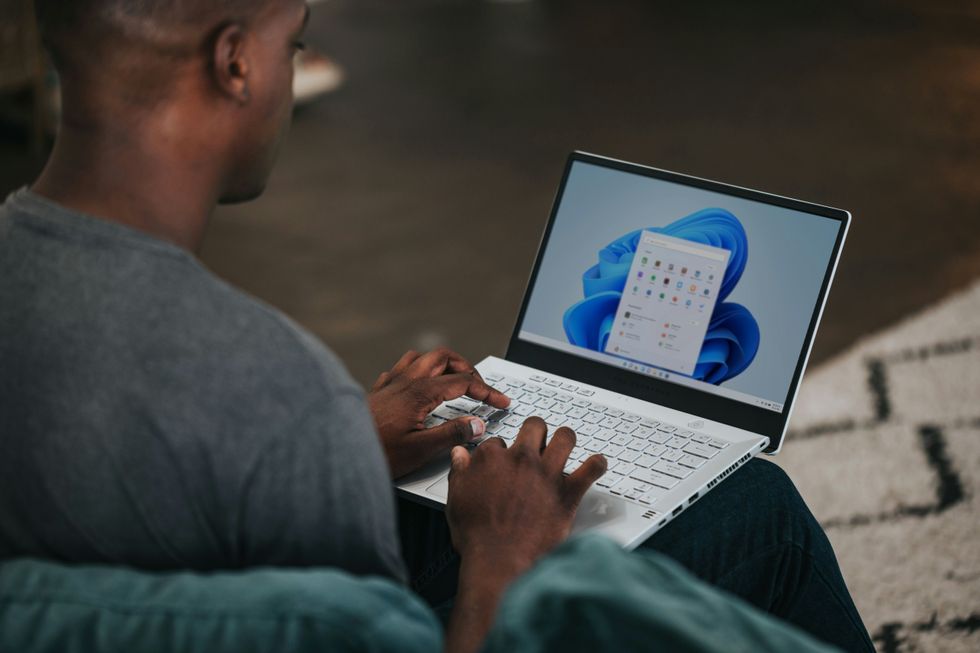
Those who are running Windows 11 — the newest operating system — on their devices will continue to receive security protection
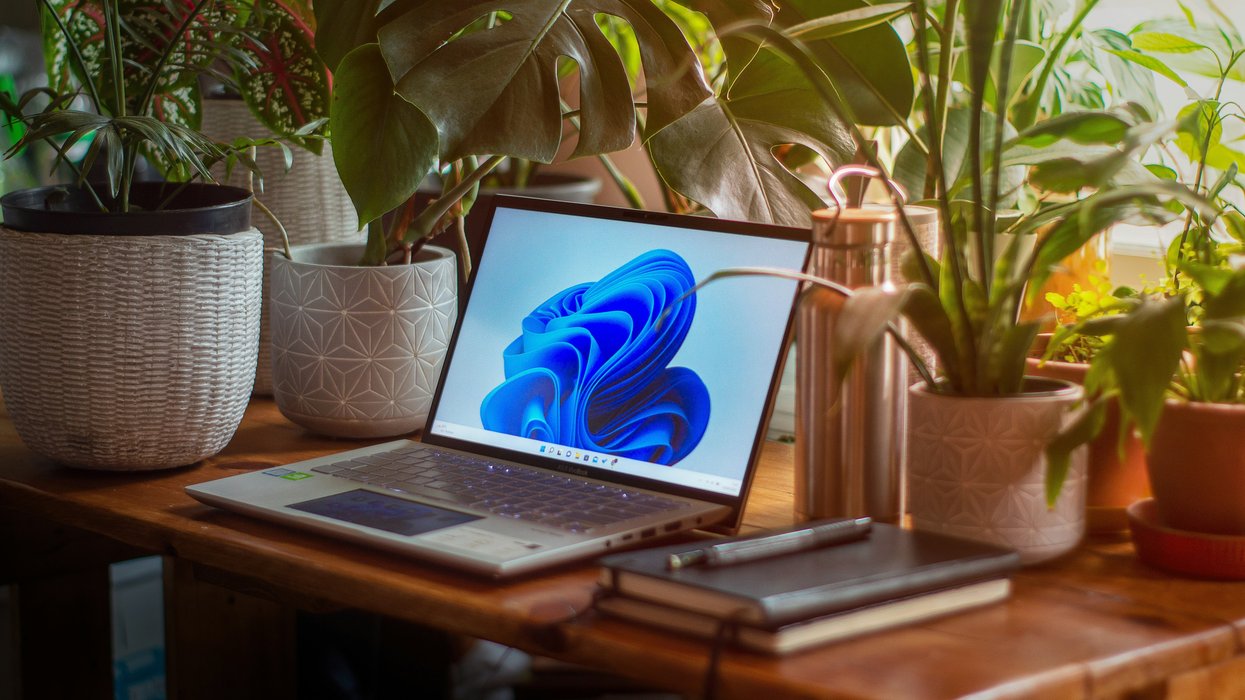
|UNSPLASH
"If a device does not receive the new Secure Boot certificates before the 2011 certificates expire, the PC will continue to function normally, and existing software will keep running. However, the device will enter a degraded security state that limits its ability to receive future boot-level protections," said Microsoft.
Those running Windows 11 — the newest operating system from Microsoft — will continue to receive security protection with new versions of Security Boot and regular free software updates, so you won't need to worry.
Microsoft said, "We’re rolling out these new certificates in collaboration with our ecosystem partners in a careful, phased approach informed by broad testing, staged data-based rollout and coordination with device manufacturers."
Microsoft ended support for Windows 10 in October of last year — meaning free security updates are no longer available
|UNSPLASH
If you missed the memo, Microsoft ended support for Windows 10 in October of last year.
This means free software updates — like what was mentioned above — to address security vulnerabilities, bugs, and critical issues for the older operating system are no longer available.
This has pushed many users to either upgrade to the new operating system or replace their PCs with devices that support it, so they can prevent hackers from taking advantage of them not being treated to these free updates. For instance, a critical Windows security update was recently released by Microsoft to fix 59 flaws.
If your Windows 10 computer meets the minimum criteria to run Windows 11, Microsoft will let you upgrade to its newest operating system free of charge. Similar to the free upgrade scheme that let PC owners with Windows 7 and Windows 8 switch to Windows 10, there's no charge to unlock the latest Windows 11 features.
To check the eligibility of your laptop or desktop PC, you can either use the PC Health Check feature included on Windows 10 or a third-party tools like WhyNotWin11. If your hardware is compatible, the simple upgrade process involves clicking the Windows Start button, then select Update & Security> Windows Update.
LATEST DEVELOPMENTS
- Millions of WhatsApp users placed on red alert
- Sold-out Freely TV box returns to Amazon with a cheaper price tag
- Best VPN deals
- HBO Max confirms UK price for all-new shows, films, and TNT Sports
- Now traditional landlines will be 'switched off' for extra 1.23m in UK
- Millions of UK viewers could be 'forced into paying for broadband'
However, it's unlikely to be that simple.
Windows 11's minimum requirements have been a point of contention since its release back in October 2021. The desktop operating system demands a 64-bit processor, a minimum of 4GB of RAM and 64GB of storage. More controversially, it requires TPM 2.0 and Secure Boot capabilities, features absent in many older PCs.
Microsoft says this hardware is required as it enables many of the security features baked into the operating system — making it more secure and ensuring your important files remain under lock-and-key.
While there are unofficial workarounds exist to bypass eligibility checks — enabling PCs that do not meet these requirements to install the successor to Windows 10, these involve registry modifications and may lead to future update issues. Some users have found success with third-party tools like Rufus, which offers a Registry bypass hack for Windows 11 24H2 in-place upgrades on ineligible systems.
Without these workarounds, the strict requirements have left numerous Windows 10 users unable to upgrade, causing some to warn that as many as 240 million working laptops could be destined for landfill.
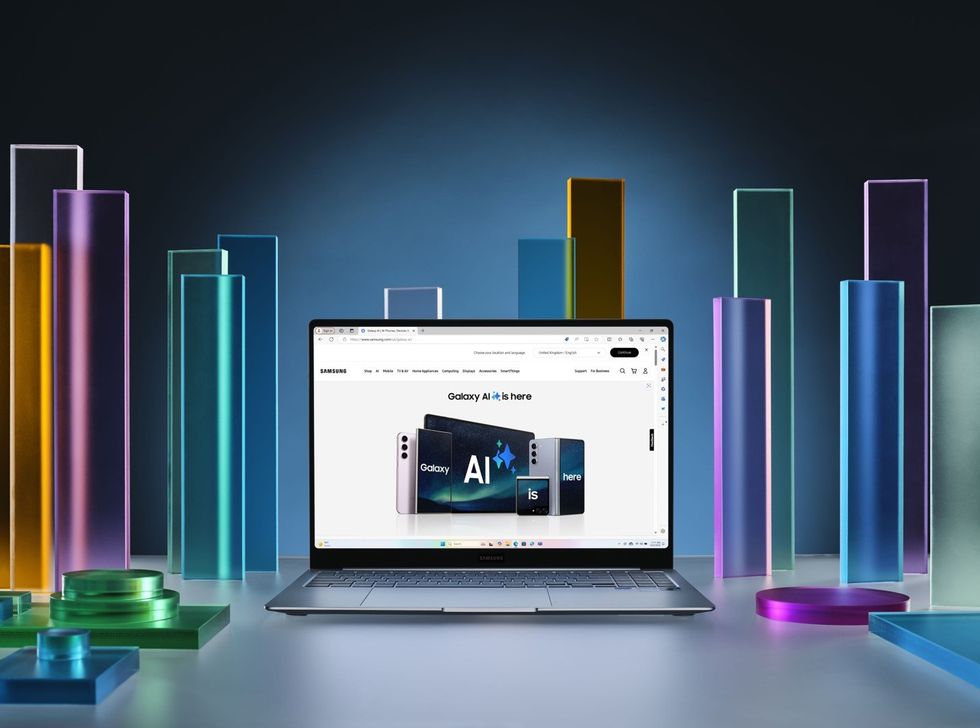
Several tech firms like Samsung sell laptops with Windows 11 pre-installed into its devices. Samsung's first Copilot+ PC, the Galaxy Book 4 Edge, was first introduced in 2024
|SAMSUNG PRESS OFFICE
On the other hand, you could upgrade to a new machine altogether.
Shopping for a new desktop PC, tablet or laptop today, you won't find anything that ships with Windows 10 preinstalled. The newer Windows 11 has become the standard for all modern PC hardware. In fact, Samsung will release its latest Windows 11 laptops in the UK next month.
Interestingly, though, not all versions of Windows 11 are created equally.
Last summer, Microsoft introduced a new category of PCs — known as Copilot+ PCs — that deliver unique AI features, including the controversial Recall feature, not available on the standard installation of Windows 11. These devices ship with a new key on the keyboard dedicated to the Copilot assistant, the first shake-up to the Windows keyboard layout since the Start key was introduced back in 1994.
Microsoft spearheaded this all-new category of Windows 11 laptops with its own new Surface Laptop and Surface Pro, while Samsung's first Copilot+ PC is the Galaxy Book 4 Edge. Other brands have also launched a series of Copilot+ PCs, including laptops from from ASUS, Lenovo, and HP too.
On the one-year anniversary of the introduction of Copilot+ PCs, Microsoft introduced two new variants to its lineup — the new Surface Pro and Surface Laptop, which offer the lowest-ever starting price of any of these Windows 11 machines.
More From GB News