


All products and promotions are independently selected by our experts. To help us provide free impartial advice, we will earn an affiliate commission if you buy something. Click here to learn more







Own a Samsung Galaxy? You could be in for a real treat.
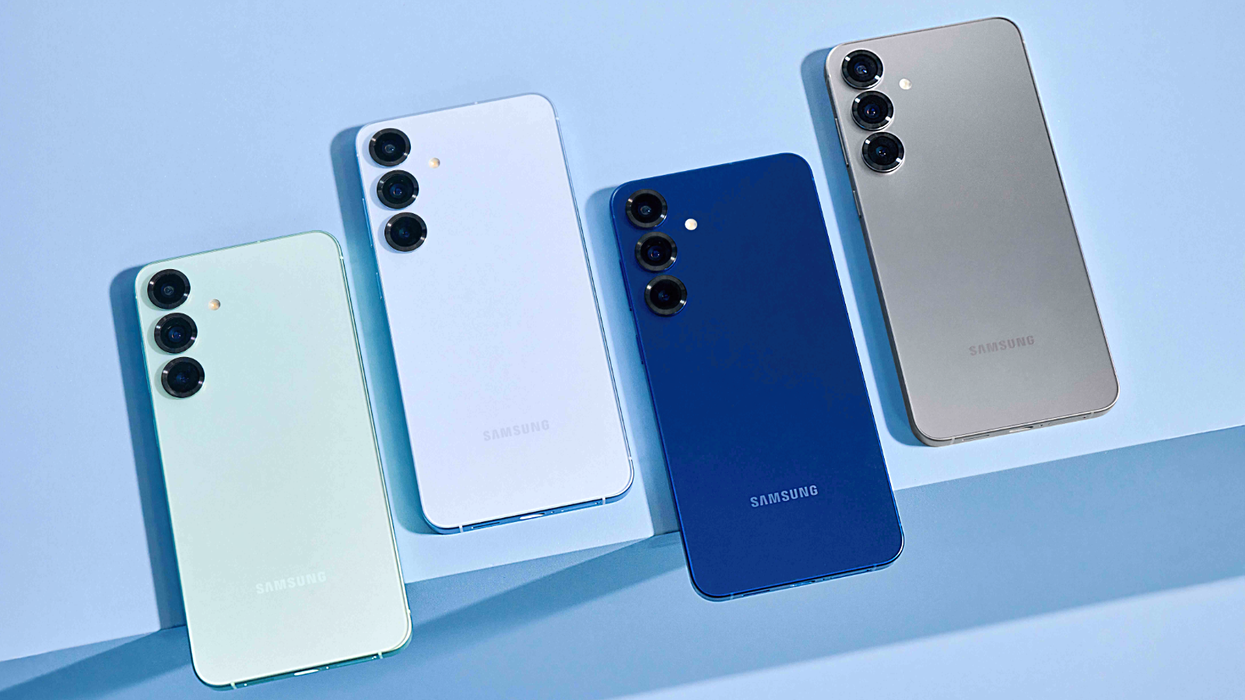
The South Korean-based tech brand has just opened up its One UI 8.5 testing programme, giving Galaxy phone owners an early look at what’s coming next.
If you’re not familiar, One UI is Samsung’s own take on Android — the software that dictates everything from how your smartphone looks, to one-of-a-kind features that you won't find anywhere else. Developed by Google, the so-called "stock" version of Android can be found on the likes of the Google Pixel or HMD Global lineup.
However, One UI adds several Samsung-specific features, design flourishes, and tight integration with other products from the South Korean firm. One UI was originally designed to combat one of the most common complaints with large screens on smartphones — with the elements that need to be pressed and swiped often out-of-reach at the top of the touchscreen. Instead, Samsung shifted everything into the lower third of the screen.
One UI also adds support for accessories that you won't find on other Android devices, like the S Pen stylus.
With the latest release, One UI 8.5 wants to make everyday tasks simpler, help other Samsung devices integrate together more seamlessly, and tighten privacy controls. You'll be able to have early access to all the new features if you have one of the following Galaxy S25 devices:
And if you're looking to upgrade your mobile to take advantage of these new features, mobile retailer EE is running a Christmas promotion where, if you buy a new Galaxy S25 Ultra, you can get a Galaxy S25 Edge for free.
Buy a Samsung Galaxy S25 Ultra and get the Galaxy S25 Edge for FREE
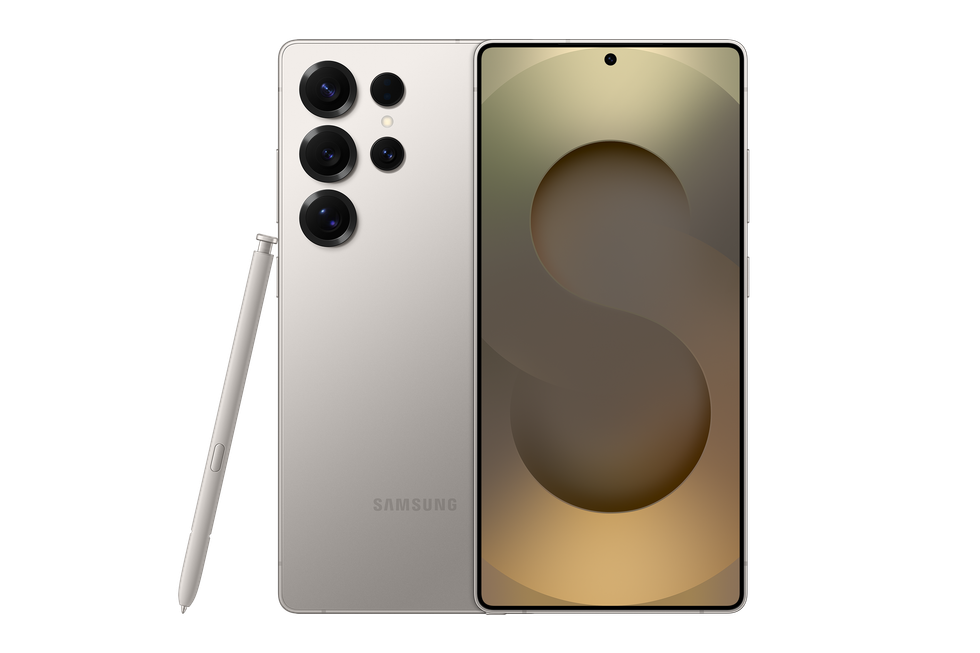
When you purchase the Galaxy S25 Ultra on a three-year plan, you’ll receive a Galaxy S25 Edge for FREE.
Plus, you can enjoy unlimited minutes, texts, and data with fast, reliable 5G+ connectivity that keeps you streaming, sharing, and browsing without limits when you sign up for the Unlimited Essentials data plan on a 24-month contract. You'll also be able to travel with confidence thanks to no-charge EU roaming included at no extra cost.
[countdown-2025-12-18]
Samsung Galaxy S25 Ultra
$75.14
$39
1. You can edit your photos more easily
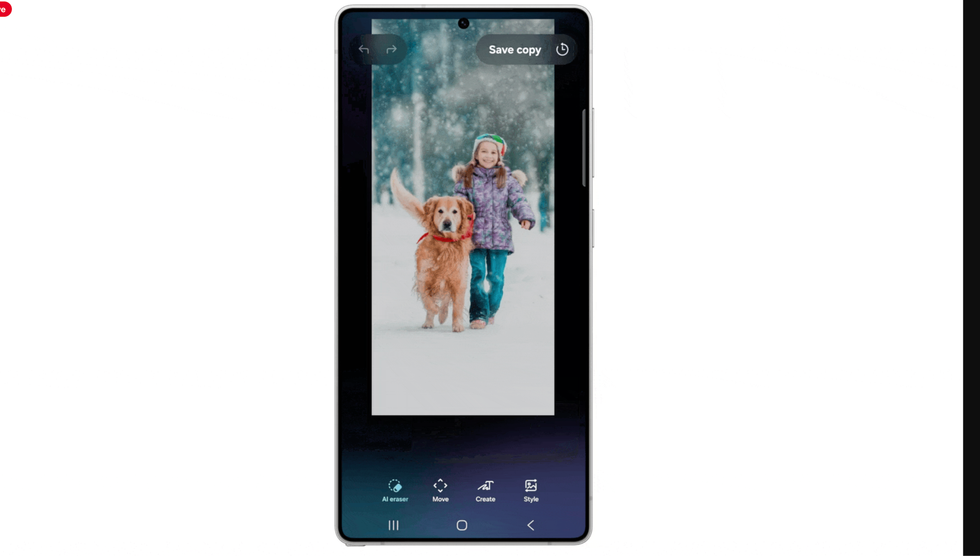
Now, you can make multiple photo edits in a row without interruption
|SAMSUNG PRESS OFFICE
The revamped Photo Assist tool gives you better control of your photo editing. Previously, if you wanted to experiment with different effects or adjustments, you would need to save each version of the photo separately before trying something new.
Now, you can make multiple edits in a row without that interruption. Imagine you are touching up a holiday snap — you can adjust the lighting, remove an unwanted object, and tweak the colours all in one continuous session.
Once you've finished adjusting the look of your photo, the software stores your complete editing history, allowing you to scroll back through every version you created. You can even select your preferred results to keep permanently, discarding the rest.
2. You can easily share photos with family and friends
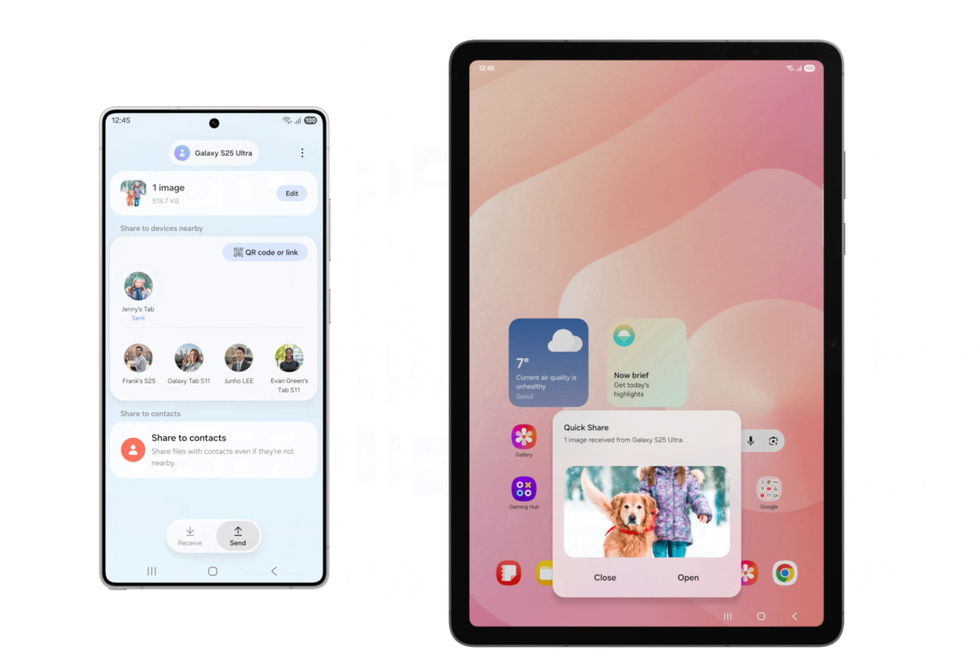
You can now easily send photos to family and friends with the use of facial recognition
|SAMSUNG PRESS OFFICE
Quick Share, Samsung's new file transfer feature, now incorporates facial recognition to make it easier to send photos to friends and family.
This eliminates the tedious process of manually scrolling through your contact list or messaging apps to find the right recipient. For instance, if you capture a quick photo of your sister at a family dinner, your phone can recognise her face and pop up a suggestion to share the image with her on the spot.
LATEST DEVELOPMENTS
3. You can benefit from enhanced security features
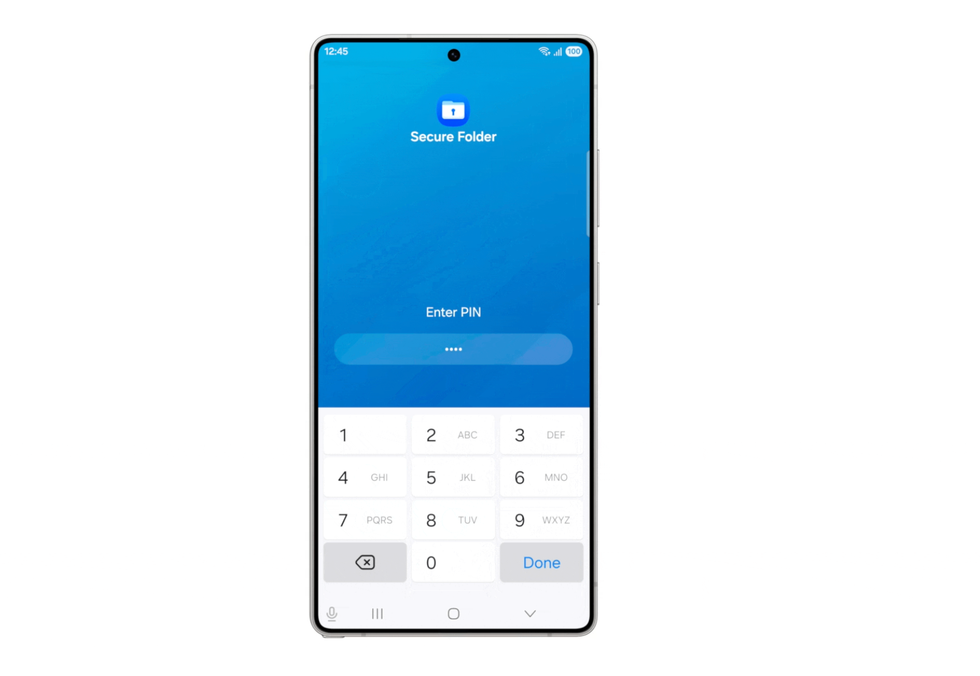
The new feature, Theft Protection, helps secure your phone and its contents with a pin code should it go missing or fall into the wrong hands
|SAMSUNG PRESS OFFICE
Samsung has also strengthened its security provisions with One UI 8.5, introducing several safeguards to protect your device and personal data.
For instance, Theft Protection helps secure your phone and its contents with a pin code should it go missing or fall into the wrong hands while you're out with friends or travelling.
The new Failed Authentication Lock adds another defensive layer — if someone repeatedly enters incorrect fingerprints, PINs or passwords, your screen will automatically lock down. For example, if a thief attempts to guess your passcode multiple times, the device will shut them out entirely.
More From GB News