











WhatsApp has unveiled a fresh collection of features — bringing a bumper crop of 9 new updates aimed at helping you stay connected with friends and family during the festive rush.
The latest update to the most popular messaging platform on the planet brings a host of new tools across almost all aspects of the service, including VoIP calls, text messages, and status updates.
WhatsApp, the most popular messaging app in the world with over 1.5 billion daily users, is reinforcing its role as a central hub for personal communication. With these latest enhancements, the platform ensures you can stay in touch — and celebrate together — even during the busiest time of the year.
Among the highlights are missed call messages, which let you leave a quick note when someone misses your call, improved AI-powered image creation, and an expanded library of stickers to illustrate your reactions to messages.
The update also cleans up those moments when calls go unanswered and makes link previews in your chats look sharper and more organised — which can make a big difference when you're juggling multiple conversations.
On top of that, the rollout expands Meta AI features, giving you new ways to create and share festive, seasonal greetings directly within the app.
Here's a breakdown of the 9 biggest changes in your chat app.
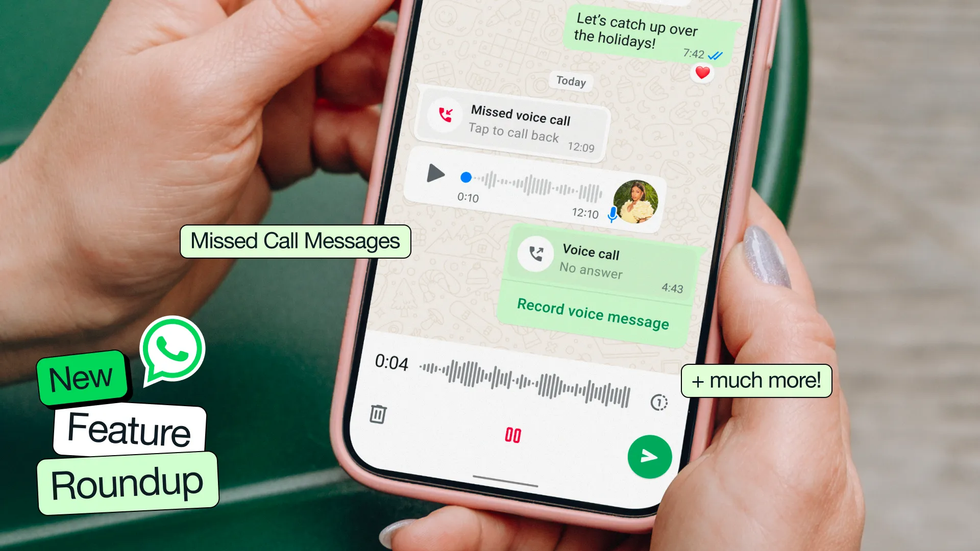
If someone misses your call, you can leave a video voice note, similar to Apple's FaceTime feature
| WHATSAPP PRESS OFFICE1. Leave voice or video notes
When someone doesn't pick up your call, you can now leave them a voice or video note with a single tap, depending on whether you attempted an audio or video call. This is separate from the voice and video notes you can already leave when sending messages across WhatsApp. Instead of texting, you can send longer audio messages or video messages of up to 60 seconds.
The new feature is also similar to Apple's FaceTime, where it lets you leave video messages if someone doesn't pick up a video call.
2. React with emojis
For group conversations, you can now send emoji reactions while participating in voice chats, allowing you to respond without cutting across whoever is speaking. Think of it like logging onto a work Zoom call. Instead of taking yourself off mute to agree with a point being made, you have the option to react with a "thumbs up" emoji.
3. Speakers are highlighted on video calls
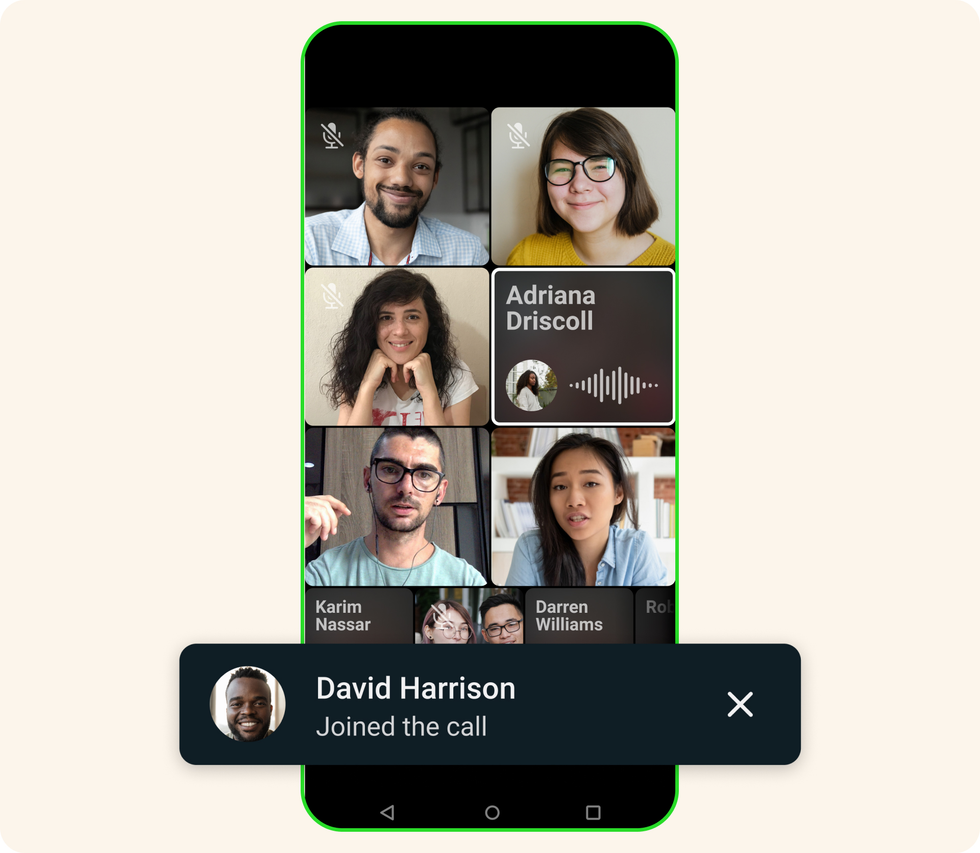
On WhatsApp, you can have a video call with up to 32 people at once
|META PRESS OFFICE
If you're on a WhatsApp video call with multiple participants, too, the app now automatically highlights whoever is currently talking, making the conversation easier to follow. Other video call platforms like Google Meet and Zoom have a similar feature where the box around the person talking will become highlighted.
LATEST DEVELOPMENTS
4. WhatsApp will use AI to create images
AI has taken over several new tech developments across brands like Apple's latest iPhone 17 Pro and Spotify's newest song recommendation feature in recent months.
Now, WhatsApp is expanding its offerings using AI to generate images from text. Partnering with both Midjourney and Flux, which are leading AI image generators, you'll now be able to send even more enhanced imagery to your contacts.
5. You can animate your images
Beyond your standard photo, you can now transform any image into a brief animated video using Meta AI, which is practically identical to a GIF. This animation feature lets you add movement and energy to your pictures, whether you're sharing them directly in chats or posting them to your status for contacts to view.
6. You can search through your media easily on a desktop
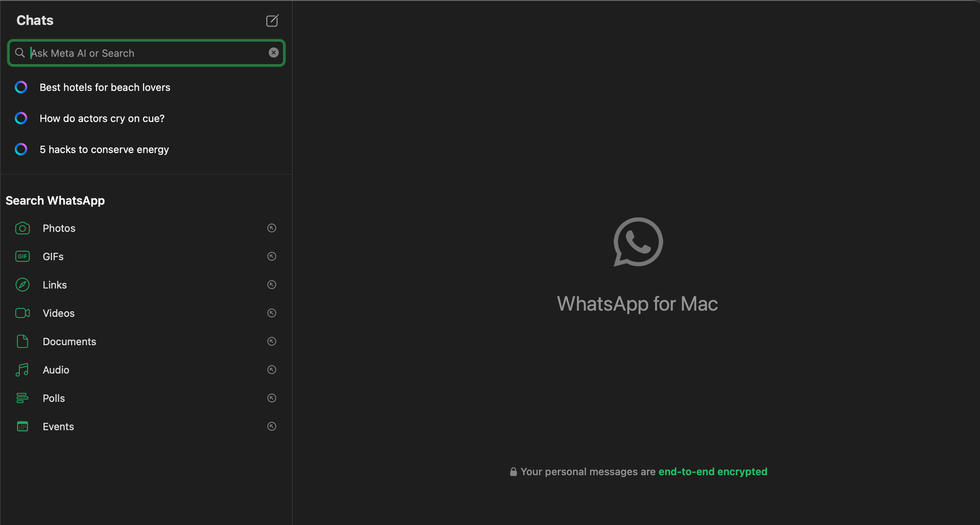
You can search for different files across WhatsApp, such as documents, links, videos, audio, and more
|GB NEWS
If you're using the desktop version of WhatsApp, you now have access to a centralised media tab, where you can search through documents, links and media files across all your conversations in one organised location. This should help you locate files more efficiently and work faster on your computer, especially if you're working remotely and may not have everything you need right in front of you.
7. Send shorter links in your chats
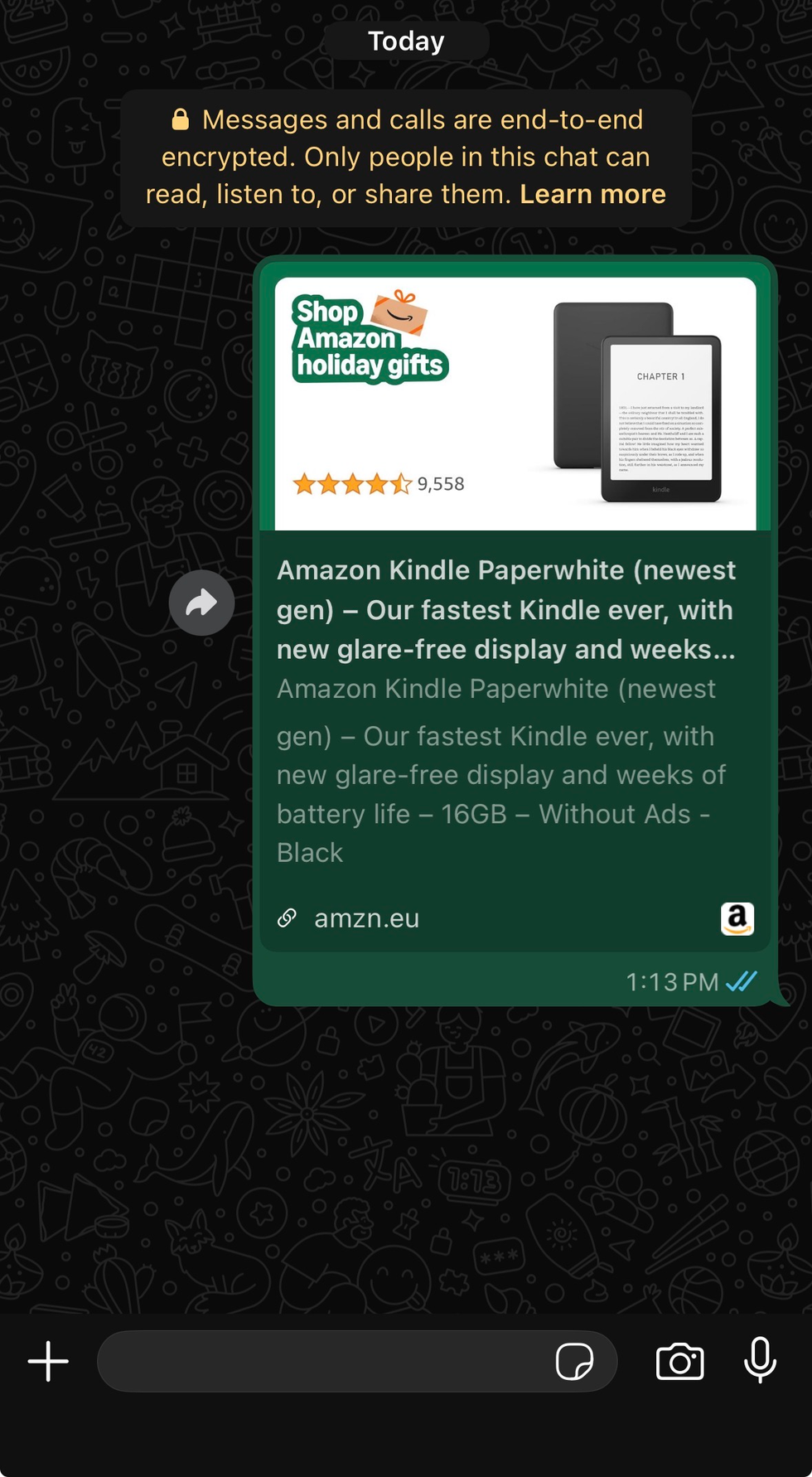
Links now appear much shorter and with a better preview image, so you have a better idea of what type of web page would open if you click the link
|GB NEWS
Have you ever sent links through WhatsApp that end up being so long they take up your whole messaging page? The chat app has now fixed this with cleaner link previews that let you see a more organised preview of exactly where you'll be redirected if you click it.8. Create interactive status updates
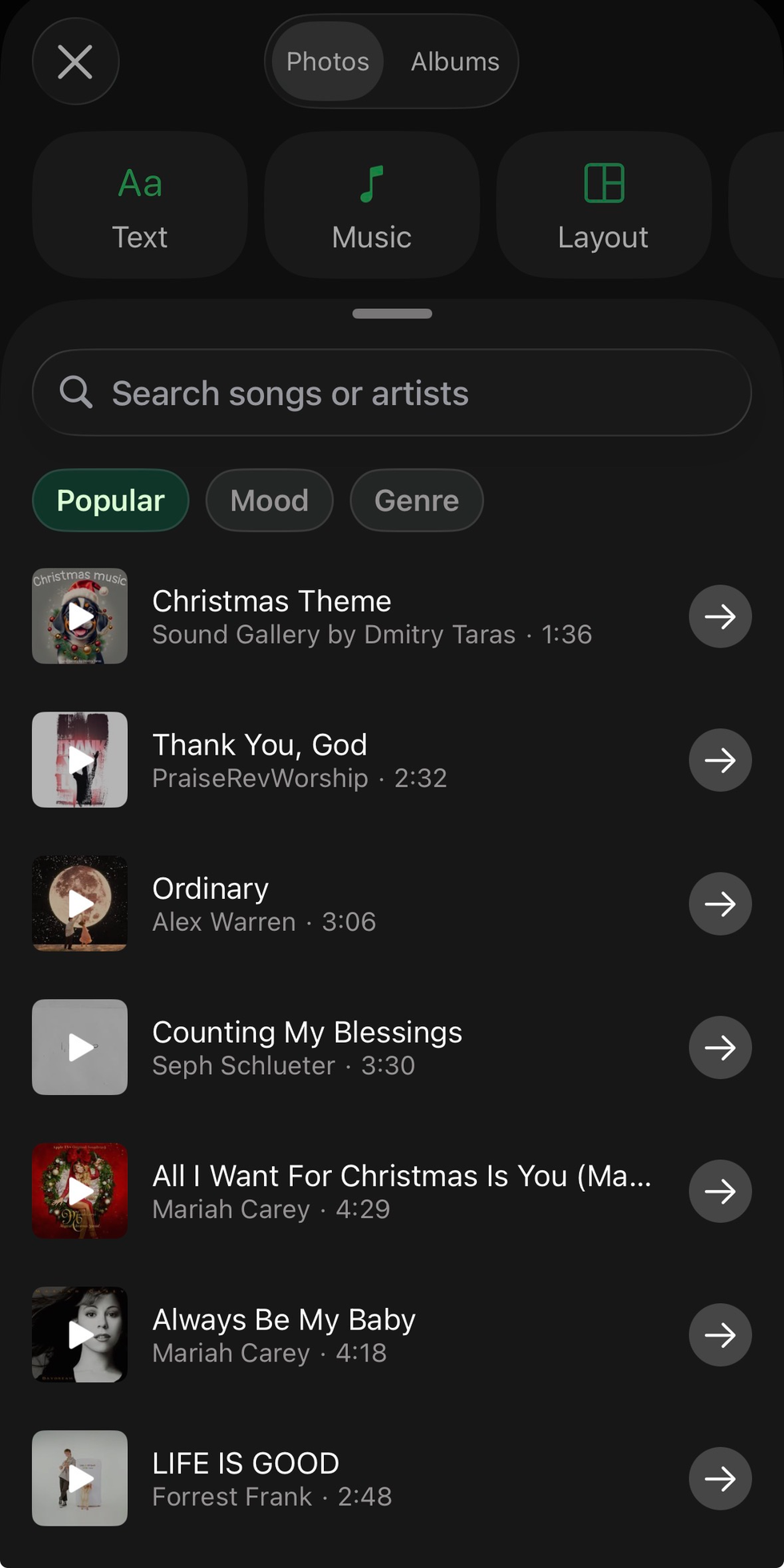
If you're adding music to your status update in WhatsApp, songs will automatically be suggested for you to use based on popularity, mood, and genre
|GB NEWS
For status updates, WhatsApp has introduced additional stickers alongside new interactive elements. This means you can now add music lyrics, pose questions for your contacts to answer, and include tappable stickers that encourage engagement.
9. Share questions across your channel
WhatsApp channels, which are one-way broadcasts within the chat app, now allow you to pose questions as an admin so you can engage with your audience more. This is similar to Instagram broadcast channels, where you can interact with members by asking questions, turning on replies, allowing them to vote in polls, and more.
More From GB News