







Google just made your next flight easier, thanks to an upgrade to the digital wallet on millions of Android devices.
Google Wallet will now automatically display boarding passes, train tickets, and other documents on your lockscreen, the second you're close to the location where you'll need them. With one tap, you'll be able to launch the correct ticket — and scan immediately.
For instance, when you're approaching the Departure Gates at the airport, Google Wallet will send a push notification to your device — no hunting around for the right eticket while a queue quickly forms behind you.
If that sounds familiar, iPhone owners have long enjoyed the same functionality.
Apple introduced the ability for boarding passes and tickets to appear as a shortcut on the lockscreen based on location with the original Passbook app, which launched with iOS 6 back in 2012. This essential app was later renamed to Apple Wallet in 2015 with the arrival of iOS 9. In the most recent update, dubbed iOS 26, Apple has added the ability for iPhone owners to check the flight arrival time and other up-to-date details on the lockscreen.
Within the Wallet app, there are also directions within an airport via Apple Maps and a shortcut to the Find My app's upgraded baggage-tracking feature, which is now supported by multiple airlines.
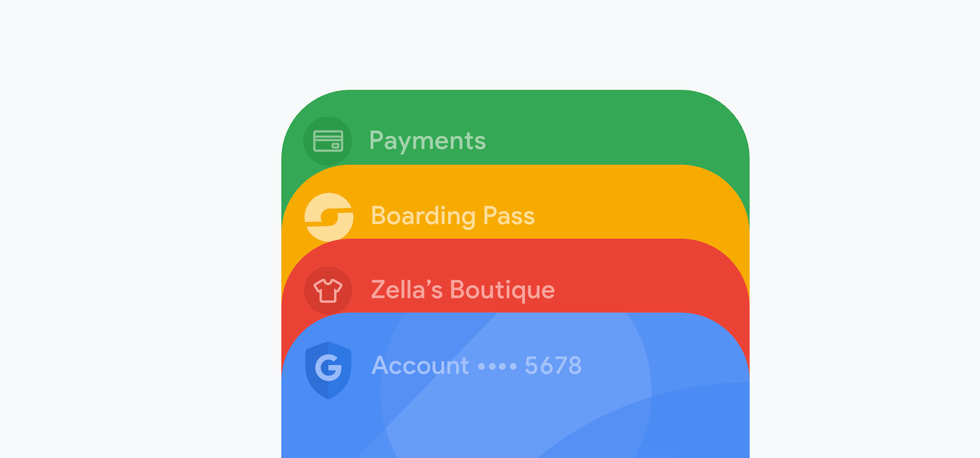
Google Wallet first made an appearance in the UK in January 2015
|GOOGLE PRESS OFFICE
Similarly, beyond catching up with the location-based alerts, the update also keeps you informed about your flight status before you even leave home. Google Wallet now sends check-in reminders ahead of your departure, drawing this information directly from confirmation emails in your Gmail inbox.
This means you'll receive a notification prompting you to complete online check-in at the appropriate time, provided you've booked using the same email address linked to your Google account.
LATEST DEVELOPMENTS
Once your boarding pass is stored in the wallet, it continues working for you throughout your journey. If your airline pushes through any changes, such as a different departure gate or an updated flight time, your digital pass refreshes automatically to display the current information.
You can even access your saved passes without an internet connection, though receiving live updates requires mobile data.
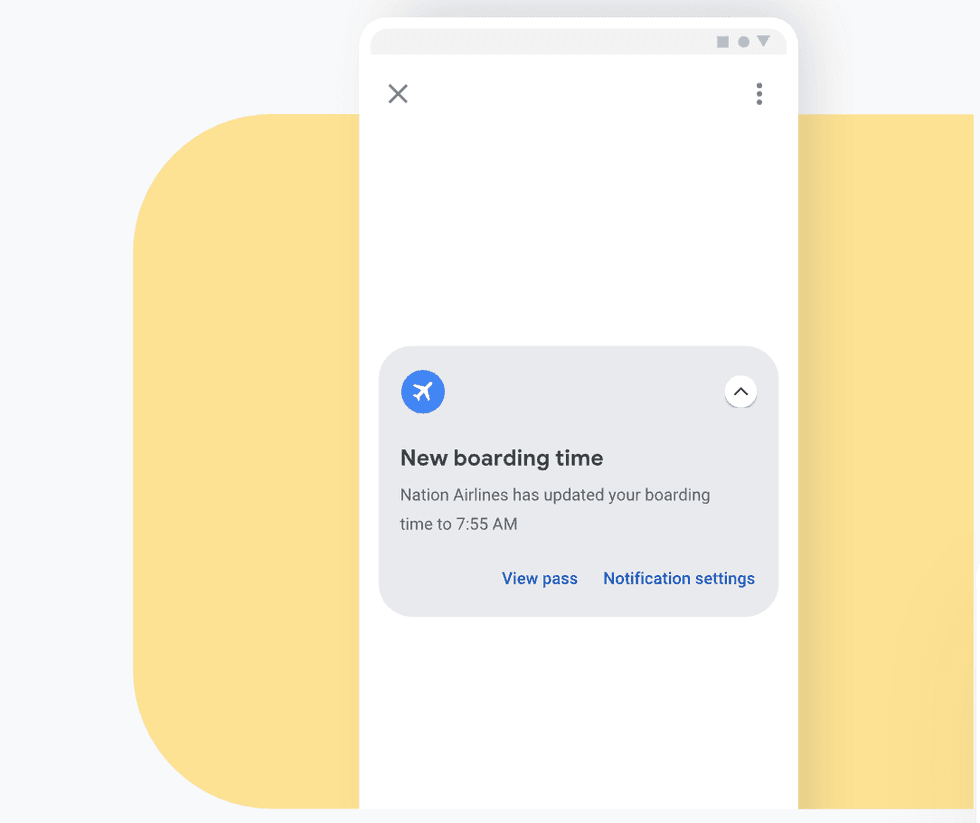 If your airline pushes through any changes, such as a different departure gate or an updated flight time, your digital pass refreshes automatically to display the current information. | GOOGLE PRESS OFFICE
The catch? To enable the nearby notifications feature, you must grant Google Wallet permission to access your location "all the time."
This setting allows the app to continuously monitor where your device is, even when you're not actively using it. For some, though, handing over constant location tracking may feel like too much to exchange for easier pass retrieval.
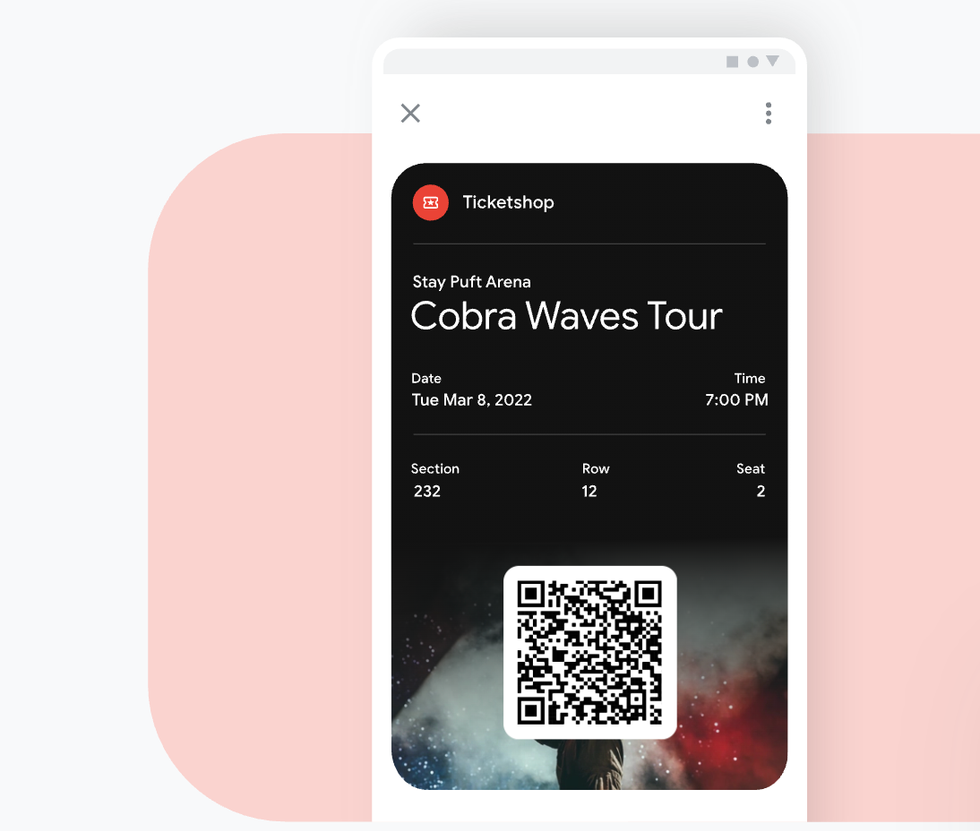
Google Wallet's new feature may soon apply to concert tickets, shopping loyalty cards, entry passes, and more
|GOOGLE PRESS OFFICE
You can activate the feature in two ways. The first option lets you switch on notifications for individual passes through each pass's details screen. Alternatively, you can enable the nearby passes notification channel to apply the setting across all your stored documents at once.
If you'd rather manage things manually, the feature remains entirely optional.
According to the crew over at 9to5Google, the feature could also work for all sorts of passes in the future, such as the following:
- Concert tickets
- Shopping loyalty cards
- Entry passes for attractions or events