

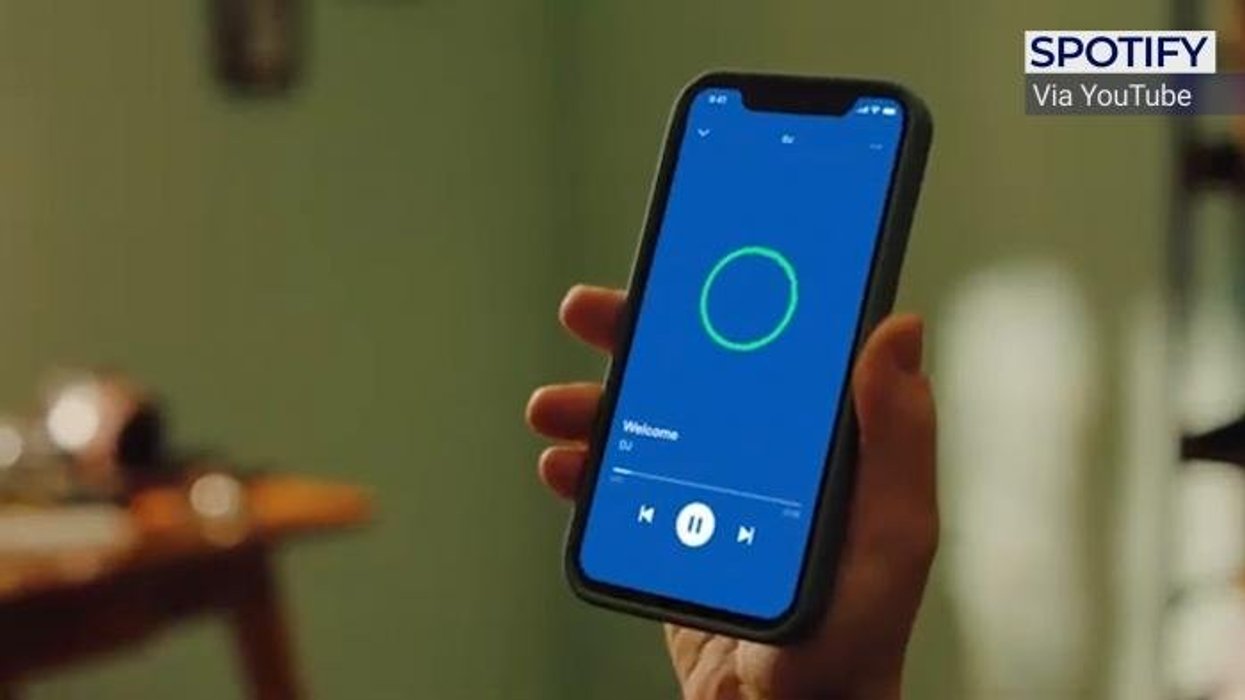









Ever boarded a flight only to realise your favourite playlist never downloaded? Spotify's latest iPhone update finally catches up with Android as it aims to make offline listening far more convenient.
Longtime Spotify listeners will know that you can't download anything without keeping the app on-screen. If you're preparing for a long-haul flight, a commute without signal, or have limited mobile data left for the month and don't want to stream your Spotify tracks, you'll want to quickly download some favourites. But the requirement to keep the iOS app open when you have hundreds of tracks to download can be incredibly frustrating.
AM downloading in the background over other apps?
by u/BrowncoatSoldier in AppleMusic
Even more frustrating, this hasn't been an issue for Spotify subscribers on Android or iPhone owners subscribed to rival Apple Music.
With its latest update, Spotify has removed this pain point for millions of subscribers. Now you when you tap to download music and podcasts, you'll no longer need to keep your app open. Better yet, you'll get notifications to keep you updated on its progress, so you won't need to keep going back to the app to check.
The catch? This ability is only rolling out to Premium subscribers, which costs £12.99 in the UK, although students can subscribe at a cheaper £5.99 monthly rate.
And that's not the only update available for Premium subscribers. Spotify has released several new features in this update for iOS and Android users.
Spotify said in a blog post: "We’ve been making behind-the-scenes updates to make Spotify easier to use and more reliable. Based on your feedback, we’re rolling out a series of improvements focused on the everyday features that help keep listening smooth."
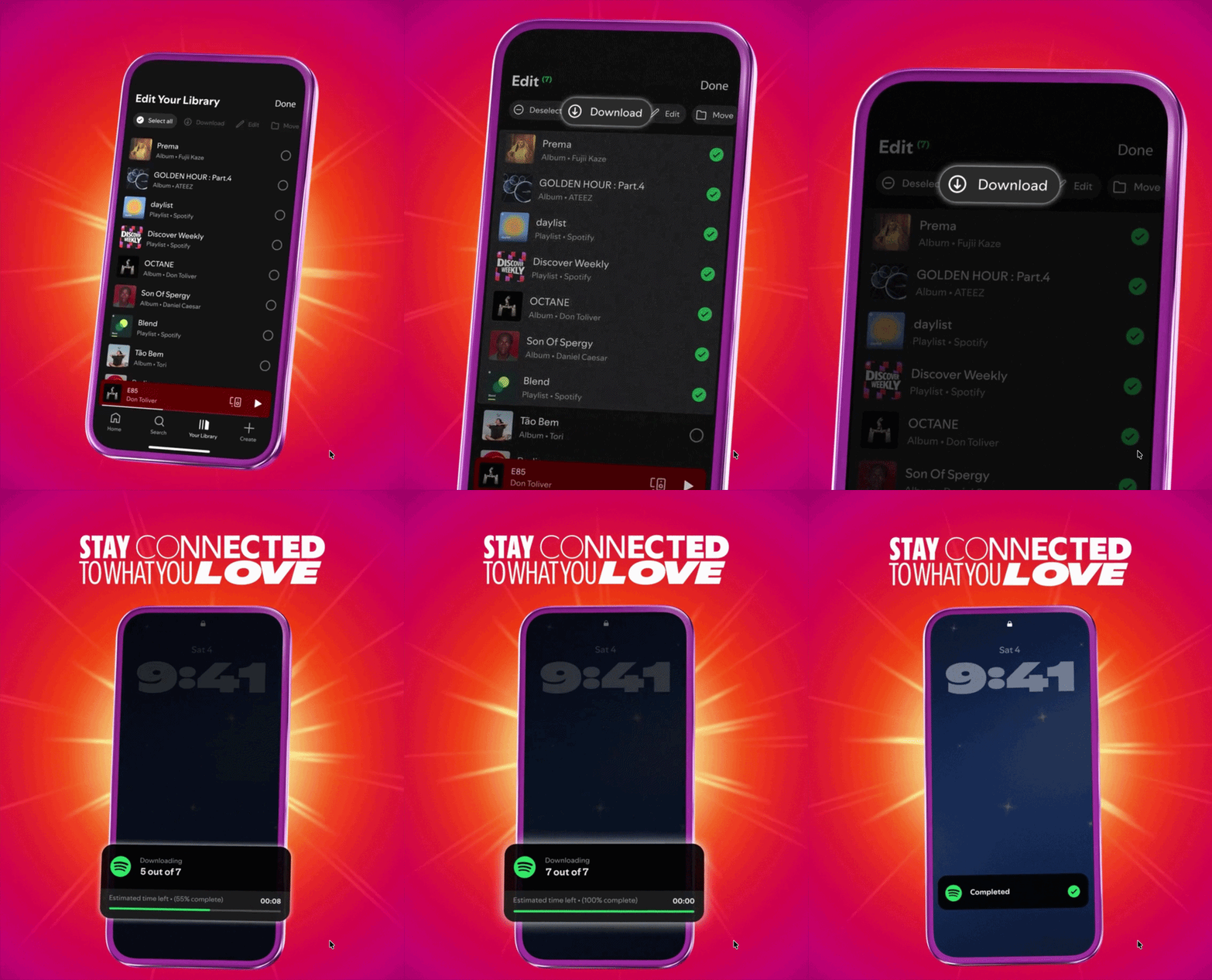
When you download your music and podcasts, Spotify will keep you updated on the progress
|SPOTIFY PRESS OFFICE
If you have a few carefully curated playlists, you can now update them more easily with the use of "in-playlist bulk actions." Spotify says you can now reorganise multiple tracks, books, or podcast episodes simultaneously, aimed at saving you more time.
The new feature is triggered by a Select button that sits at the bottom of your playlists, which brings up checkmarks next to every track, podcast episode, or book in the playlist.
You can select as many as you want — like doing a bulk clear-out of your inbox in your favourite email app — and then tap the Move or Delete button to reorder the chosen items or remove them forever.
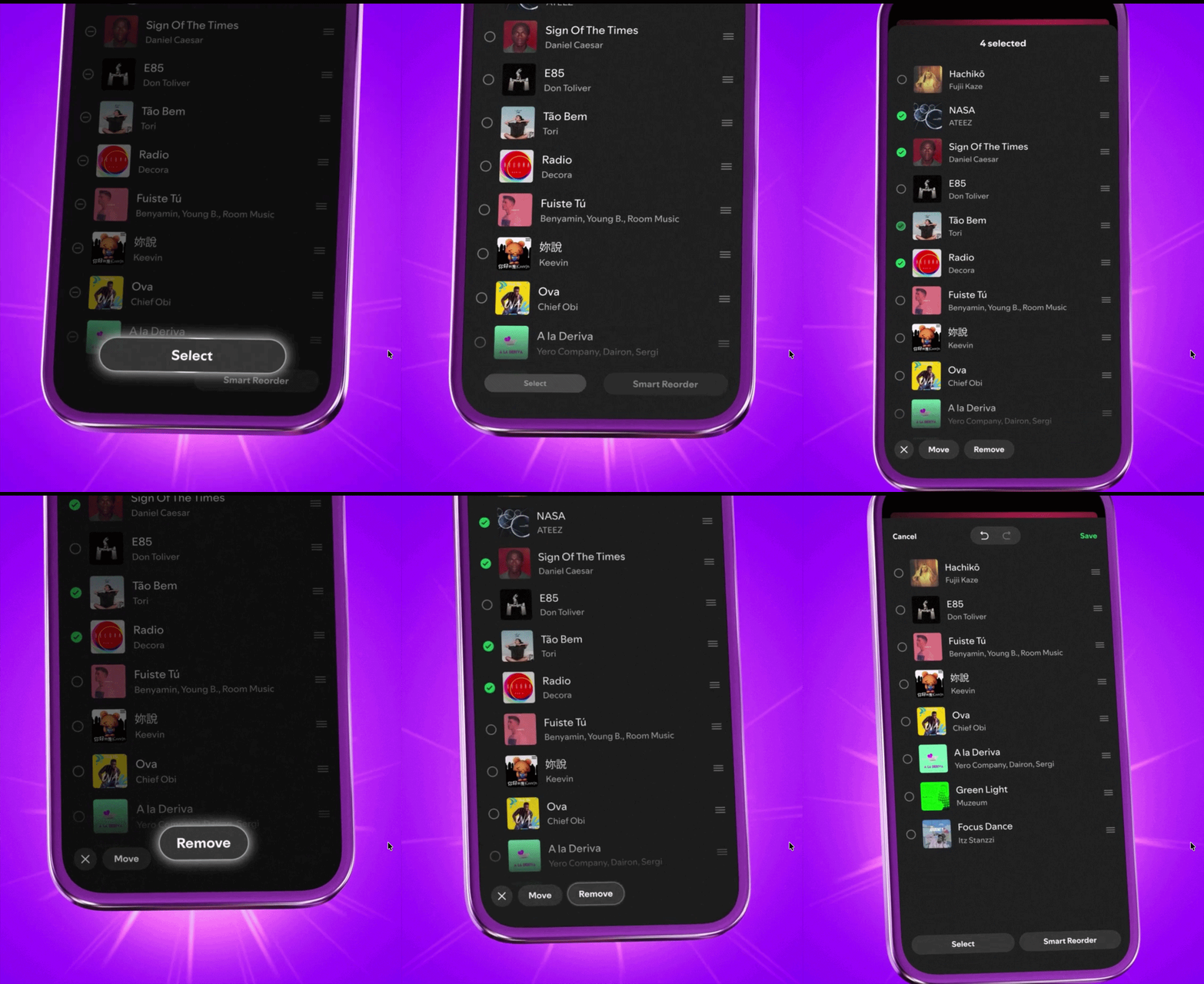
Spotify says you can now reorganise multiple tracks, books, or podcast episodes simultaneously, which can help you save time
|SPOTIFY PRESS OFFICE
This new feature is available to everyone, but Premium members will also be able to select and manage multiple songs in their play queue at once.
You'll need to navigate to your Play Queue, tap the selection icon (often represented by a checkmark or a multi-list icon) next to the songs, or hold down on a track to trigger in-playlist bulk actions.
Then you can select the songs you want and choose to delete them in bulk or drag them to reorder when they play.
LATEST DEVELOPMENTS
You'll also be able to shuffle and reshuffle your music queue repeatedly, giving you the ability to discover more artists and new tracks. Before, you needed to toggle the shuffle button off and on if you didn't want to listen to a playlist in order.
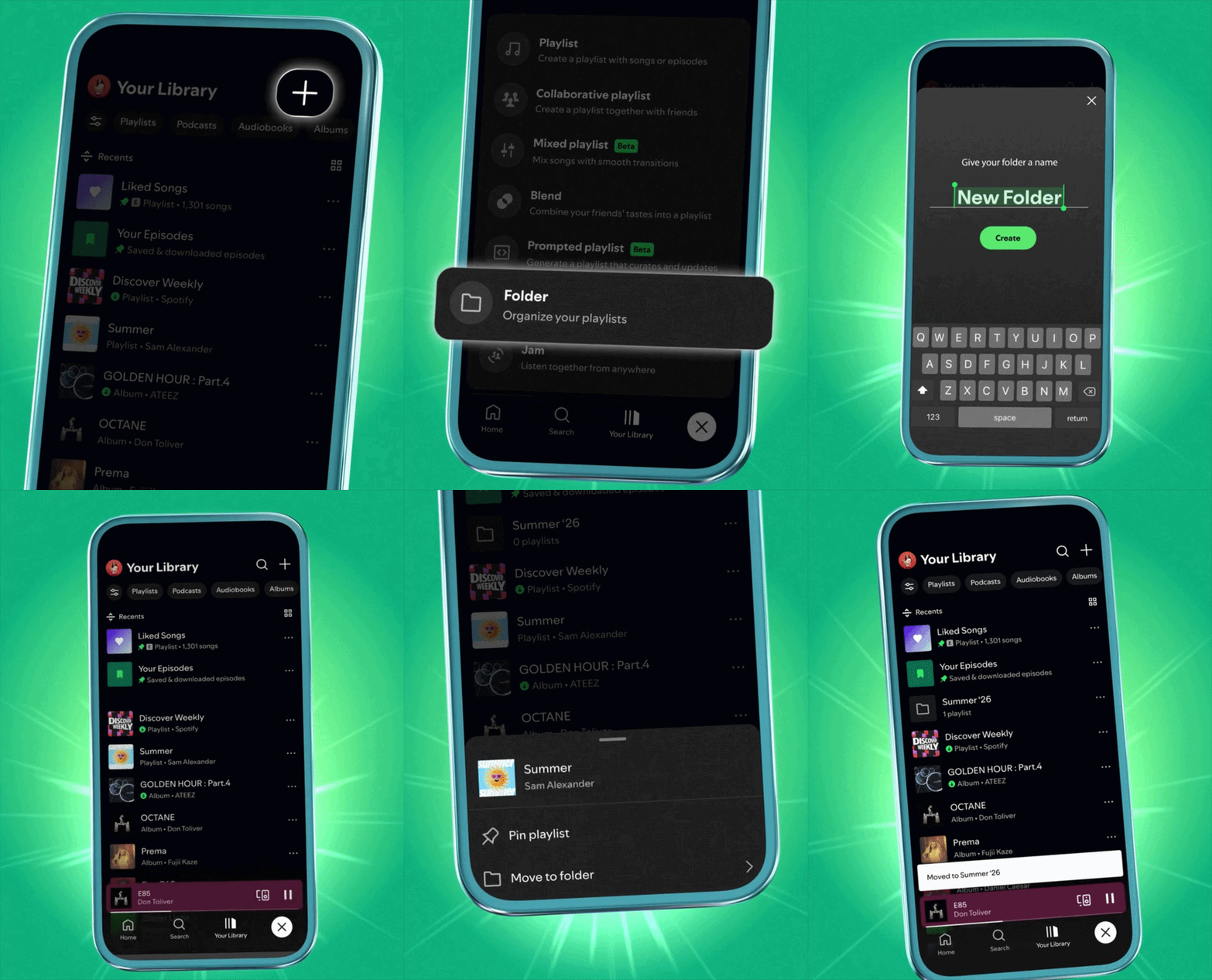
You can now group your playlists based on genre, mood, or activity by placing them in folders
|SPOTIFY PRESS OFFICE
Your content library is also getting a handy refresh. Playlist folders — a longtime desktop app staple — are now available on your Android and iOS.
This means you can now group your playlists together based on genre, mood, or activity. For example, you could pair a few playlists in one folder for work or study, and create another for gym workouts.
This feature is available for free and paid members.
Spotify has already rolled out these features worldwide, so head to the Apple App Store or Google Play Store and make sure you're running the latest version of the software.