


All products and promotions are independently selected by our experts. To help us provide free impartial advice, we will earn an affiliate commission if you buy something. Click here to learn more




Jealous of the clever cross-device features available to anyone with multiple Apple devices? If you've been mesmerised as someone wirelessly beamed an enormous PDF between devices with a tap via AirDrop, used their iPhone camera for a video call on a Mac, or shared a Wi-Fi password with a tap — you're in luck.
If you have a mixture of Android, Apple, and Microsoft gadgets at home, Honor has launched its own solution to bring the same simple sharing features across all platforms. And it's free to download.
Dubbed Honor Connect, it links Honor-built smartphones with Apple and Windows devices, enabling fast, high-quality file, and screen sharing without using mobile data, just like you'd find with Apple AirDrop. You can also screen-share, connect your phone camera to other devices, and even connect to the same Wi-Fi networks as your Honor handset.
Honor wants to remove the hassle of owning gadgets from rival brands — forcing you to email yourself files or photos — so you can freely move between Android, Windows 11, macOS, iOS, and others.
If you're not familiar with Honor, it's a Chinese technology brand that designs and manufactures smartphones, wearables, laptops, and other smart devices. Originally launched as a sub-brand of Huawei, it was spun off into an independent company in 2020. The spotlight on Honor Connect comes days after the launch its brand new mobile, the Magic8 Pro, in the UK just a few short weeks ago.
Here's everything you must know to enable this clever Honor Connect function across devices.
Buy the brand-new Honor Magic8 Pro and get £200 off and, receive a free gift bundle
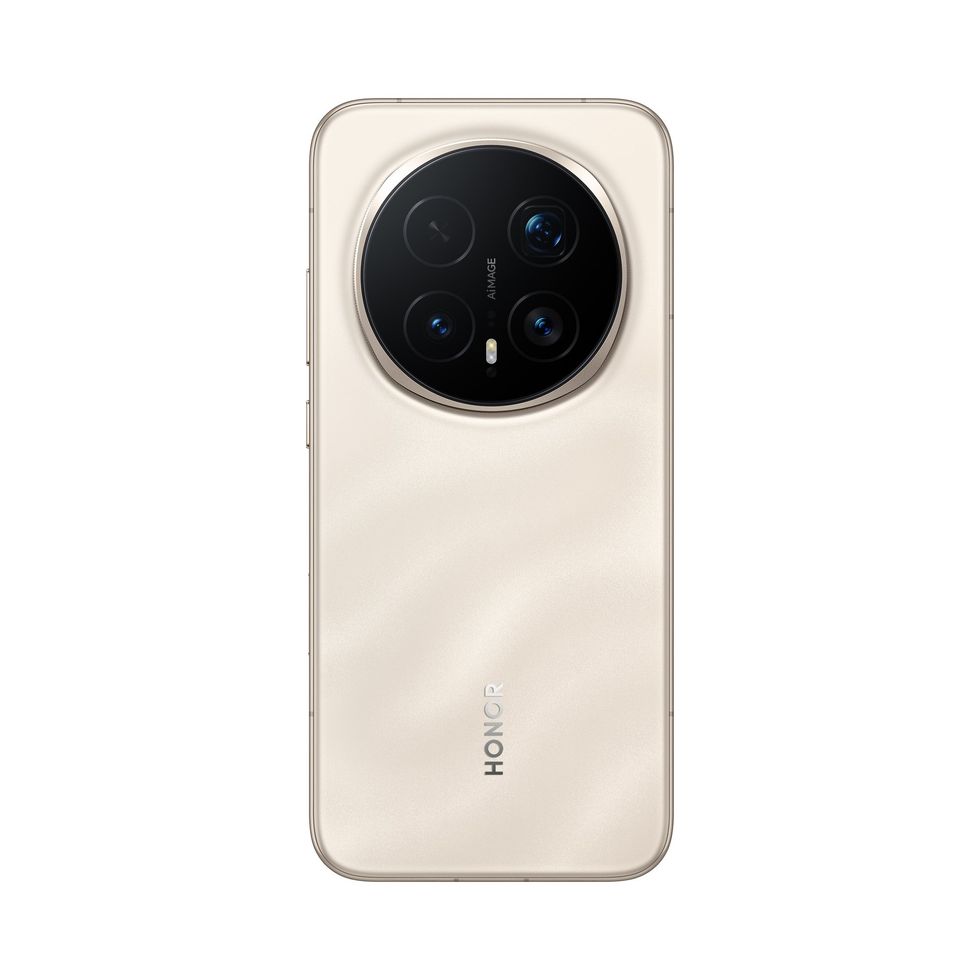
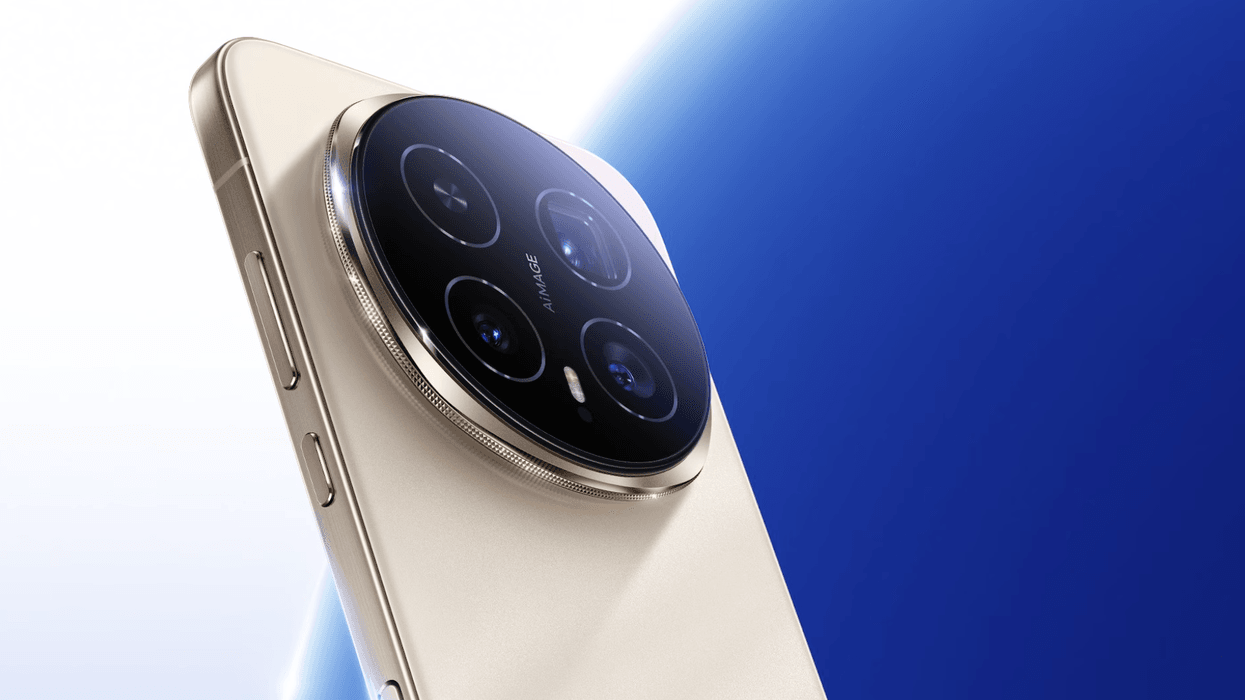
The Honor Magic8 Pro packs a powerful 200MP SuperNight Camera with a new 3.7x optical zoom and AI stabilisation for sharper shots, even in low light. It’s powered by the Snapdragon 8 Elite Gen 5 chip, delivers all-day battery life, and includes built-in AI to spot scam calls in real time.
When you buy the all-new Magic8 Pro from Honor's online site, you can get a gift bundle with purchase worth £814 — including the Magic Pad 3, Choice Watch 2 Pro, and Wireless Charger Stand.
Honor Magic8 Pro
$1099
$899
To enable Honor Connect across Apple and Windows devices, follow these instructions:
- Install HONOR Connect: Download the app Honor Connect from the App Store on your iPhone or iPad. If you have a Mac or Windows device, download the Honor WorkStation app.
- Initiate Share on HONOR: Select files on your Honor device and tap Share, selecting the nearby Apple device when it appears. Ensure your Bluetooth is toggled on.
- Connect: Open the recently opend Honor app on your devices, such as your iPhone, and select the HONOR phone, and grant permissions to transfer files.
For an even quicker connection, you can also tap the back of the HONOR phone (NFC area, aka the internal antenna) to the iPhone, which can trigger the app download and launch.
Not only can you transfer photos, videos, and other files easily across your devices, but you can also connect your cameras, share your screen, and connect your Honor network as well.
You can connect your camera across devices
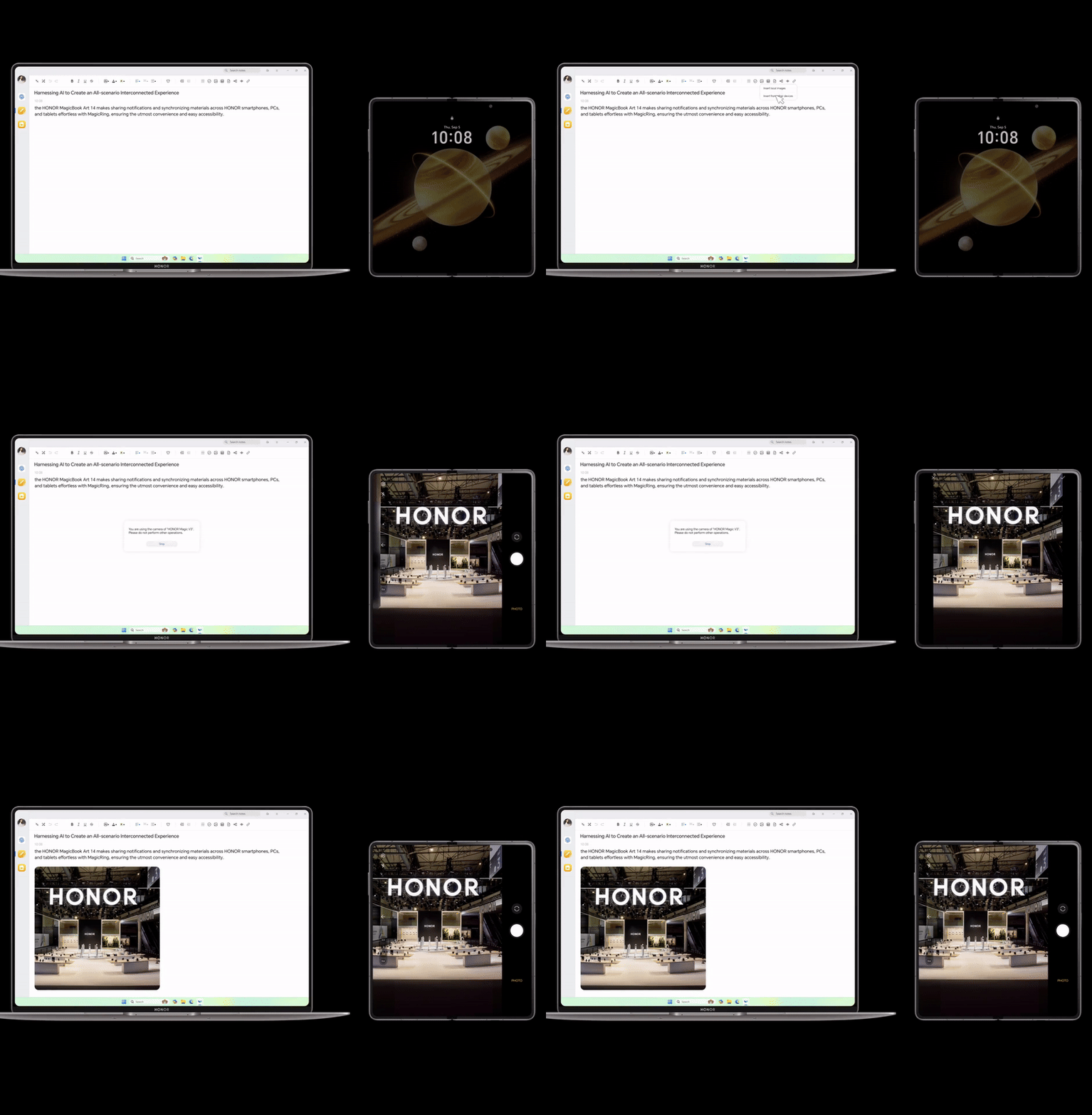
You can share your front or rear camera with your computer
|HONOR PRESS OFFICE
You can streamline your work flow by sharing the front and rear cameras of your Honor phone with your camera, allowing for more flexible angles to get your shot during video conferences.
During onsite meetings when touring relevant venues for upcoming events where all members aren't present, we find this type of feature especially helpful to best illustrate the layout of the location.
If you're taking notes during a virtual meeting, you can also use your phone to capture and automatically sync them to your computer.
You can share your screen across devices
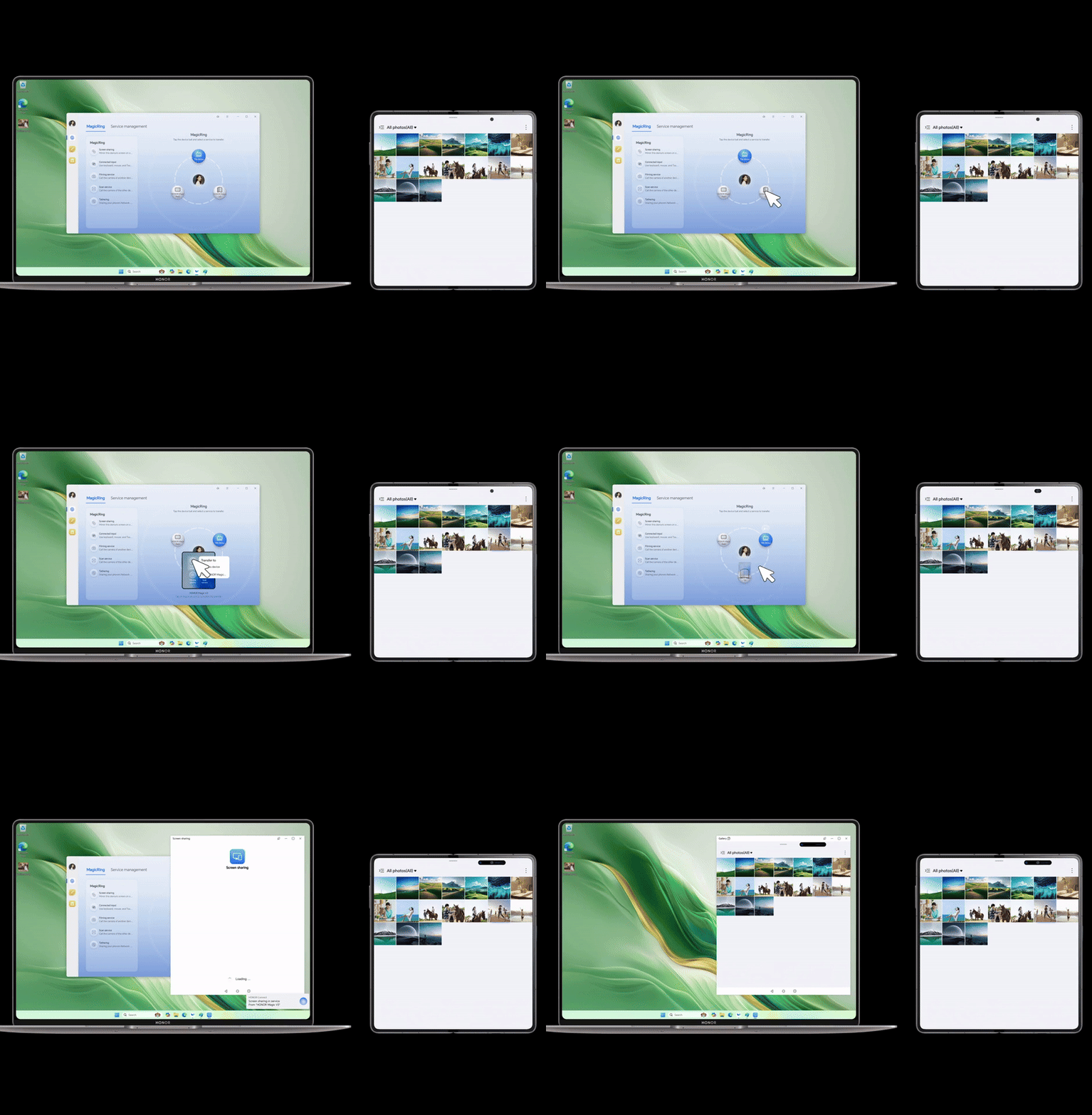
You can share your screen with others across devices
|HONOR PRESS OFFICE
If you want to edit a photo or document on your laptop when it's currently located on your mobile, you can easily share your screen across devices.
Easily cast screens or drag app windows to make multi-screen work much easier. In an office setting, you cam collaborate much easier when you're all able to access a document or photo at the same time — similar to Google Drive.
LATEST DEVELOPMENTS
You can connect your Honor network across devices
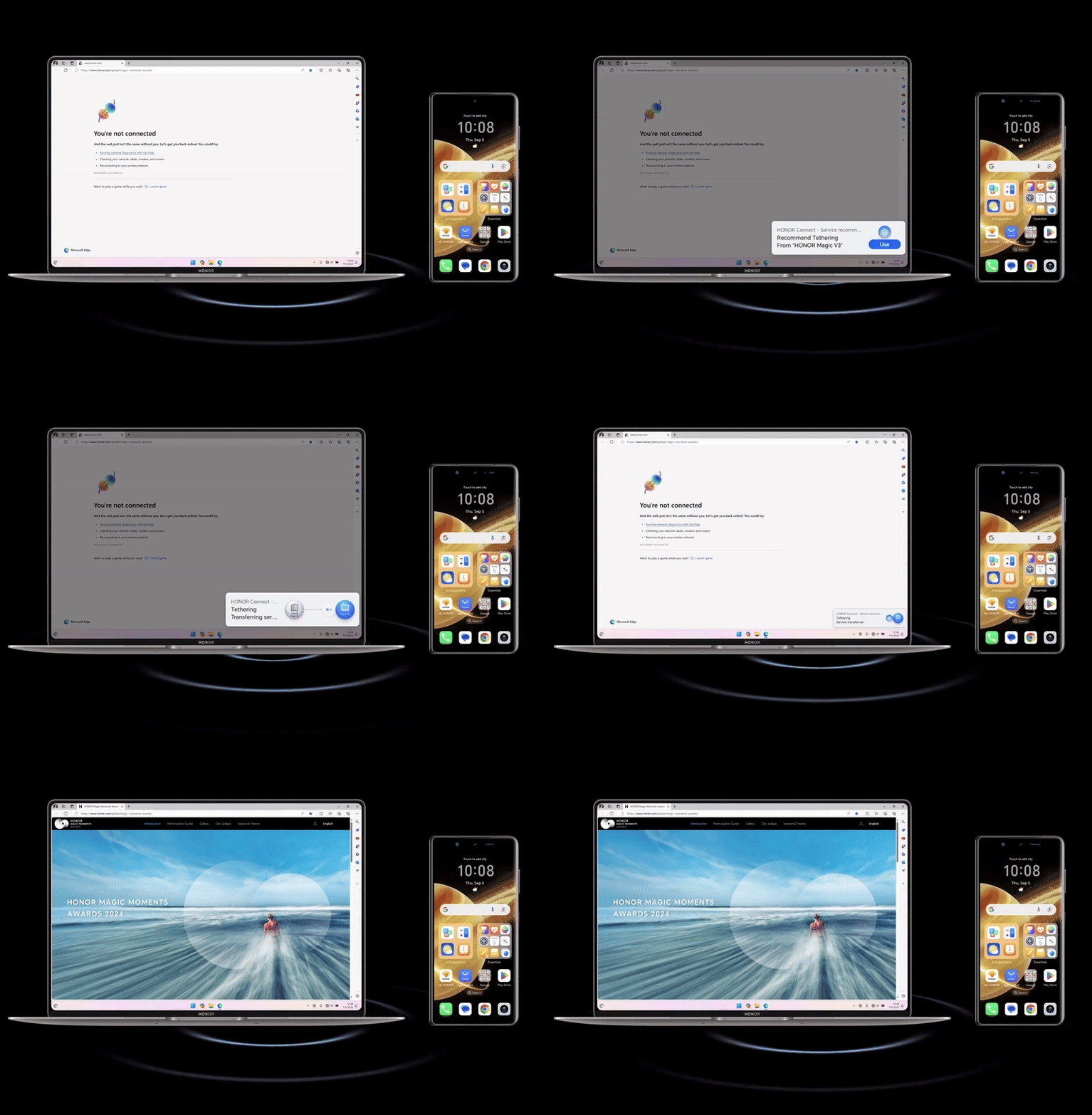
You can connect your tablet and computer to your phone's network without Wi-Fi
|HONOR PRESS OFFICE
If you're in a position where you don't have Wi-Fi, you can connect your tablet and computer to your phone's network easily using Honor Connect.
This eliminates the need to enable a hotspot, which could drive up mobile costs. You also won't need to enter a password.
A feature like this one could be especially helpful if you're pulled into a Zoom call while traveling for work and your location doesn't have accessible Wi-Fi.
More From GB News