


All products and promotions are independently selected by our experts. To help us provide free impartial advice, we will earn an affiliate commission if you buy something. Click here to learn more





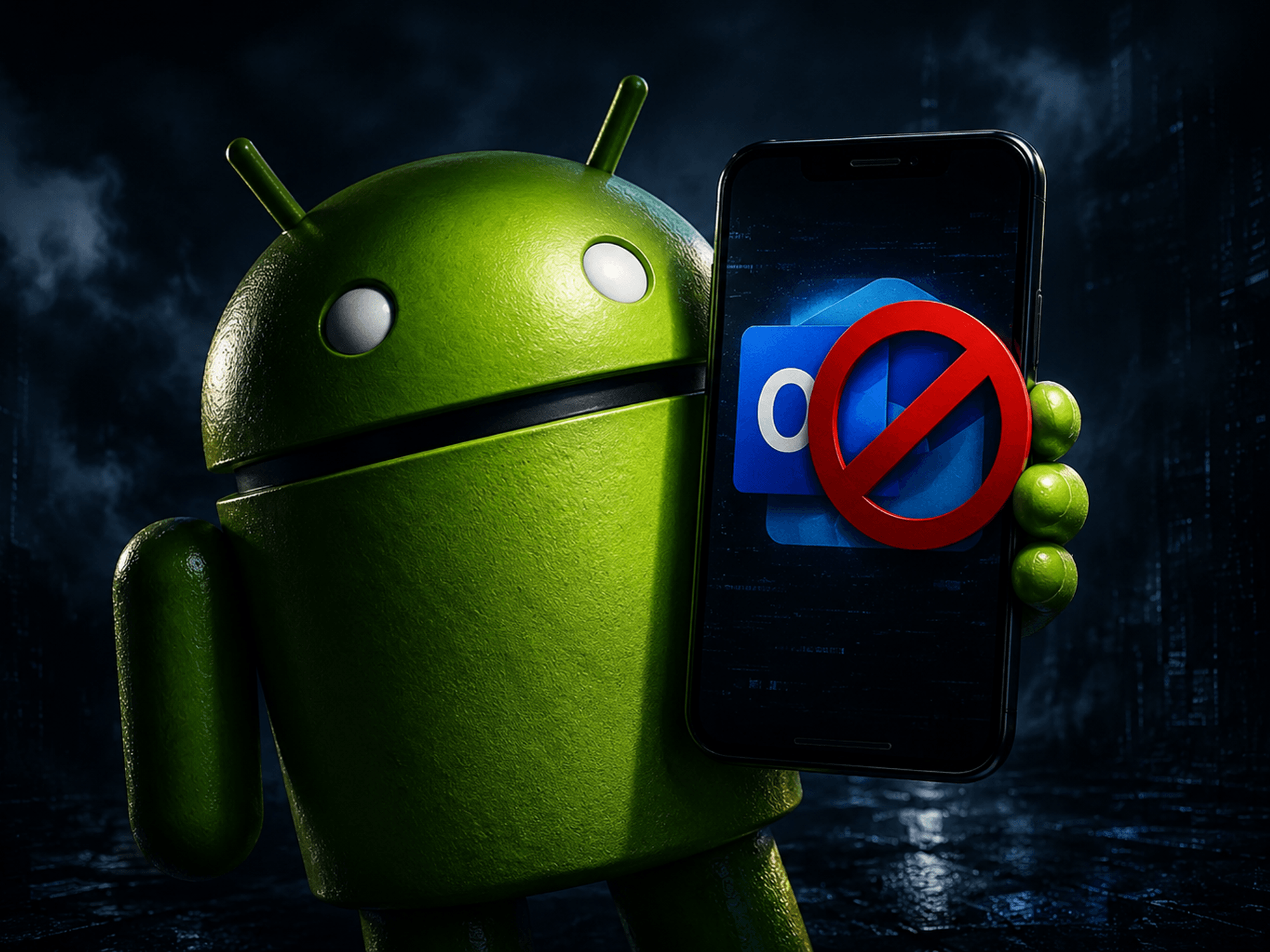

If you were devastated by the decision to remove the password manager functionality from Microsoft Authenticator last year, the folks at NordVPN have a handy new solution.
If you use password manager NordPass, built by the same team as one of the best VPNs around, you'll find it now boasts an authenticator functionality for all personal accounts within the app. That promises to bring an extra layer of security in one convenient place.
Following its decision to cull all saved passwords from the Authenticator app, which has been downloaded over 100 million times from the Google Play Store alone, those who want an all-in-one security solution could find themselves looking for an alternative — a gap in the market that NordPass is only too happy to fill.
With its new addition, whenever you attempt to log into an account that uses two-factor authentication, you don’t need a separate authenticator app on your phone. Instead, NordPass can generate and securely store temporary six-digit codes for you. Handy, eh?
So, when you need to log in to something important — like your bank account — the verification code is generated directly inside NordPass alongside your saved login details. Everything you need is all in one place.
Karolis Arbačiauskas, head of product at NordPass, said in a statement: "Personal users often rely on multiple apps and methods to manage passwords and second factor authentication codes.
"This makes login flows inconvenient. Instead of navigating between several applications, NordPass users can now securely access the verification code within the password manager using their biometric data, then copy the authentication code from the vault or autofill it directly on the website."
The catch?
You'll need to subscribe to a NordPass Premium or Family Plan to enjoy the feature.
Protect your accounts with NordPass Authenticator
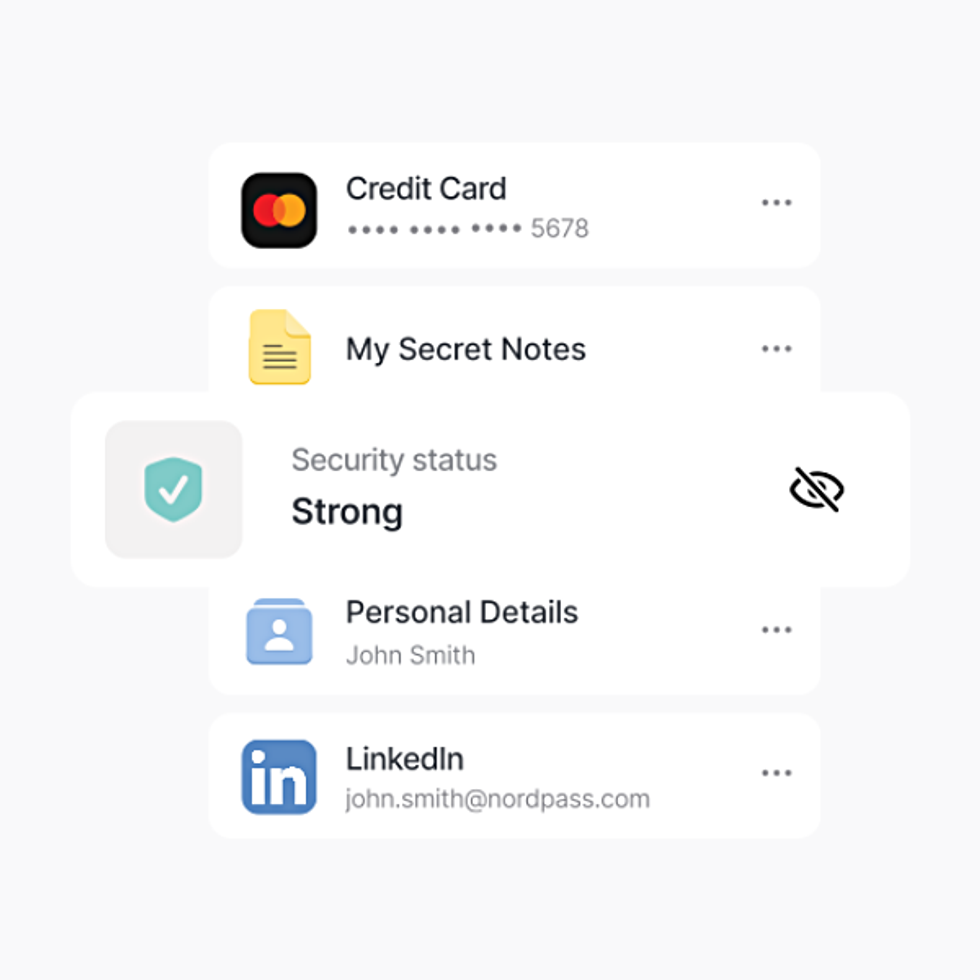
NordPass is a secure password manager that works across your favourite devices, including iPhone and Android, Windows and Mac computers, iPad and other tablets ...it will evaluate your password strength, autofill login details for you, and warn about any data breaches that impact you. It's a one-stop-shop to improve your online security and fight back against hackers from the team behind the award-winning NordVPN
Save 48% on NordPass
$2.29
$1.19
NordPass Authenticator works using time-based one-time passwords — those temporary codes that refresh every 30 seconds or so. To achieve this, the app uses XChaCha20 encryption and a zero-knowledge architecture, meaning even NordPass itself can’t see your stored data.
What's particularly noteworthy, though, is its added biometric security layer. Most authenticator apps display your codes as soon as you open them, which isn’t ideal if someone happens to be looking over your shoulder. With NordPass, you’ll need to confirm your identity using a fingerprint or face scan before those all-important codes are revealed.
Think of it like a second lock on your front door. Even if someone gets past the first one, they’re still going nowhere. So if you’re checking your codes on a crowded train and a curious commuter glances at your screen, they won’t see anything useful until you’ve verified it’s really you.
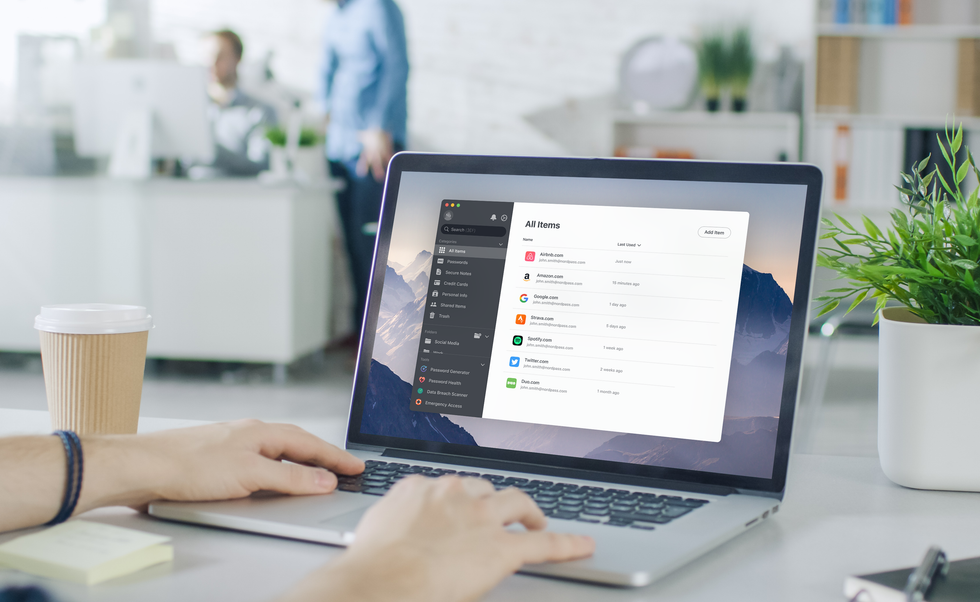
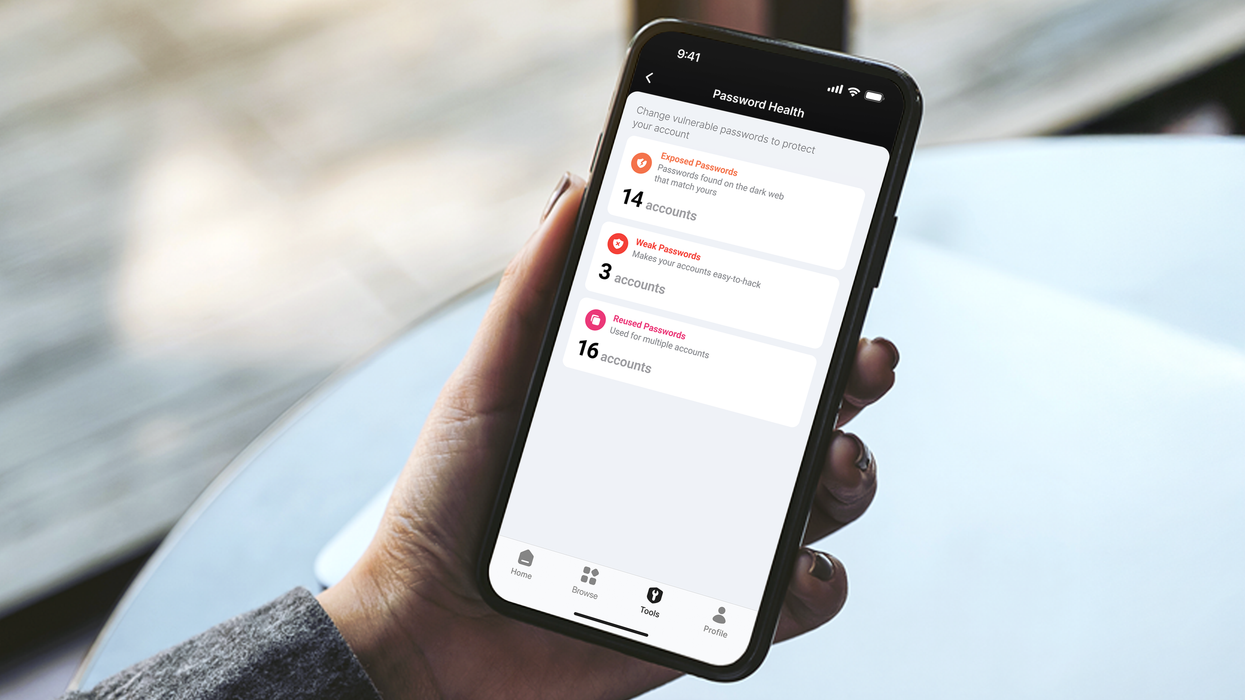
NordPass is a secure password manager that creates unique, impossible-to-guess alphanumeric passwords for every one of your online accounts and fills in all of the details with a single tap when it comes time to log in. Using the same email-password combo across multiple sites leaves you vulnerable to losing access to a slew of online services if a single site is breached by hackers
| NORDVPN PRESS OFFICELATEST DEVELOPMENTS
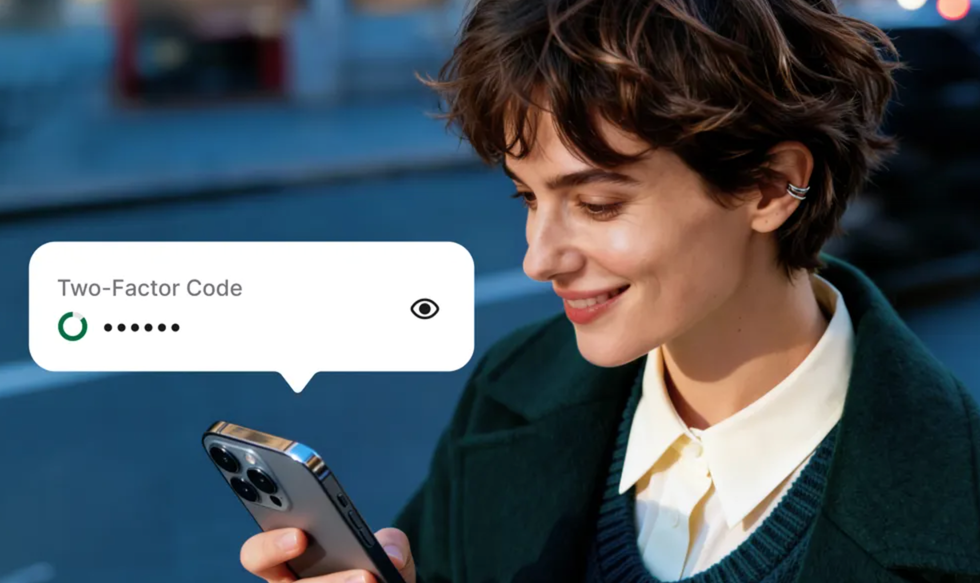
NordPass Authenticator works using time-based one-time passwords — those temporary codes that refresh every 30 seconds or so
|NORDPASS PRESS OFFICE
Your authentication codes also sync seamlessly across all your devices, whether you’re using the mobile app or the browser extension. In practice, this makes logging into services like online banking far smoother. You enter your password, and when prompted for that extra code, it’s right there in the same app.
The same applies to social media, email, and any other account protected by two-factor authentication. You can even have these codes autofilled automatically, just like saved passwords.
Plus, this security method can help protect against SMS-based attacks. Tactics like SIM-swapping — where criminals trick mobile networks into transferring your number — are rendered useless when your codes live securely inside NordPass instead.
NordVPN isn't the only award-winning VPN brand that's expanded into password managers. Its rival ExpressVPN includes its own encrypted password manager and cloud storage with some of its subscription tiers. Following its biggest shake-up in over a decade, the company launched three new price plans — lowering its monthly costs and beating NordVPN for the first time.
More From GB News