

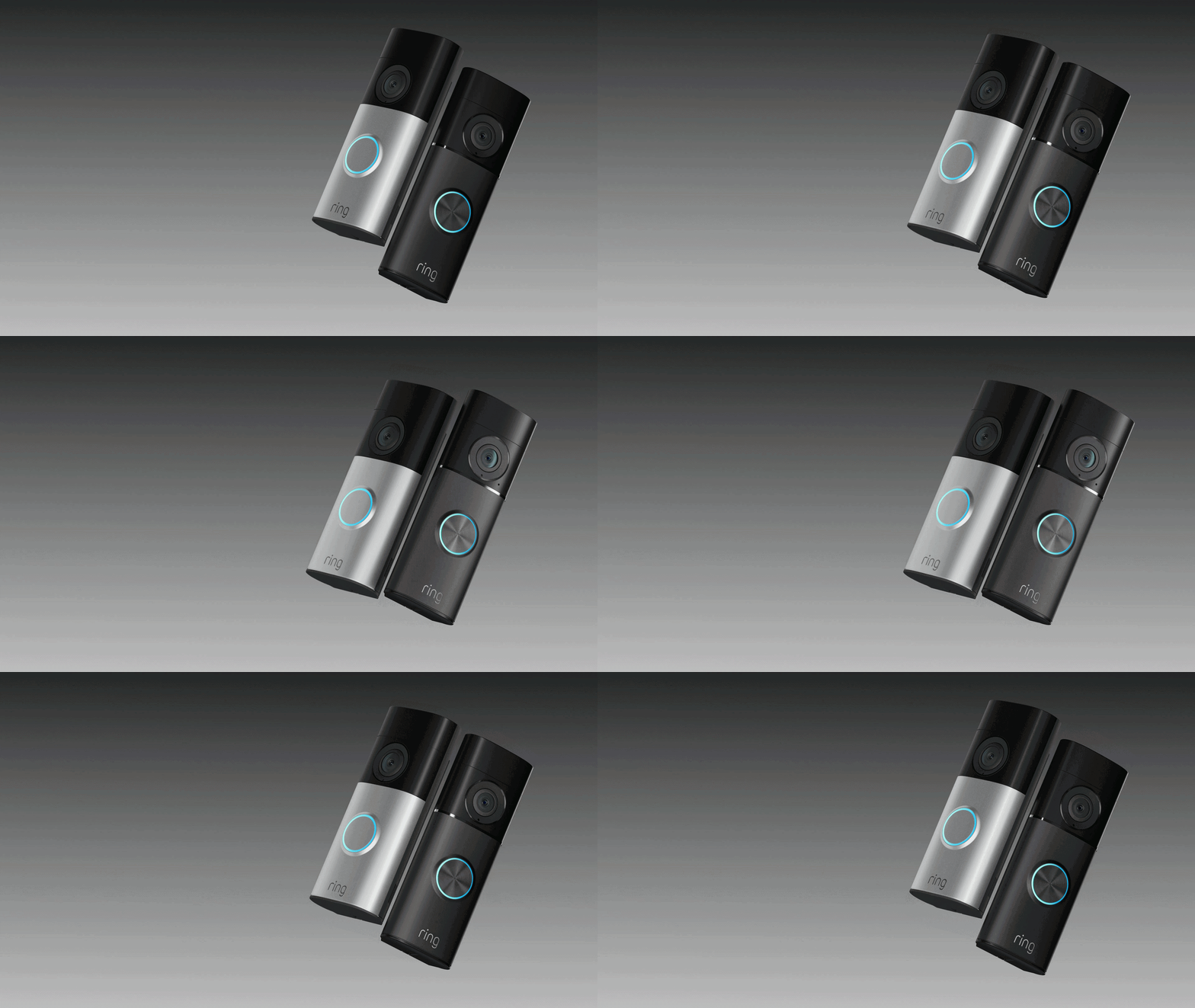









Your Ring doorbell just added a clever new feature that should dramatically reduce the amount of time spent checking notifications from your front door.
It's called Familiar Faces, and it's designed to personalise alerts to your smartphone or other devices, so notifications about your own comings and goings will be paused, but Ring will still keep you in the loop about unexpected visitors. This should reduce notification fatigue and offer more useful context about who is detected when you get a ping from the Ring mobile app during the day.
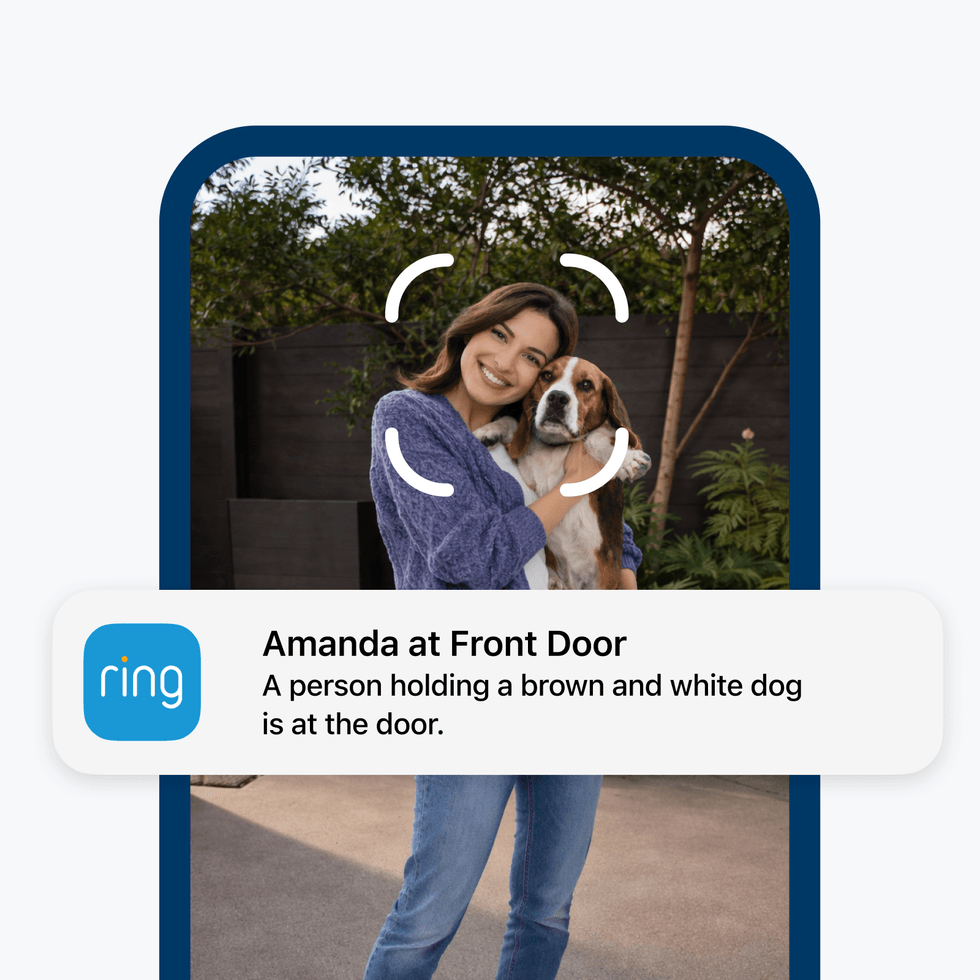
Familiar Faces will let you tag individuals who crop up in the footage captured by your Ring-branded cameras, so you can start to receive personalised notifications about specific people to your iPhone or Android
|AMAZON PRESS OFFICE
When you turn on the feature, your compatible devices will begin detecting faces when people approach your camera, and you can label people you recognise in the Ring app. You can create a personal directory of up to 50 familiar faces, from family members and neighbours to your babysitter or dog walker.
Once you've tagged someone within the Ring app, you'll receive a personalised notification about who exactly is stopping by, like "Mum at Front Door". You can then choose to review the footage, trigger two-way talk, save the video clip, or leave the notification unchecked.
LATEST DEVELOPMENTS
Familiar Faces is now rolling out to Ring 2K, 4K, and select HD device owners in the UK.
Ring has made Familiar Faces an opt-in feature, so you'll need to switch it on manually in the app. Once enabled, head to your Familiar Faces library on iOS and Android app to start building your personal directory of faces.
- Add people easily – Label them within the Event History or from within the Familiar Faces Library itself. Once named, that’s how they’ll appear in your timeline and Event History. Both you and any shared users on your Ring account will see these names in notifications
- Manage your library – Create up to 50 profiles, edit names, merge duplicates, or delete entries at any time
- Stays current automatically – Amazon-owned Ring will remove unknown faces after 30 days, keeping your system streamlined without extra effort from you
From there, simply set your notification preferences for each person, and let Familiar Faces do the rest. For example, you might want an immediate notification the second that your teenager arrives home from school, without having to check in or wait to hear from them. But you might not want to receive a notification every time the dogwalker opens the front door, so you could silence those nudges from the Ring app.
Familiar Faces will begin rolling out to Ring device owners with an eligible subscription starting today. Customers with a UK Ring Pro and Pro Intelligence subscription plan and eligible 2K, 4K, or select HD devices will receive a notification in their Ring app when the feature becomes available.