


All products and promotions are independently selected by our experts. To help us provide free impartial advice, we will earn an affiliate commission if you buy something. Click here to learn more





Checking who made it home safely just got so much easier.
Vodafone has just launched Who’s Home, a free feature that lets you know when someone comes or goes from your house. You’ll get an instant alert when their phone connects to your home Wi-Fi, and another when it disconnects as they leave. This can be especially helpful if you're hosting guests, or you want to know when a family member gets home from work or school.
The telecoms giant said in a statement: “Alerting account holders when their loved ones arrive or leave home, the router technology is designed to give greater peace of mind and reassurance to customers.
“Available to new and existing Vodafone customers with the latest routers* at no extra cost, the introduction of Who’s Home makes Vodafone the only UK broadband provider to offer smart router technology that proactively alerts customers when their loved one’s smartphone connects or disconnects from their hub.”
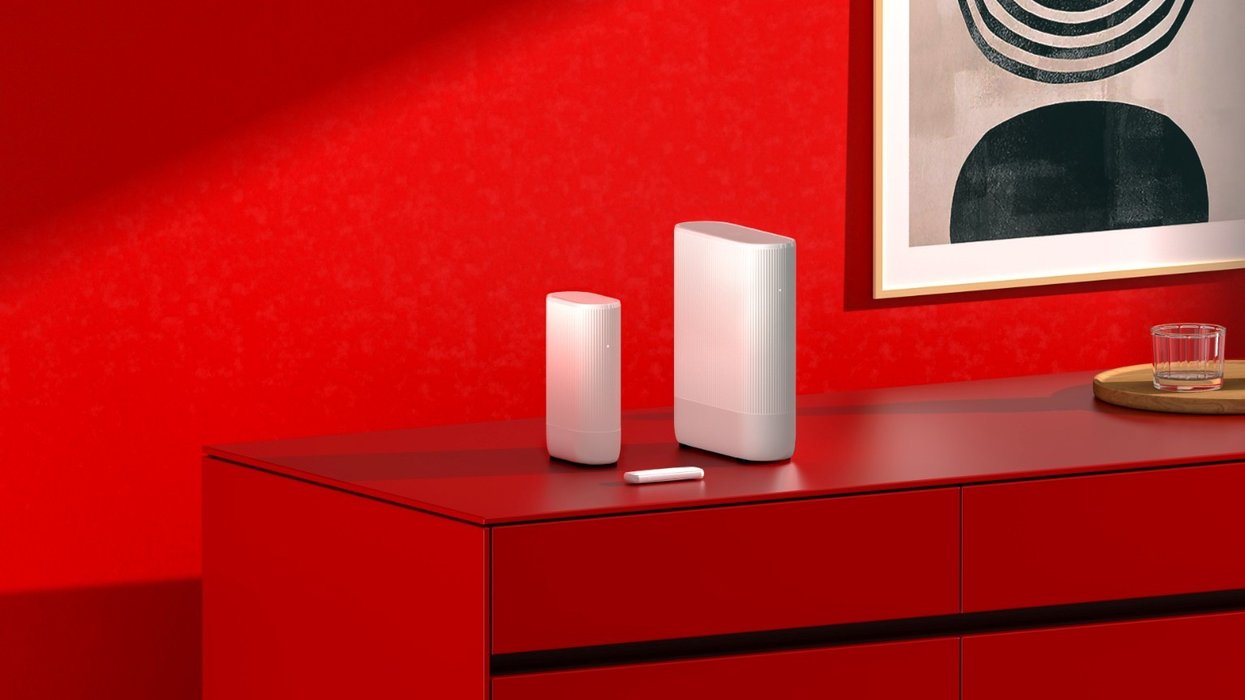
The catch? It's only available if you use the broadband provider's Ultra Hub 7 — a high-performance Wi-Fi 7-enabled router supplied with Vodafone Pro 3 broadband packages. Vodafone says that more routers will be compatible with the new feature soon.
Here's everything you need to know about how you can start using the free feature.
Find out who's home when you upgrade to the fastest Wi-Fi 7 router from Vodafone
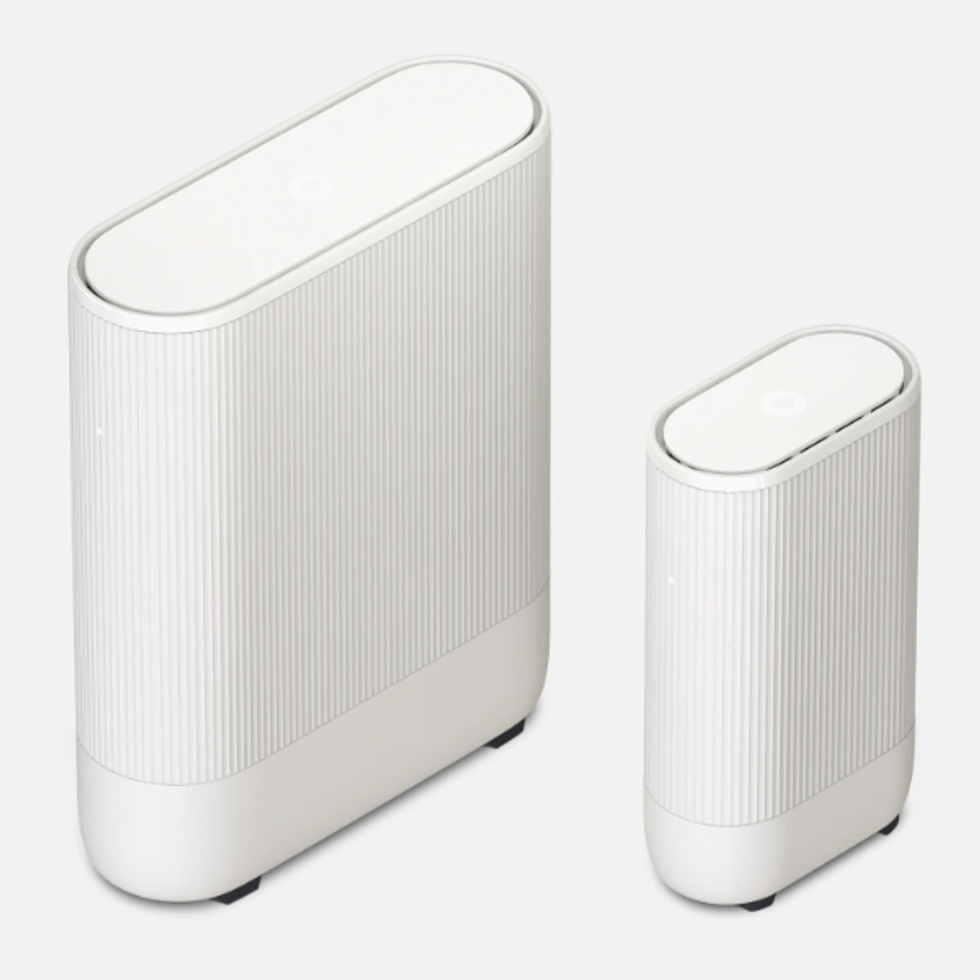
Take advantage of Vodafone's new Who's Home feature with a Pro Broadband package that ships with its latest (and fastest) Wi-Fi 7 router. You'll also benefit from a back-up internet connection, powered by Vodafone's 4G network, if there's a broadband outage in your area. Until now, the fastest router offered by Vodafone shipped with Wi-Fi 6E.
To begin using Who's Home, you'll want to first ensure you download the Vodafone Broadband app — available in the App Store and Google Play.
From there, you'll want to switch on Who's Home from the app by following these instructions:
- In the app’s main menu or dashboard, look for a tile or option labelled “Who’s Home” (this only appears if your broadband plan/router supports the feature)
- Tap to activate Who's Home
- The app will guide you through enabling the service. You’ll need to accept the terms and give the app permissions to send notifications.
- You’ll be prompted to create a profile for each person you want to track. This can be done by linking their phone.
- Once linked, they'll receive a text message link to opt-in.

To begin using Who's Home, you'll want to first ensure you download the Vodafone Broadband app — available in the App Store and Google Play.
|VODAFONE PRESS OFFICE
Once they opt-in, the app will be able to track when they connect or disconnect from your Wi-Fi, which will also indicate if they're in the house. Notifications pop up straight in the Vodafone Broadband app, giving you a quick snapshot of who's in the house.
LATEST DEVELOPMENTS
Something to note is that you can connect anyone to your app. They don't need to be an existing Vodafone customer.
Every three months, household members who have been connected to the feature will receive a reminder text just to make sure they're still happy being included. If someone has moved out or is no longer visiting, they can tap on the reminder's link to opt out.
Otherwise, you can disconnect their mobile manually. You'll be automatically told when someone decides to opt in or out every time.