










TikTok is tracking you, and hitting the delete button won't solve the problem.
The video platform is gathering sensitive information about you even when you've never opened the app. It's doing this through a method dubbed tracking pixels – tiny invisible tools embedded on websites across the internet.
Over the past week, investigations have shown websites sending TikTok data about cancer diagnoses, fertility concerns, and even mental health crises. Think of them as tiny invisible images – one pixel in size – that load secretly in the background when you visit a website.
TikTok encourages businesses to add these pixels to their sites. For instance, when you browse a shoe shop or health website, the pixel collects information about what you're doing and sends it back to TikTok for targeted advertising. Your email address also gets bundled up with these deeply personal details and shipped off to the company.
However, what's arguably the most worrying part is that TikTok holds information about millions of people who have never created an account. Simply browsing certain websites is enough to hand over your data into their hands.

The platform's data settings switched on January 22, 2026 — when TikTok's US operations changed hands
| PAThe platform's data gathering policy switched on January 22, when TikTok's US operations changed hands, and users had to agree to new collection rules. The company launched a fresh advertising network to show targeted ads on other websites, which meant upgrading its pixel to track you even more closely.
Previously, TikTok's pixel simply told businesses whether their ads were driving sales within the app. Now it tracks you when you leave TikTok and makes purchases elsewhere.
Cybersecurity firm Disconnect analysed the updated tool and found the pixel now automatically grabs data that websites are sending to Google, without those sites explicitly agreeing to share with TikTok.
"It's extremely invasive," says Patrick Jackson, chief technology officer at Disconnect, told the BBC. "This expanded data sharing, when you do analysis of the actual pixel code, you see things that look really bad."
"They're silently capturing that data without the site owner explicitly sharing that information with TikTok," Mr Jackson explains. This means websites might accidentally hand over far more of your information than they ever intended.
LATEST DEVELOPMENTS
- Millions of WhatsApp users placed on red alert
- Sold-out Freely TV box returns to Amazon with a cheaper price tag
- Best VPN deals
- HBO Max confirms UK price for all-new shows, films, and TNT Sports
- Now traditional landlines will be 'switched off' for extra 1.23m in UK
- Oura Ring rival dips back down to its lowest EVER price on Amazon
The risks can go well beyond annoying adverts following you around the internet.
"Algorithms can use this data to exploit you," says Peter Dolanjski, executive director of product at privacy company DuckDuckGo. "It could be coercing you to buy something, it could be political campaigns, it could be price discrimination."
According to DuckDuckGo, TikTok currently has trackers on 5% of the world's top websites. That figure keeps growing. Compare that to Google at nearly 72% and Meta at roughly 21% – TikTok could be following the same playbook that built those surveillance empires.
The good news? You can block most of this tracking in just a few minutes.
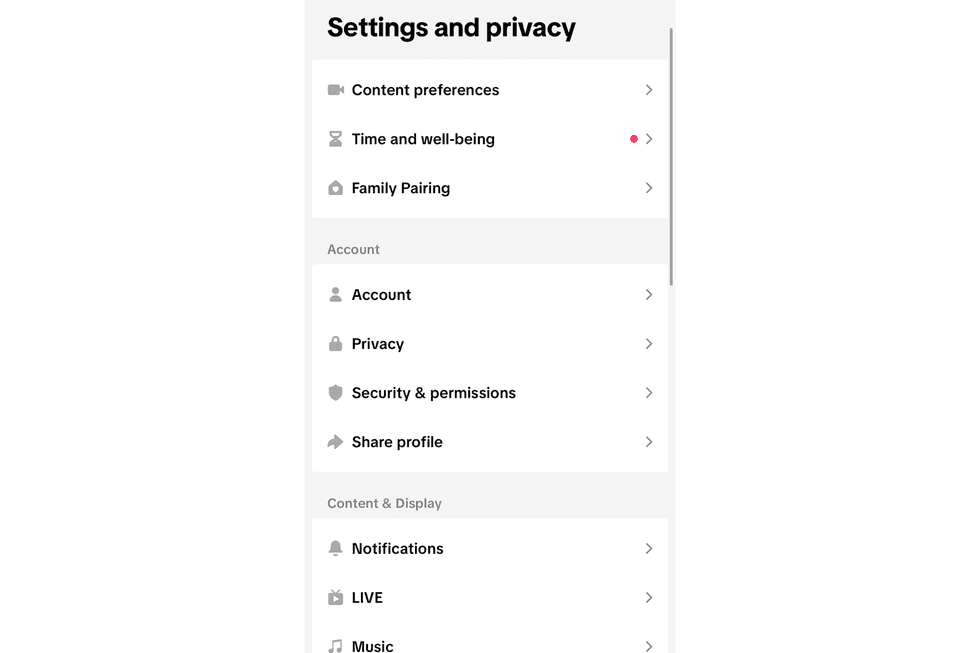
You can turn off tracking on both the TikTok app and on your mobile settings
|TIKTOK | GB NEWS
How to turn off TikTok tracking on iOS devices
If you have TikTok installed on your mobile, follow these steps:
- Open Settings
- Tap Privacy & Security
- Tap Tracking
- Find TikTok
- Toggle OFF “Allow Apps to Request to Track”
If TikTok isn’t listed:
- Go to Settings → TikTok
- Toggle off Allow Tracking
Aside from the app, your mobile may also be tracking you. You can also toggle these settings off with these steps:
- Navigate to Settings
- Privacy & Security
- Tap Apple Advertising
- Turn off Personalised Ads
How to turn off TikTok tracking on Android devices
If you have TikTok installed on your mobile, follow these steps:
- Open Settings
- Tap Privacy
- Tap Permission Manager
- Check: Location, Microphone, and Camera
- Tap TikTok
- Set to: Don’t allow or Allow only while using the app
Aside from the app, your mobile may also be tracking you. You can also toggle these settings off with these steps:
- Navigate to Settings
- Tap Privacy
- Tap Ads
- Choose: Delete advertising ID or Reset advertising ID
- Turn off Ad personalization
It's worth noting that the exact wording varies slightly by device.
Around 71% of people use Google Chrome, which early research suggests, leaks more data than alternatives such as Firefox or Safari
| GOOGLEIt may also be best to switch to a privacy-focused browser. Around 71% of people use Google Chrome, which early research suggests leaks more data than alternatives such as Firefox or Safari.
If you'd rather not switch browsers, you can install a tracker-blocking extension instead. Options like Privacy Badger, Ghostery, are compatible with Chrome.
More From GB News