








If you have a Sky TV box, some of your channels will look different this week.
The TV giant is switching around several channels and updating names this week. And one channel is being permanently dropped from the platform's listings.
Here's what's expected to change.
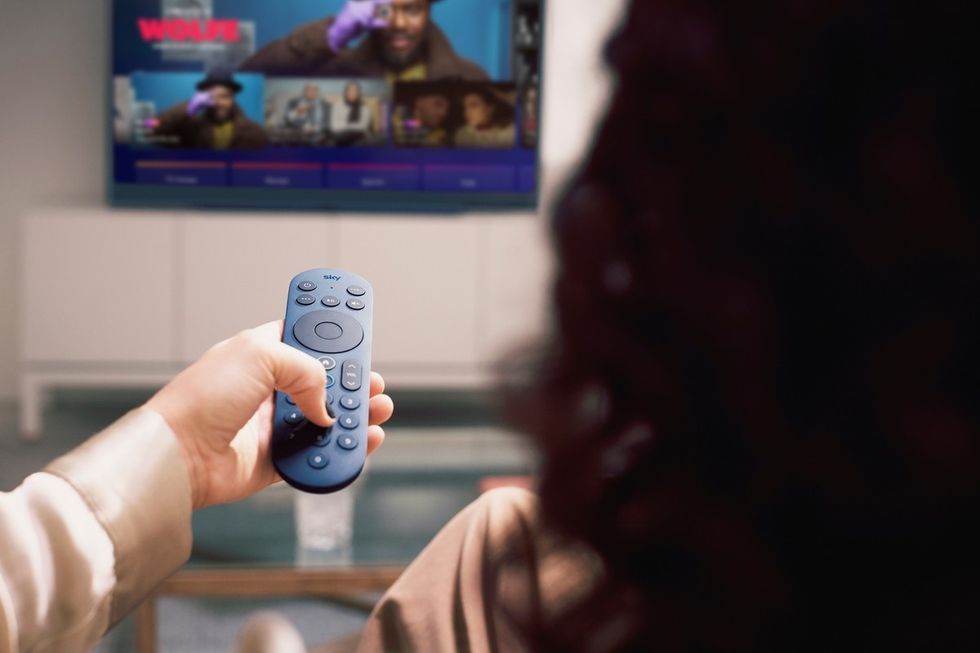
Sky Pride HD will temporarily switch to SkyAnimationHD on Satellite 303 on June 6
| SKY TV PRESS OFFICEClassic film lovers who usually head to SkyDecadesHD on Satellite 302 will now find it's temporarily been renamed SkyDirectorsHD.
There's also been a tweak for younger viewers – Nick Jr Peppa has become Nick Jr. Too, which you'll spot on Satellite 612.
Sky viewers in the capital will need to take note, as London TV is being permanently dropped from the platform's listings. The local news channel, which has been sitting at Satellite 117, won't be coming back to Sky's electronic programme guide.
However, Freeview users will find London TV on channel 8, while those with Virgin Media can catch it on channel 159.
And there's one more change coming this weekend.
Sky Pride HD will temporarily switch to SkyAnimationHD on Satellite 303 on June 6.
The exact position of channels can vary depending on your bundle and location, so things might look slightly different across Sky TV, Sky+, Sky Q, and Sky Glass/Stream.
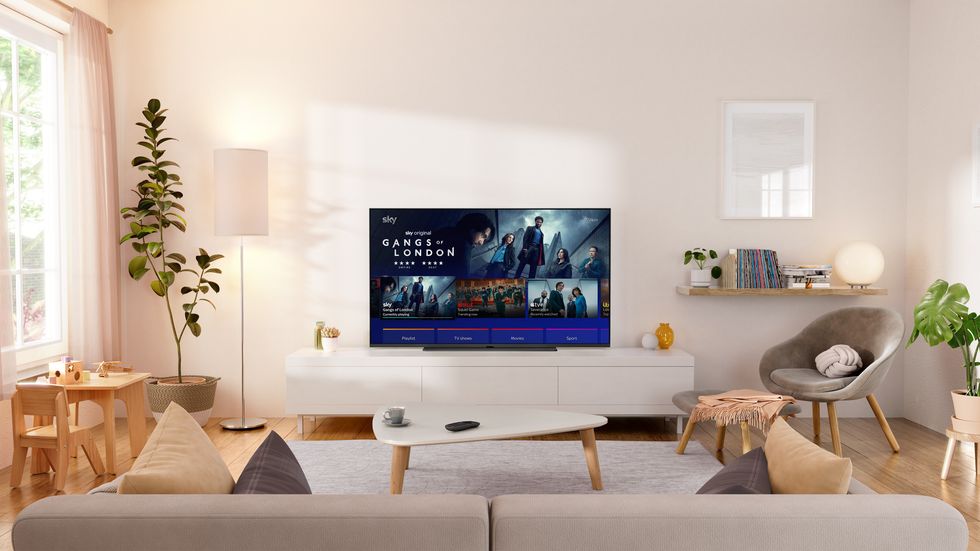
The exact position of channels can vary depending on your bundle and location, so things might look slightly different across Sky TV, Sky+, Sky Q, and Sky Glass/Stream
| SKY TV PRESS OFFICEIt's worth knowing that if your channels look a bit jumbled after these changes, giving your Sky box a quick restart should sort things out. To do so, follow these steps:
- Switch the Sky box off at the wall socket and unplug it.
- Leave it unplugged for at least 30 seconds to let the internal power fully drain.
- Turn the plug back on at the wall.
- Allow a few minutes for the box to initialise. Once the Sky logo or welcome screen appears, wait for the standby light to turn green.
LATEST DEVELOPMENTS
- Prime Day confirmed for FOUR days in June as Amazon promises 'best deals of the summer'
- New Oura Ring update brings one of the Ring 5's most exciting features to Ring 4
- End of Freeview? UK looks to 'switch off terrestrial television' and replace it with broadband
- Best VPN deals
- Microsoft launches game-changing Windows 11 update
If you access Sky through Freeview, it's always recommended that you retune your devices to guarantee that all of the changes have been applied.
Some Freeview devices will retune automatically once an update is available, but if you're missing any new channels or the channel numbers in your TV Guide don't reflect the latest changes, it's worth following the step-by-step guide to retune Freeview Smart TVs and set-top boxes below.
You can update your TV when you follow these steps:
- Start by pressing the menu button on your remote control
- Look for an option like 'set-up', 'installation', or 'update' – the wording varies depending on your device.
- If it asks for a PIN, try 1234 or 0000, as these are the standard defaults.
- Select 'first-time installation', which might also be labelled 'factory reset' or 'full retune'.
- Your device will ask if it's okay to delete your existing channels – confirm this, and the search will begin automatically.
Once complete, save the channels when prompted, and you're all sorted.
Freeview is the most popular free-to-watch provider in the UK, with 16 million homes watching content via its service on Smart TVs and streaming boxes.