

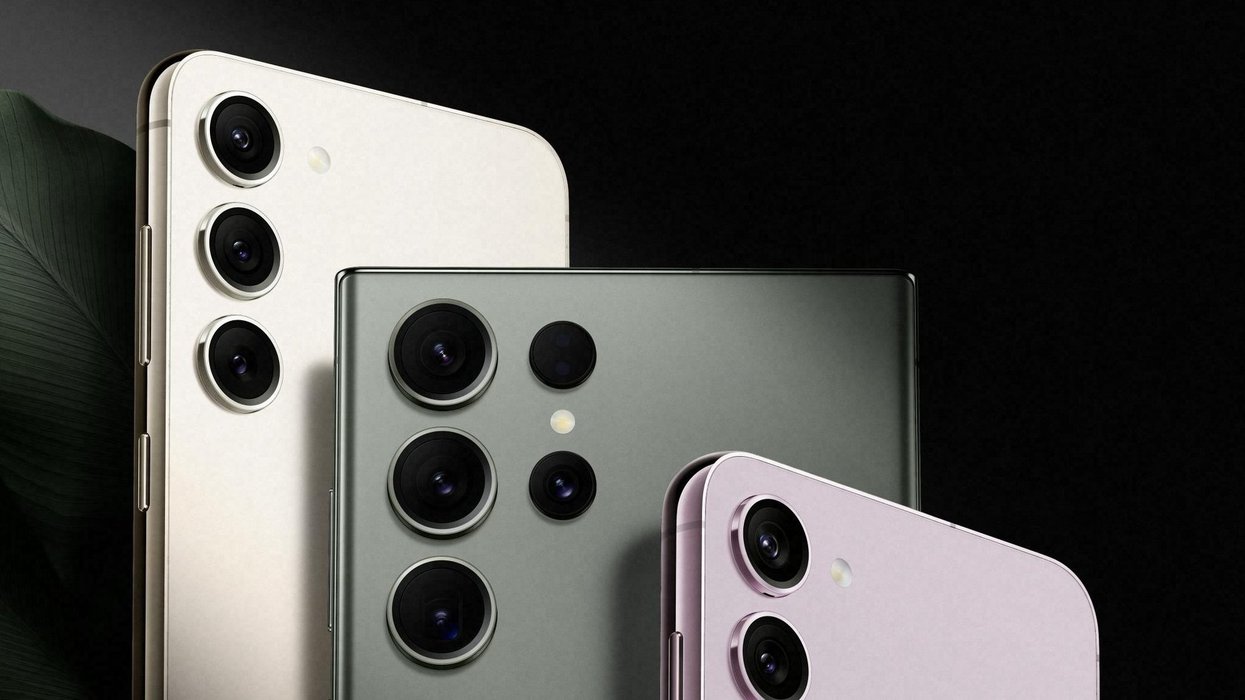









Access to the latest software features developed by the team at Samsung has been expanded to more devices.
The South Korean brand's One UI 8.5 update, which is currently available on Galaxy S26 and Galaxy S25 lineup, as well as the Galaxy Z Fold7 and Galaxy Z Flip7, has now been expanded to the Galaxy S23 series, Galaxy Z Fold5, Galaxy Z Flip5, and Galaxy S23 FE. It's now also available on the affordable Galaxy A series for the first time with the Galaxy A36 5G.
This comes shortly after the first expansion of this beta test, which added the Galaxy S24 series, Galaxy Z Fold6, Galaxy Z Flip6, Galaxy S25 FE, Galaxy S24 FE, and Galaxy Tab S11.
One UI is the custom version of Android created by Samsung for its smartphones and tablets. It's built on top of the Android platform created by Google, so it shares many of the same features and apps, but Samsung often adds its own functionality too.
This new version, One UI 8.5, is designed to let you do more with fewer steps.
The catch? Its rollout to these devices is only available as part of its Beta programme. This is a testing hub open to feedback to iron out any kinks before rolling out to everyone. Companies use beta schemes to rigorously test new software before rolling it out worldwide to avoid major compatibility problems.
If you're happy to risk a few bugs or crashes, you can test the latest One UI features ahead of the release. You can sign up for the Beta programme and get access to the features early via the Samsung Members app.
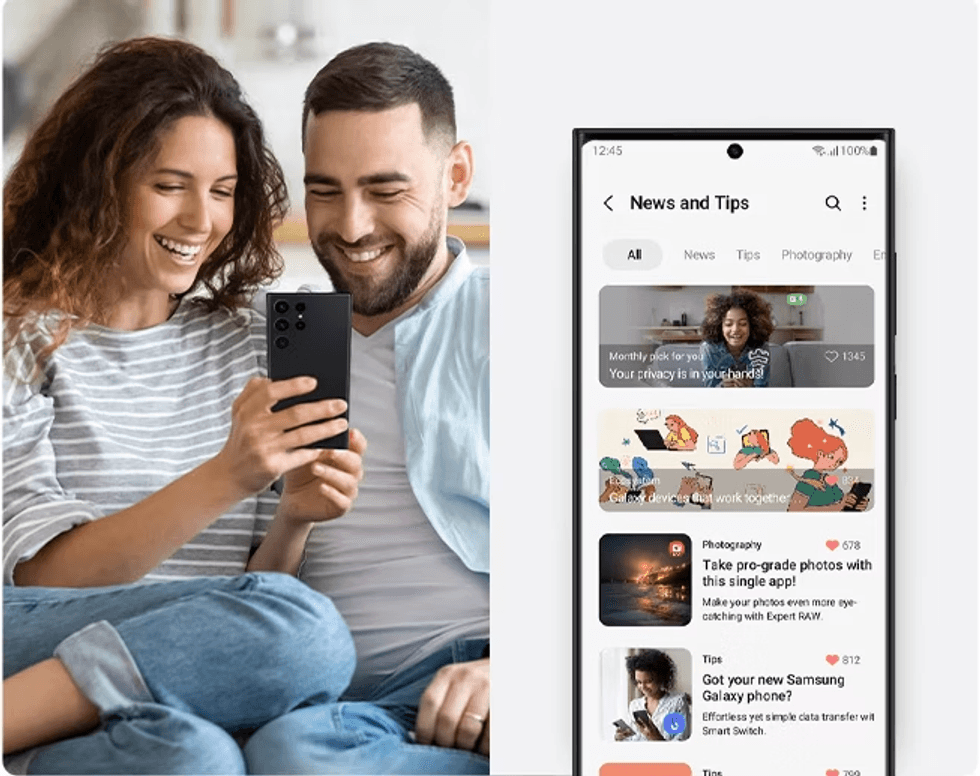
The Samsung Members app is pre-installed on Galaxy devices and can be used for device diagnostics, customer support, and to access the user community
|SAMSUNG PRESS OFFICE
The app should already be pre-installed on your device. Follow these steps to access the programme:
- Open the Samsung Members app
- Sign in to your Samsung account
- Tap the One UI 8.5 Beta banner on the home screen
- Hit Join/Register and accept terms
- Go to Settings → Software update → Download and install
If you don't see the banner, your device or region may not be available. It's also a possibility that the programme is full.
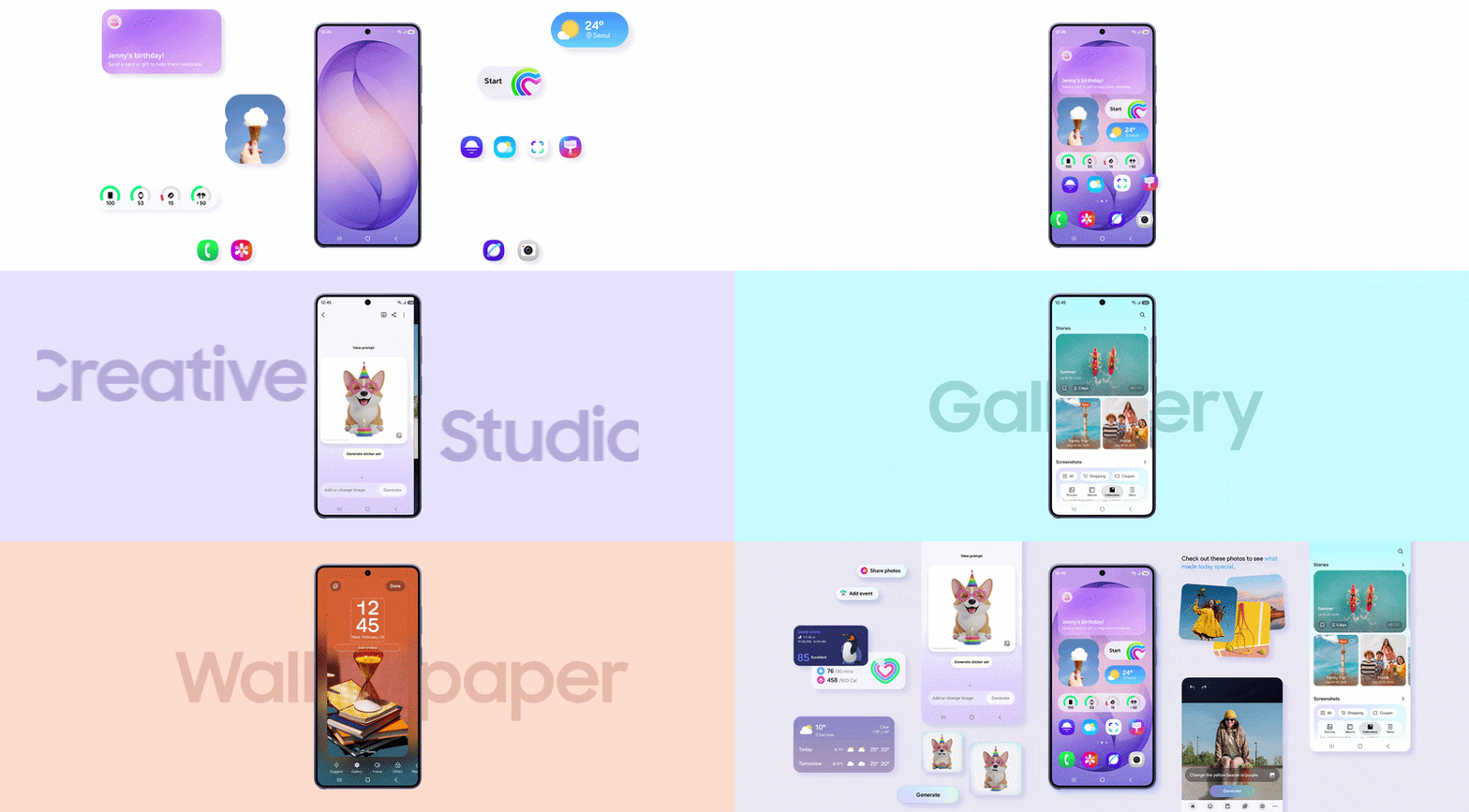
Several upgrades to One UI can be expected — including updates to Photo Assist, Quick Share, your storage capabilities, and more
|SAMSUNG PRESS OFFICE
There are several notable features to look forward to before the official release.
For starters, if you love tweaking your photos, Photo Assist now lets you keep editing away without having to save every single version as you go along. It's ideal for experimenting because you can try different looks, then scroll back through your edit history and pick the ones you actually want to keep. It's similar to restoring prior versions on Canva or Adobe Photoshop.
Sharing those snaps has become more efficient, too. Quick Share now recognises faces in your photos and suggests sending them straight to those people in your contacts.
This means if you've snapped a picture of your mate, your phone will nudge you to share it with them directly.
LATEST DEVELOPMENTS
- Founder of British start-up Nothing says apps will soon disappear from your phone
- Best VPN deals
- Sky confirms return of channel that's been missing for 6 years
- Major police crackdown blocks millions from watching Sky TV for free
- Your Ring, Eufy, or Blink video doorbell could be breaking one major UK privacy law
Getting your files across different Galaxy gadgets is now much simpler thanks to Storage Share. This allows you seamless wireless access to files across several of your Samsung devices, like your phones, tablets, PCs, and newer smart TVs.
You can now see what's on your tablet or PC right from your phone's My Files app, and it works the other way round too – even letting you browse your phone's storage from your Samsung TV.
Samsung has recently introduced support for AirDrop between Apple devices and a Samsung Galaxy in the One UI 8.5 beta as well.
Until recently, AirDrop has been exclusive to Apple devices — iPhones, iPads, and Macs — allowing you to instantly send photos, videos, and documents with a single tap. It’s especially useful for sharing multiple files quickly without waiting for uploads or relying on external apps.
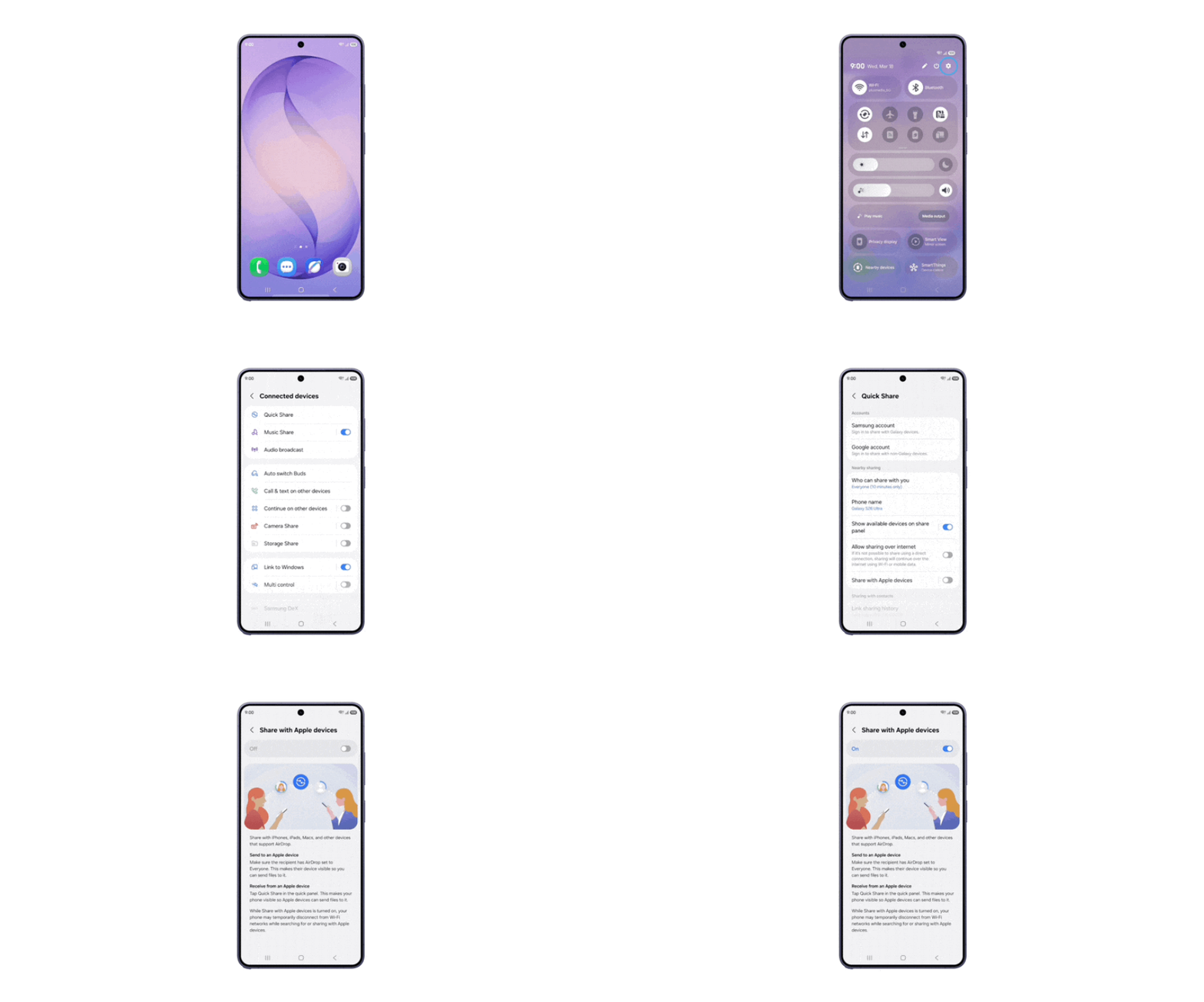
Samsung has just expanded access to support for Airdrop to the Galaxy S25 series, Galaxy S24 series, Galaxy Z Fold7, Galaxy Z Flip7, Galaxy Z Fold6 and Galaxy Z Flip6 in the One UI 8.5 beta programme
| SAMSUNG PRESS OFFICEFiles are sent at full resolution, so you won't see any of the compression that occurs when sharing via messaging services, like WhatsApp. Location data and non-destructive edits are also preserved when photos are sent via AirDrop, which was developed by Apple.
And now, Samsung is closing that gap through an upgrade to Quick Share, its built-in file-sharing tool. With this update, the Korean tech firm is effectively building a bridge between Galaxy devices and the Apple ecosystem.
However, support for AirDrop is currently only on the Galaxy S25 series, Galaxy S24 series, Galaxy Z Fold7, Galaxy Z Flip7, Galaxy Z Fold6 and Galaxy Z Flip6. It was already with the newest Galaxy S26 series out of the box.
If you're worried about theft, there's even more protection built into your device now. For example, if someone nicks your phone and tries guessing your PIN, fingerprint or password too many times, the tool Failed Authentication Lock kicks in and shuts everything down.