


All products and promotions are independently selected by our experts. To help us provide free impartial advice, we will earn an affiliate commission if you buy something. Click here to learn more




If you received an email telling you to reset your Instagram password out-of-the-blue, you're not alone.
A large swathe of Instagram account holders have been sent a notification from the email address security@mail.instagram.com, telling them to reset their password. If you didn't attempt to reset your login details, receiving this email might feel a very jarring as it could be a sign that your account has been hacked.
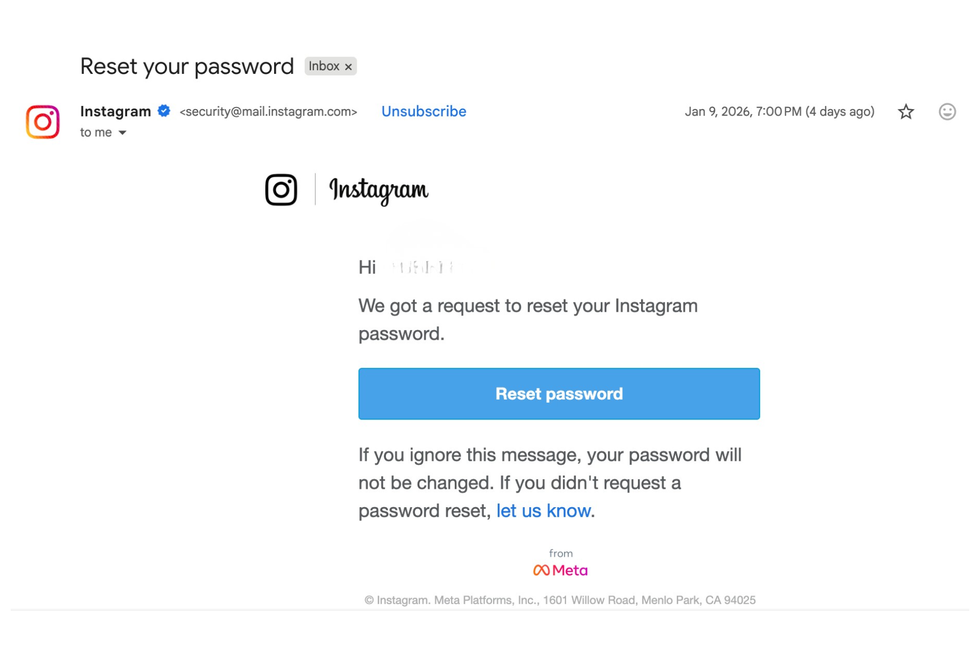
An unprompted email was sent to Instagram users to reset their passwords
|GB NEWS
It's true, unexpected reset emails like these can suggest a phishing attempt by a fraudster. This is a common cyberattack attempt where hackers impersonate trusted companies (in this case, Instagram) to trick you into revealing your personal information, like your login details, bank information, etc.
According to Instagram's Help Centre, only official communications are sent from the address ending in @mail.instagram — so in this specific case, this email was legitimate.
However, this particular notification was confirmed to have been sent in error. So, why were users sent an email if they didn't request to switch their credentials?
LATEST DEVELOPMENTS
In a recent social media post on Bluesky, Malwarebytes, an antivirus software company, claimed, "Cybercriminals stole the sensitive information of 17.5 million Instagram accounts, including usernames, physical addresses, phone numbers, email addresses, and more."
They also wrote in an email to their customers that the leak could be tied to a potential Instagram incident from 2024, where millions of accounts were compromised.
Instagram has denied this claim and posted on X, formerly Twitter, saying that there wasn't any sort of breach in the system. Instead, they fixed an issue that allowed a third-party request password reset emails, which appears to have happened in this instance.
We fixed an issue that let an external party request password reset emails for some people. There was no breach of our systems and your Instagram accounts are secure.
— Instagram (@instagram) January 11, 2026
You can ignore those emails — sorry for any confusion.
Located on Instagram's Help Centre, the platform suggests that if you still feel that your account is unsecured to reset your password and take extra precautions.
There are also some useful alternatives out there for those who want to ensure their login credentials haven't fallen into the hands of hackers, relating to a data breach, such as a password manager.
Switch to ExpressVPN's Advanced Plan and benefit from its Keys password manager

Enjoy advanced password management and secure up to 12 devices all with one VPN subscription. With a subscription to Express VPN Advanced, you can stay safe with built-in ad and malware blockers and browse worry-free wherever you go.
Traveling? Get a free eSIM for three days abroad to stay connected instantly. Simple, secure, and seamless—ExpressVPN keeps your privacy, devices, and online experience fully protected.
[countdown-2026-01-25]
ExpressVPN Advanced
$10.99
$2.79
Generate a one-of-a-kind secure password for EVERY login, and let 1Password store your passwords for FREE
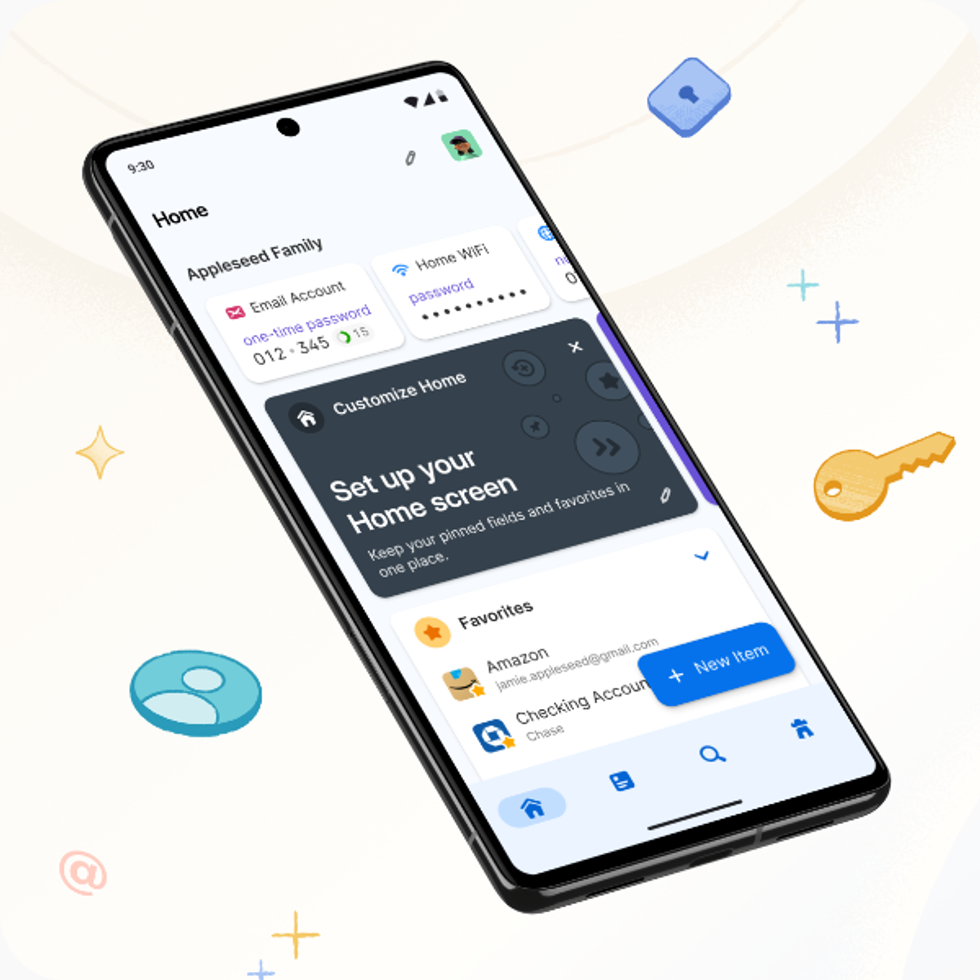
The award-winning 1Password is designed to generate and store unguessable passwords, passkeys, credit card numbers, national insurance numbers, and much more. It's built-in WatchTower feature evaluates password strength and warns about data breaches that impact you. 1Password is currently free to test for 14 days with no obligation to subscribe
1Password Password Manager
How can password managers protect your accounts?
Password managers securely store and autofill your passwords for various accounts, making it easier to use strong, unique passwords across all your online accounts. Together, they can simplify your login security and greatly reduce the risk of hacks.
"The practice of using password managers has encouraged individuals to create unique and complex passwords for all their accounts, thereby significantly minimising the chances of using the same password," cybersecurity expert Jacob Klavo, told GB News.
In a recent report, it was revealed that they were using common words such as "password" to secure their accounts — which can easily be bypassed by a fraudster.
More From GB News