









You've got days before Microsoft pulls the plug on its Outlook Lite app for Android.
Starting from May 25, anyone still using the lightweight Outlook Lite app will no longer be able to read, send, or receive any emails, Microsoft has confirmed. The US company first launched Outlook Lite back in 2022, when there was a real push across the tech industry to build lighter mobile apps.
It's a smaller, faster variant of the standard Outlook, meant to be kinder on the built-in storage inside your phone, as well as those with ageing or budget Android devices, particularly devices running on just 1GB of RAM. It was also designed to use less mobile data — making Outlook accessible in areas without decent 4G or 5G coverage.
With Outlook Lite on the chopping block, Microsoft wants everyone to use its standard Outlook app, which offers more features and easier integration with other Microsoft 365 services.
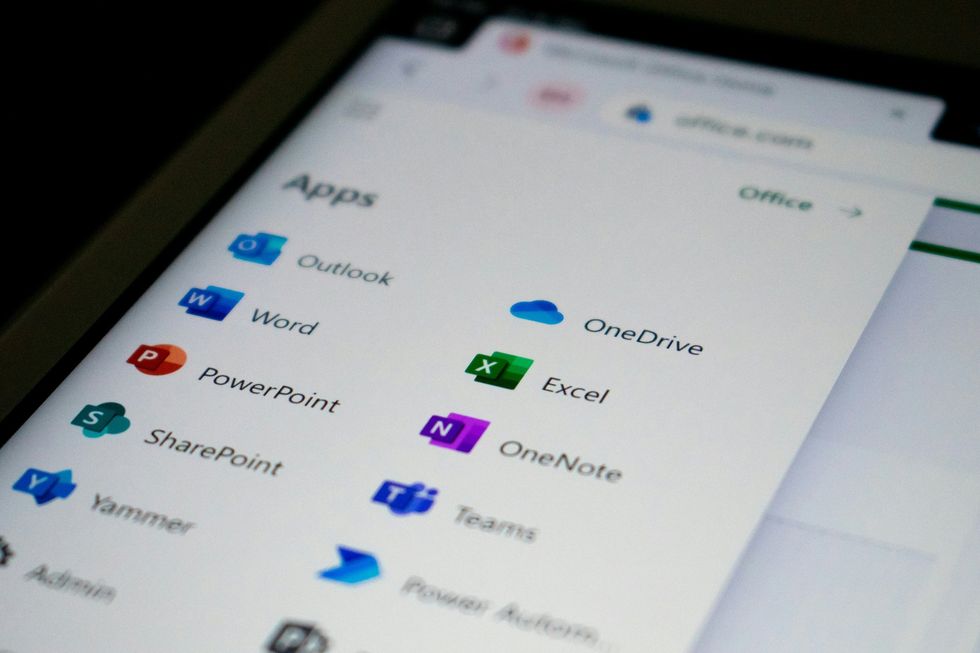
The standard Microsoft Outlook integrates with Microsoft 365 apps more seamlessly, such as Teams and Planner
|UNSPLASH
For instance, while Outlook Lite only supports Microsoft-hosted accounts, including Outlook.com, Hotmail, Live, MSN, and Microsoft 365/Exchange Online. The fully-featured version lets you add accounts from a wide array of providers, including Gmail, Yahoo, and iCloud.
It integrates with other apps and services, like Microsoft Teams and Planner. You'll need to download the full Outlook Mobile app from the Google Play Store and log in with your existing Microsoft account.
LATEST DEVELOPMENTS
Microsoft has actually made this even easier by popping an "Upgrade" button right inside the Lite app. When you give it a tap, it'll take you straight to the Play Store where you can grab the full version.
Microsoft has promised that all your emails, calendar entries, and attachments will automatically sync up once you log into the full Outlook Mobile app, so everything you have saved will still be there waiting for you.
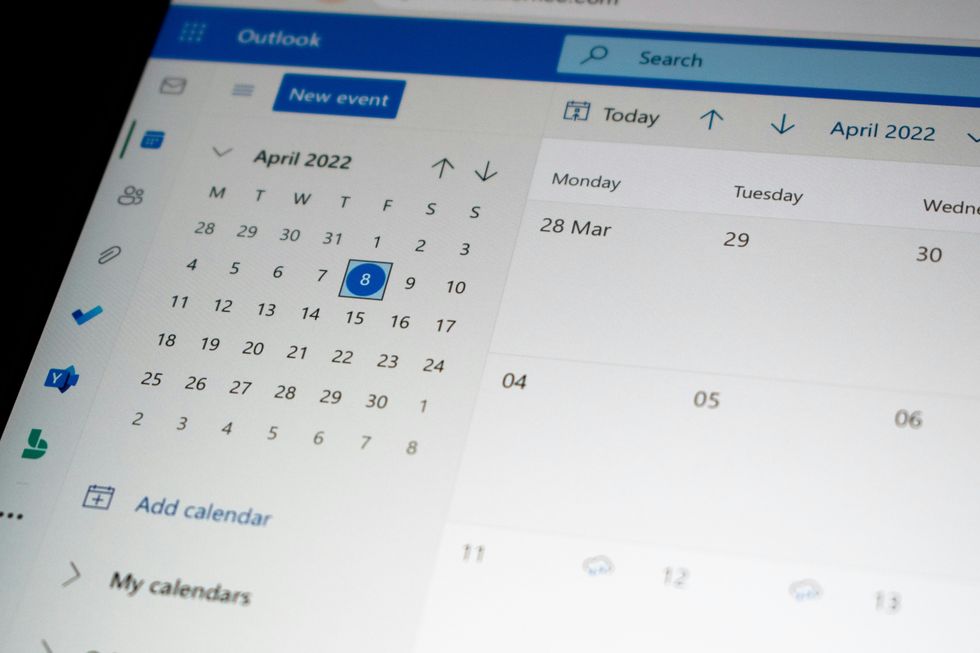
The standard Outlook supports accessing shared mailboxes and delegated calendar access, whereas Lite lacks these functionalities
|UNSPLASH
If you work for a company that uses Microsoft services, there's no need for your IT team to do anything special either. Microsoft has suggested that organisations update their internal guides and point staff towards Outlook Mobile before the deadline hits, just to keep everything running smoothly.
It's unclear how many users this affects, but the app surpassed 10 million downloads before new installs were blocked on October 6, last year — a few days prior to the company ending support for Windows 10.
Microsoft first announced that they were sunsetting Lite last September.