








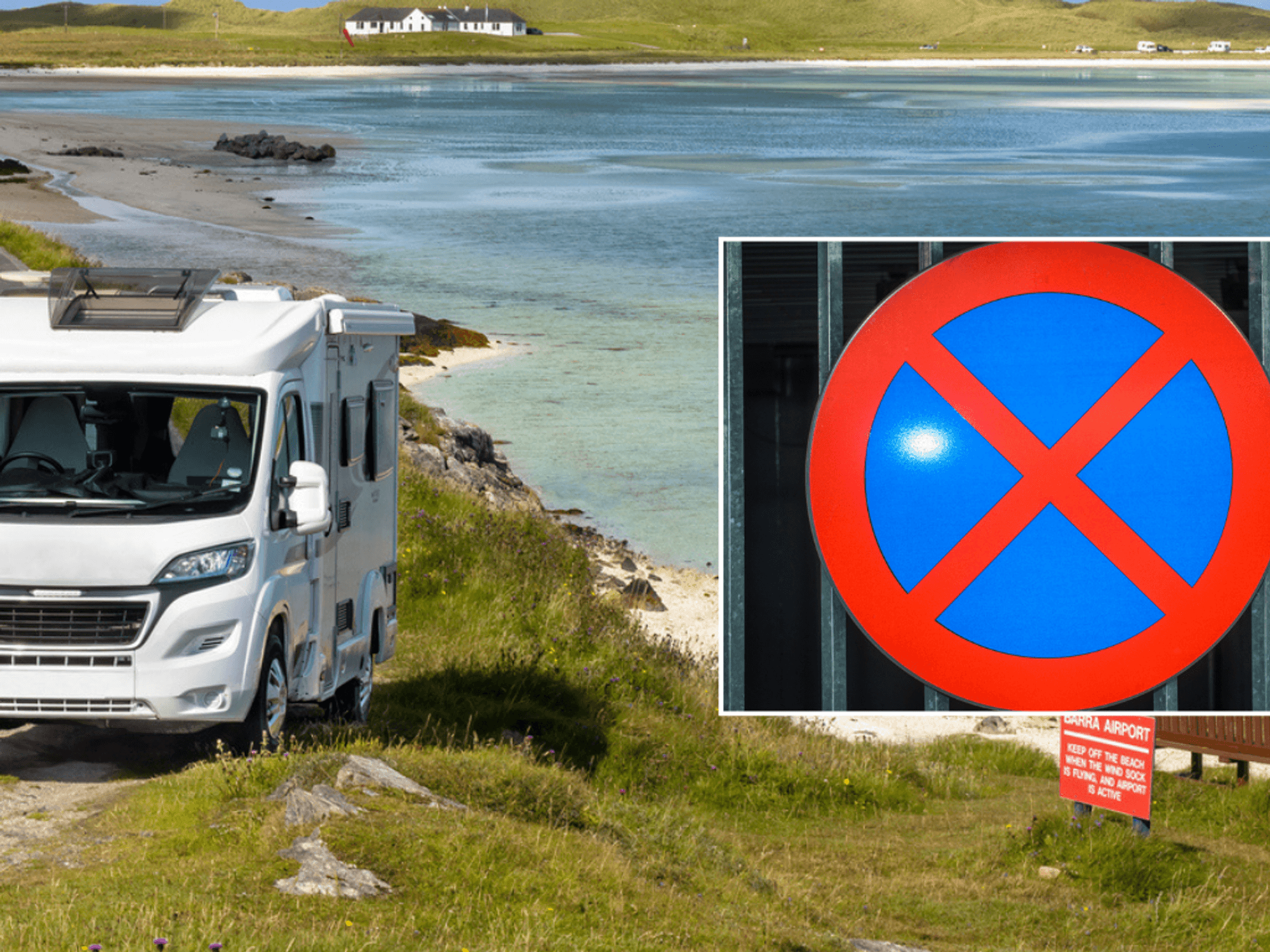

The UK is in the clutches of a record-breaking heatwave, with the mercury hitting an unprecedented 35ºC in some parts of the country. And the sweltering temperatures experienced in May could just be an appetiser compared to what's coming over the summer months.
Meteorologist Jim Dale told GB News: "We are going to get more heat like this through the summer, and it is a bit like a pan boiling until it boils over, and we see 40ºC, which is not out of the question.
"From what we have seen so far this week, before summer has even started, if we get another plume, which is inevitable, we can expect more exceptional summer temperatures. This is to do with many factors, including climate change."
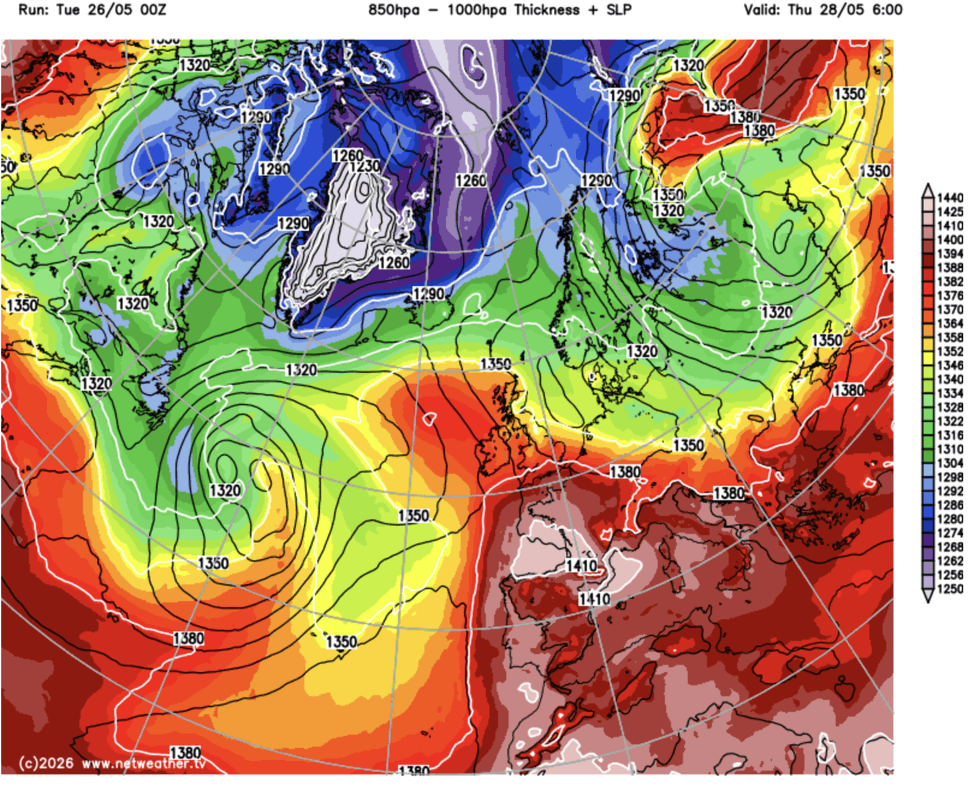
Meteorologists predict that Britain could experience temperatures up to 40ºC over the summer months as the heatwave continues
| NETWEATHERWhile the warm weather is perfect for family barbecues, topping up the tan, or heading to the seaside or local lido for a quick dip, it's not ideal for your household Wi-Fi connection.
Virgin Media O2 has issued a warning to its broadband subscribers, cautioning that rising temperatures can cause Wi-Fi connections to slow dramatically — or even halt altogether. And the Wi-Fi router isn't the only electronic stored at home that can struggle with stifling heat.
GB News has a quick checklist of the gadgets and gizmos that can get noticeably grumpy when the temperature climbs. Here's the full list...
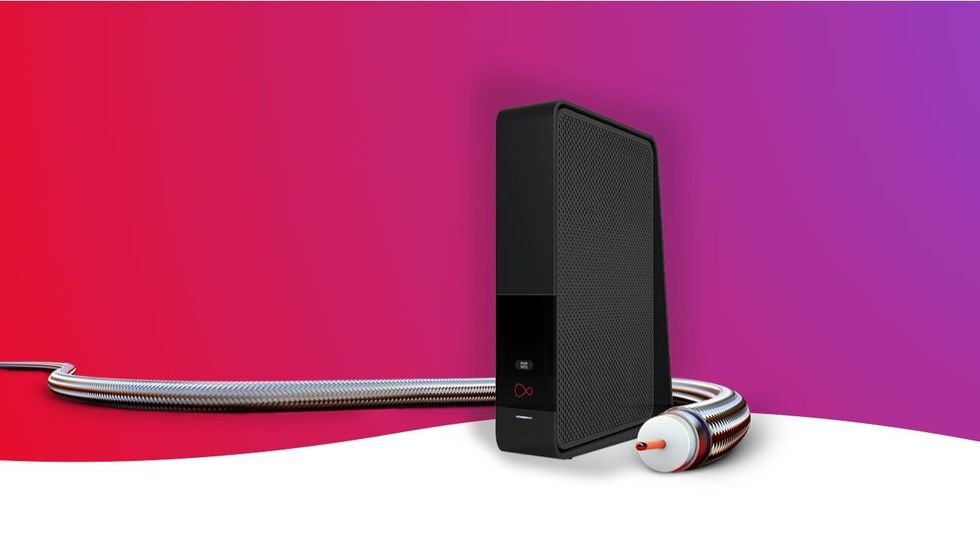
Virgin Media published a warning about overheating Wi-Fi routers on its website
| VIRGIN MEDIA O2 PRESS OFFICEWi-Fi Router
This is the classic heatwave casualty. There's a lot to consider when finding the ideal spot for your Wi-Fi router as you want decent wireless coverage throughout your home and you'll need to be close enough to the spot where engineers have drilled your full-fibre cable through the wall.
But in the warm summer months, there's something else to consider — keeping your Wi-Fi router cool. If things get too steamy, you might notice slower speeds, random disconnects, or a full-on reboot loop.
In a blog post on its website, Virgin Media confirms "Although we test our Hubs carefully at a range of temperatures, they are better off out of bright sunlight, just like your phone or laptop. If the Hub gets too hot, it could slow down your connection or even grind to a halt."
The broadband supplier offers some helpful tips
- Don’t hide the Hub away, place it upright somewhere it can breathe.
- Always keep the Hub indoors in a cool place, out of bright sunlight.
- Keep the Hub at least 1m away from cordless phones or baby monitors, and as far as possible from big obstructions like cupboards and fish tanks.
Common fix: move it out of sunlight, give it breathing room, and keep it away from other warm devices.
@war.fine ne yapicam şimdi... #samsung #tv #virus #keşfetbeniöneçıkar #fyp ♬ orijinal ses - War_Fine
Smart TVs
Modern Smart TVs are equipped with powerful processors and bright displays. Coupled with a razor-thin frame, it's no surprise these flatscreens start to heat up. Overheating can occur for several reasons, but the usual suspects are dust and debris blocking those all-important air vents — trapping heat inside the television's chassis.
If the flatscreen is placed in a tightly enclosed cabinet or too close to walls, that can exacerbate the airflow issues. Overheating can cause laggy menus, picture glitches, unexpected shutdowns, or app crashes.
Common fix: make sure the vents are clear, move the flatscreen away from walls and overloaded cabinets, and let the room cool down a bit if it is sweltering.
LATEST DEVELOPMENTS
Games Console
Consoles like the PlayStation 5, Xbox Series X, or older systems can become very unhappy when airflow is poor. Fans are designed to cool the internal components to stop any issues from interrupting your gameplay, but in the hot weather, the fan has to work much harder to achieve the same temperatures as normal.
You'll probably notice your console being much louder during the heatwave. If things don't cool, you might start to notice some performance throttling or sudden shutdowns to protect the internal components.
If your gaming room is too hot, consider setting up a fan (or two) around your console. It'll keep you both cool, even when the action heats up. Some players wear by a designated cooling stand, which keeps the console propped up so airflow can circulate around the hardware, so the fans don't have to work so hard.
Common fix: keep it in an open space, clean dust from vents, and do not sandwich it between other heat-producing devices.
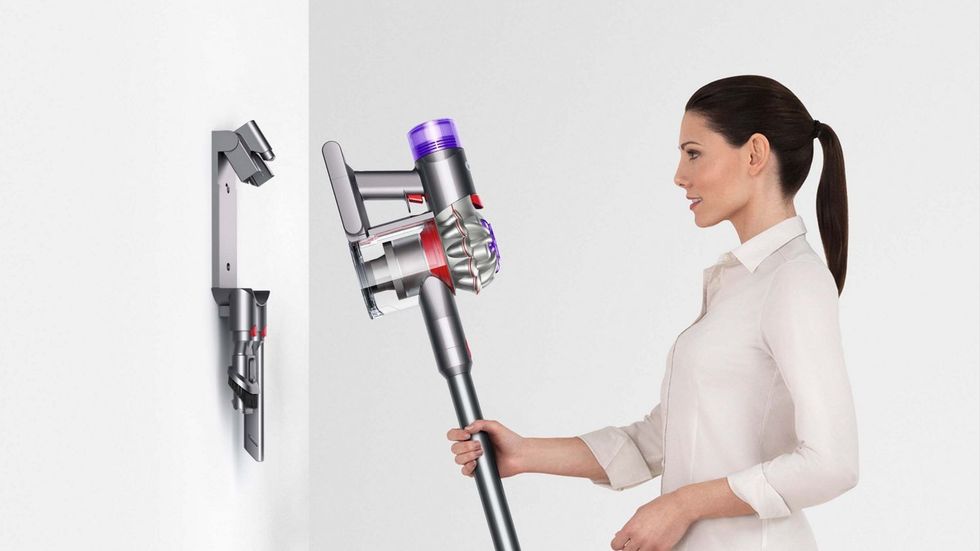
Cutting the power cable from its vacuum makes manoeuvring more convenient, but it does add the risk of overheating
| DYSON PRESS OFFICECordless vacuum cleaner
There are several advantages with cordless vacuum cleaners — you don't need to be tethered to a wall socket — but the inclusion of a battery pack adds some new complications too. If the lithium-ion battery pack or high-speed motor starts to get a little too toasty, the battery life can start to dwindle.
Suction can weaken and some models will even temporarily shut down to protect their components. On its support pages, Dyson states: "Most Dyson vacuums have a built in safety system that stops the machine if it begins to overheat. This usually happens because the filters need washing or your machine is blocked."
Rival brand Shark has fitted some models with a motor-protective thermostat to avoid these issues. This system can shut the unit off when the thermostat reaches a certain threshold.
"Should this occur, unplug the vacuum cleaner from the wall outlet and turn off switch. Remove dust cup and empty. Clean dust cup filter. Allow the unit to cool for approximately 1 hour," the popular brand advises.
Common fix: let the vacuum cool between uses, charge it in a cooler spot, and avoid storing it next to ovens, sunny windows, or other heat sources.
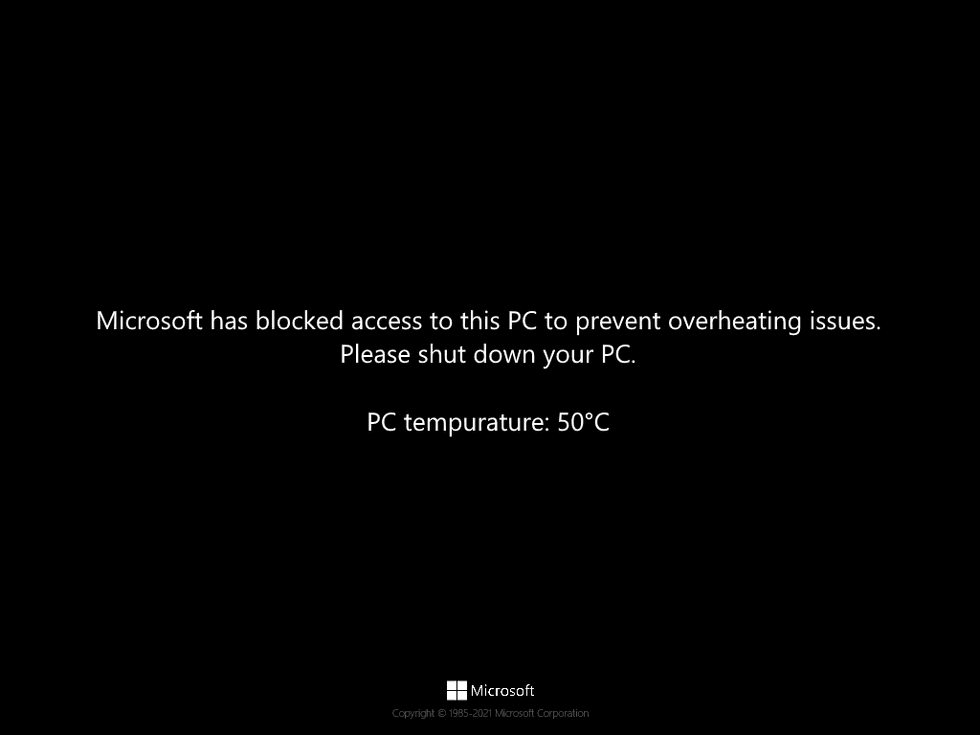
If there's something awry with your desktop PC or laptop, Windows 11 will inform you that overheating is impacting the performance of the machine
|MICROSOFT PRESS OFFICE
Laptop or desktop PCs
Computers are especially sensitive to ambient temperature because they already produce a lot of their own heat. In a heatwave, fans run harder, batteries drain faster, and performance may dip as the system throttles itself to avoid damage. You might also feel the keyboard or chassis getting uncomfortably warm — not ideal for a device designed to be used on your lap.
Maintenance expert Kane Taylor, who works at Ailsa, the industrial engineering company based in Kilwinning, Scotland, has cautioned that excessive heat can cause smartphones, laptops and PCs to slow down, crash unexpectedly, drain battery life faster and, in some cases, suffer permanent internal damage.
Mr Taylor told GB News: "Most people know to keep themselves cool during a heatwave, but many forget their phones and laptops are struggling too. Devices generate heat naturally while they’re being used, and when you combine that with record-breaking temperatures, it can quickly become dangerous for the internal components.
“We often see people leaving phones in direct sunlight, charging devices under pillows or using laptops on soft furnishings that block ventilation, and during extreme weather that can become a real problem. Overheating can cause devices to slow down dramatically, freeze, crash or even permanently damage batteries and processors.
“In some cases, phones and laptops will automatically shut down to protect themselves, but repeated overheating over time can seriously reduce the lifespan of the device. The good news is that a few simple habits can make a huge difference and help people avoid costly repairs or replacements during hot weather.”
Common fix: use the device on a hard surface, clear dust from cooling vents, and avoid direct sun or soft furnishings that trap heat.
To summarise — if it's suffocatingly hot inside your home, and you're relying on a gadget powered by lithium-ion batteries that relies on airflow to keep itself cool, there could be trouble ahead in the UK heatwave.
Small fans are perfectly capable in normal temperatures, but can struggle in record-breaking heat like the UK is experiencing at the moment. And that's before you throw in common culprits like trapped dust.
The easiest first move is usually the same one: get it out of direct sunlight, provide more ventilation, and stop it from sharing a sauna with everything else.