









Watching the World Cup?
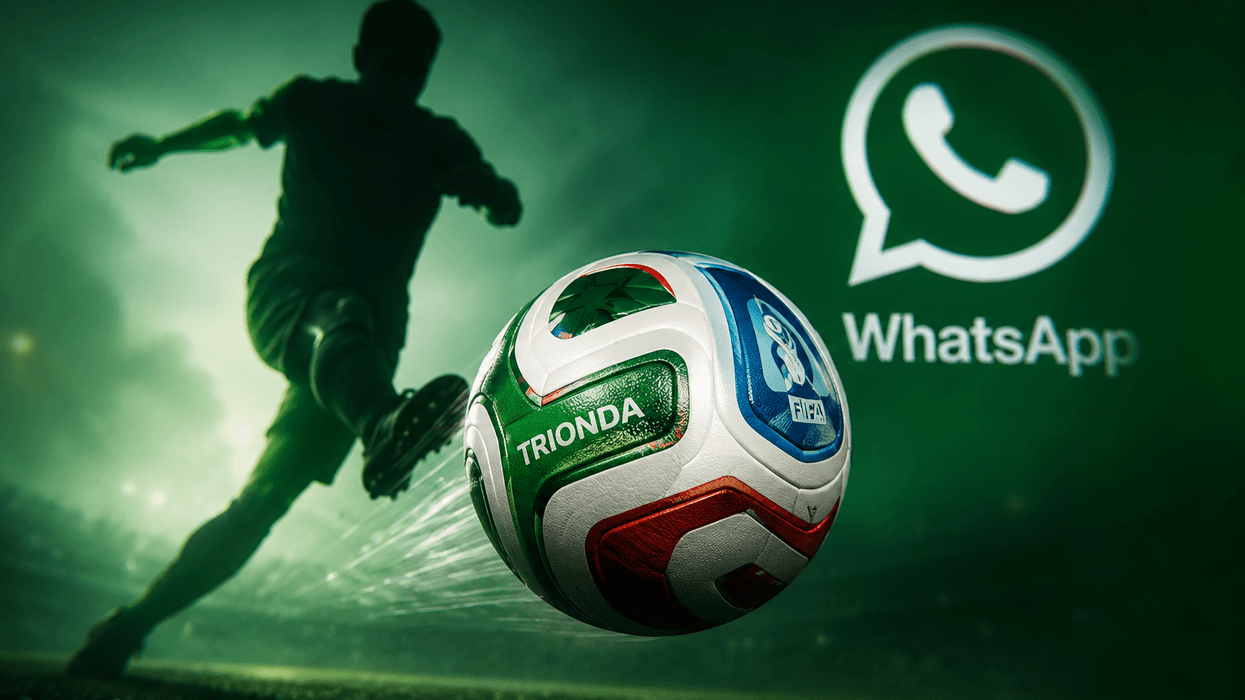
WhatsApp has teamed up with Adidas to give the football emoji a makeover for all users. Whenever you react to a message in the Meta-owned chat app, it now shows the Adidas Trionda as an option — the official match ball.
WhatsApp said in a blog post: "Nothing brings people together quite like football: last-minute goals, the unbelievable saves, and the moments that make you jump and shout. The only thing that matches the energy on the pitch is your group chat. Whether it’s polls predicting each match winner, voice notes flying across time zones after an incredible bicycle kick, or post-match calls to debrief all the action."
When you react with this specific emoji, it creates a small graphic of multiple footballs flying across your screen.
If you can't see the Adidas Trionda in the pop-up menu of emojis when you press-and-hold on a message, tap the + icon and choose the regular football. As soon as it's sent, it'll be transformed into the new design for the World Cup tournament.
The platform announces the celebratory addition as it gears up for massive traffic. During the last tournament's final, WhatsApp hit a staggering 25 million messages every single second.
But despite the popularity of the game, users have taken to Reddit to express mixed reviews over the new addition.
One user wrote: "It's like an ad for the World Cup you didn't agree to receive. Every time I want to react in chat with my friends, this thing pops up too."
Comment
by u/Possible-Coast-7022 from discussion
in whatsapp
Comment
by u/Possible-Coast-7022 from discussion
in whatsapp
Comment
by u/Possible-Coast-7022 from discussion
in whatsapp
Comment
by u/marshallmathers23 from discussion
in whatsapp
Beyond the emoji refresh, WhatsApp has also introduced some fun additions for video calls. There are now football-themed effects you can use when chatting with mates, ideal for bringing a bit of matchday atmosphere to your conversations.
Whether you're celebrating a last-minute winner, debating a controversial refereeing decision, or catching up with friends during a tournament, these interactive backgrounds, filters, and visual effects help make calls feel more immersive and connected to the action on the pitch.
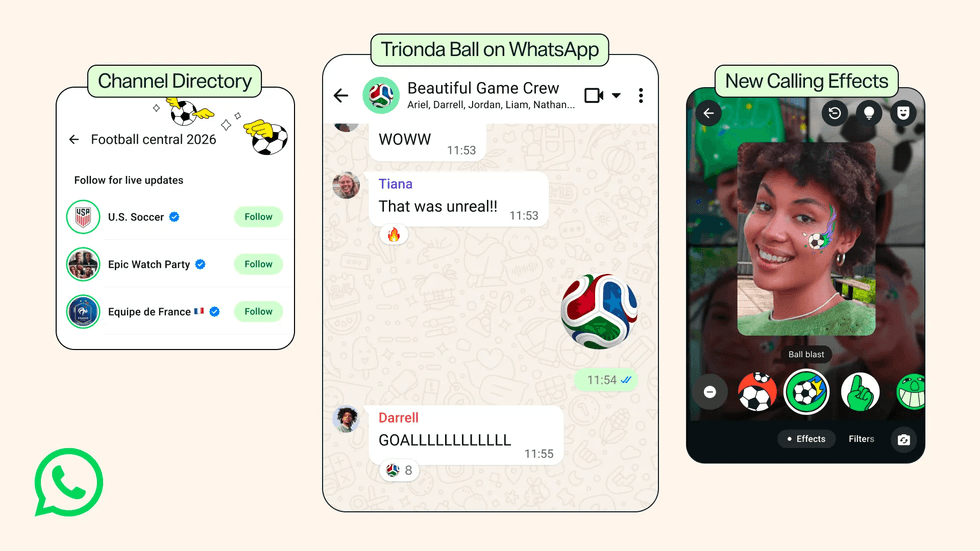
WhatsApp has also created a dedicated football directory within its Channels feature. This brings together your favourite teams, live scores, and tournament updates all in one handy spot
|META PRESS OFFICE
WhatsApp has also created a dedicated football directory within its Channels feature. This brings together your favourite teams, live scores, and tournament updates all in one handy spot.
Instead of jumping between multiple apps and websites, you can follow official club channels, competition organisers, and sports media outlets to stay informed about breaking news, fixture announcements, transfer developments, and match results as they happen.
LATEST DEVELOPMENTS
- New Oura Ring update brings one of the Ring 5's most exciting features to Ring 4
- Millions of Three, EE, Vodafone, and O2 users will get a signal boost in massive free upgrade
- Best VPN deals
- Apple unveils slew of child safety features ahead of Keir Starmer's 3-month deadline
- Microsoft launches game-changing Windows 11 update
Channels can now post directly to Status too, so you'll see content from the ones you follow popping up alongside updates from friends.
This integration makes it easier to keep up with important announcements and highlights without having to open the Channels tab separately.
If it gets to be too much, you can easily hide a channel's statuses or unfollow entirely, giving you full control over what appears in your feed and ensuring your Status updates remain relevant to your interests.