


All products and promotions are independently selected by our experts. To help us provide free impartial advice, we will earn an affiliate commission if you buy something. Click here to learn more







Every time you accept cookies, connect to public Wi-Fi, or leave your location settings switched on, you could be giving away more personal data than you realise. Cybersecurity experts warn that many people remain unaware of the extent to which their online activity is being tracked.
Marijus Briedis, Chief Technology Officer at NordVPN, exclusively told GB News: “Only 25% of UK adults say they fully understand how their personal data is collected and used by online services, and that knowledge gap is where trackers thrive."
In many cases, simple everyday habits can make you an easy source of information for advertisers, apps, cybercriminals, and third-party data brokers.
Mr Briedis said: "Every website you visit, every app you open, is collecting data about you: your location, your device, your browsing habits. Accepting cookie pop-ups without reading them, staying logged into Google or Facebook while you browse, and using the same email address across dozens of services all create a detailed portrait of who you are and what you do online."
Here are five common things you may be doing online that make you far easier to track — and the small changes that can help protect your privacy.

There are five things you may be doing online that make you easy to track
|PEXELS
1. You leave your location toggled on your apps
Weather apps, social media platforms, food delivery services, fitness trackers, ride-share apps, and shopping apps often request continuous access to your location. In some cases, companies collect this information to improve services. In others, the data may be shared with advertisers or third-party partners.
That means your phone can quietly build a detailed map of your routines, such as where you live, where you work, where you shop, what gym you go to, and how often you visit certain places.
Chris McCabe, cofounder of messaging platform Session, told GB News: "Your digital identity is being built automatically. The more data points they have (location history, browsing habits, purchases, social connections), the easier it is to predict, influence, and sometimes manipulate your behaviour."
For example, if you post a photo on social media while location tagging is enabled, someone could easily identify your exact neighbourhood or favourite coffee shop. Fitness tracking apps have also faced criticism in the past for unintentionally revealing users’ movement patterns and locations.
A safer option is to switch most apps to “While Using the App” instead of “Always.” You can also disable precise location tracking entirely for apps that don’t genuinely need it.
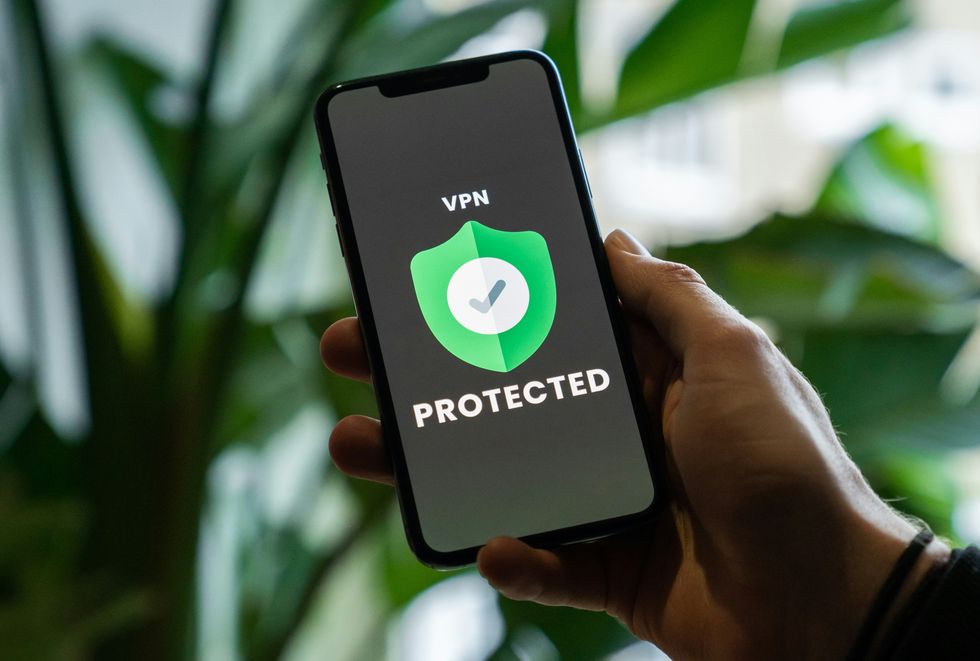 A Virtual Private Network (VPN) is software that protects and anonymises everything you do online | UNSPLASH
 2. You use free public Wi-Fi
Free Wi-Fi at airports, cafés, hotels, and shopping centres may seem convenient, but public networks are among the easiest places for your information to be exposed.
Many public Wi-Fi networks are unsecured, meaning data travelling between your device and the network may not be encrypted properly. Cybercriminals can exploit these weak networks to intercept browsing activity, login credentials, payment information, or personal messages.
Sometimes, attackers even create fake hotspots with names that resemble legitimate networks. For instance, a hacker could create a network called “Airport_Free_WiFi” hoping travellers accidentally connect to it instead of the official one.
Even if no one is actively targeting you, public networks can still expose your browsing habits to network operators and advertisers.
If you need to use public Wi-Fi, avoid accessing banking apps or entering sensitive passwords while connected. Using a VPN can also help encrypt your traffic and make your activity harder to monitor.
Mr Briedis told GB News: "A VPN acts like a private tunnel for your internet connection. It masks your IP address, which is effectively your digital home address, making it much harder for websites, advertisers, and third parties to track your movements online.
"It also encrypts your traffic, meaning that even on public Wi-Fi, when you are in a coffee shop or airport, nobody can intercept what you’re doing."
LATEST DEVELOPMENTS
3. You haven't reviewed your app/website permissions
Many people click “Allow” without thinking twice.
Apps routinely request access to your camera, microphone, contacts, photos, calendars, Bluetooth, and even clipboard activity. While some permissions are necessary, others are excessive — and many users never go back to check what they’ve approved.
A simple flashlight app, for example, probably doesn’t need access to your contacts or microphone. Yet many apps request permissions far beyond what’s required for their core function.
Websites can also collect more data than users realise. Browser notifications, tracking scripts, microphone access, and embedded ad trackers can monitor behaviour across multiple sites.
Over time, these permissions create a surprisingly detailed picture of your life: who you communicate with, where you go, what you search for, and what devices you use.
4. You're reusing passwords across multiple platforms
Reusing passwords may be convenient, but it’s one of the biggest security risks online.
When a company experiences a data breach, stolen usernames and passwords are often sold or shared online. Cybercriminals then use automated tools to test those same credentials across other websites — a tactic known as “credential stuffing.”
So if you use the same password for your streaming account, email, banking app, and online shopping accounts, one breach can quickly snowball into several compromised accounts.
For example, imagine a clothing retailer suffers a data leak. If your email and password combination from that site matches your email login, hackers may gain access to far more sensitive information than just your shopping history.
Password managers like NordPass or ExpressKeys can help generate and securely store complex passwords, so you don’t have to memorise dozens of them yourself.
Enabling two-factor authentication adds another layer of protection by requiring a second verification step during login.
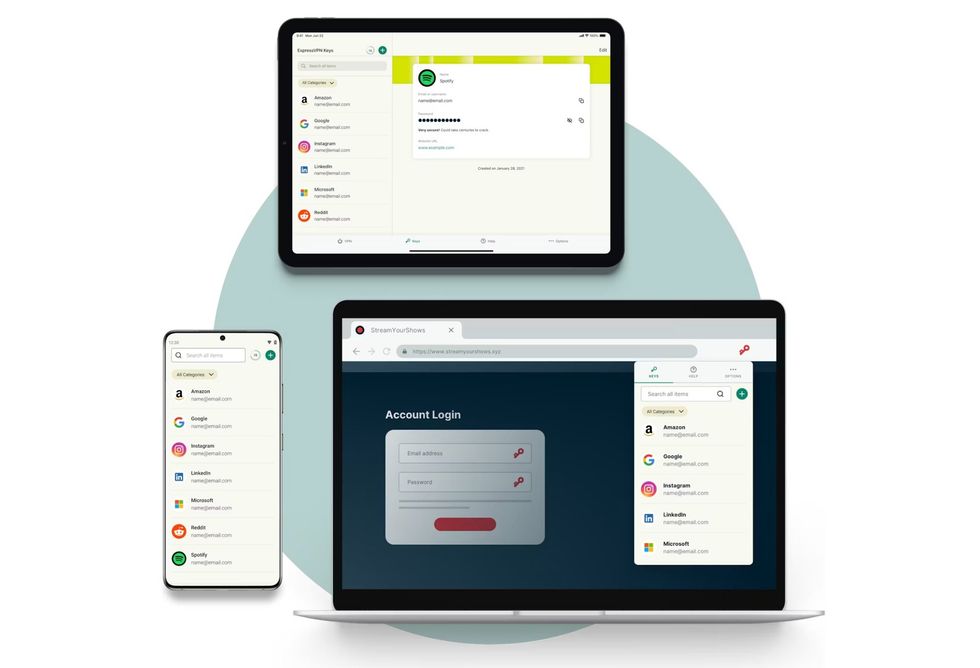 Password managers, like ExpressVPN Keys pictured above, can be used to generate and store unique passwords for all of your online accounts — saving you from the temptation of reusing logins | KAPE TECHNOLOGIES PRESS OFFICE
5. You're accepting all cookies without reviewing them
Those cookie pop-ups that appear on nearly every website are easy to ignore — and companies know it.
You might automatically click “Accept All” just to get the banner out of the way. However, cookies can track far more than basic website preferences.
Tracking cookies allow advertisers and data companies to monitor what you search for, what products you browse, how long you stay on a page, and even what websites you visit afterwards. This data helps build detailed advertising profiles based on your habits, interests, and behaviour online.
That’s why you might search for a pair of shoes once and suddenly see ads for them everywhere for days.
Some websites also use third-party cookies that allow outside companies to follow your activity across multiple sites, not just one.
You don’t necessarily need to reject every cookie request, but reviewing your options matters. Many sites allow users to disable non-essential tracking while still accessing the content.
Choosing “Essential Only” or customising cookie preferences can reduce the amount of personal data being collected behind the scenes.
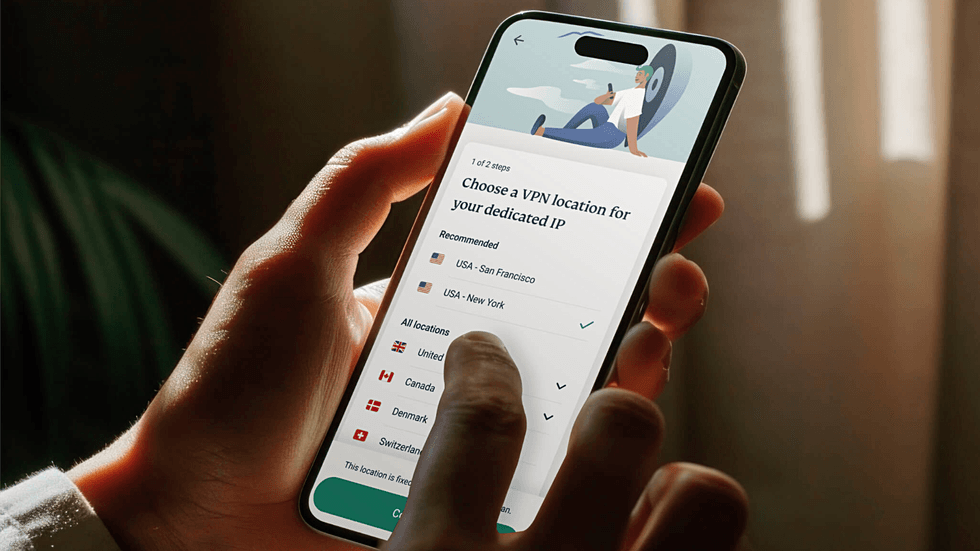
When you activate a VPN, advertisers, trackers, and hackers are blind when they attempt to track your web history
| SORA | GB NEWSUse a VPN to protect your online activity
When you enable a VPN, it routes all of your online traffic via an encrypted tunnel, connecting to a network of secure servers across the globe. These VPN servers are managed by the brand, so the total number available will vary based on the provider you're picked.
The best VPNs rely on the same military-grade encryption as governments in Britain and the United States. The encryption scrambles your data into an unreadable format, preventing third parties from monitoring your activity.
This is so effective that it'll even stop the Internet Service Provider (ISP) that connects you to the internet from keeping a record of the websites you've visited, how long you've spent on each site, and your current location.
Advertisers, trackers, and hackers are also blind when it comes to tracking your web history.
Heading online without a VPN enabled is a little like sending a postcard, with your personal message easily visible on the back as it makes its way to the intended recipient through the Royal Mail system.
However, when running a VPN on your device, that same postcard is placed inside multiple envelopes and packages, so the message on the back is hidden from everyone as it makes its way to its final destination.
Protect your online activity with a VPN from ExpressVPN

Protect your personal information and encrypt everything you do online for just £2.39 with the latest ExpressVPN deal.
ExpressVPN adds military-grade encryption across up to 10x devices, including iPhone, Android, Linux, Windows, Mac, Fire TV, and dozens more, to secure your internet traffic from prying eyes, advertisers, and governments. You'll benefit from an extra 4 months free with a two-year plan
ExpressVPN
$9.99
$2.39
Are VPNs legal?
VPNs are legal. If you've been issued a company laptop to work remotely, the IT department will likely require you to use a VPN before you start a shift. Needless to say, this isn't against the law.
But while VPNs were once solely used in enterprise and government spheres, these apps are becoming increasingly popular with people across the world to improve personal online security. As all of us rely on the internet for more and more of our daily lives, VPNs are an essential way to enhance privacy, block advertisers from tracking your movements, unlock streaming TV shows and sports coverage, and even find cheaper flights.
VPNs, however, are illegal in 10 countries: China, Russia, Belarus, North Korea, Turkmenistan, Uganda, Iraq, Turkey, UAE, and Oman. If you're currently based in any of these nations or plan on visiting one soon, consider uninstalling any VPN apps from your devices.
Outside of these countries, VPNs are legal and can be used without restrictions.
But while it might be legal, it's worth noting that using a VPN might be against the Terms Of Service of some websites or mobile apps, so it's always worth checking the T&Cs to make sure you're in the clear.