










Malware infections spiked 35% in just 12 months, climbing from 19.5 million to a staggering 26 million installations.
This malicious software sits on your smartphone, tablet, or desktop PC and hoovers up personal information, including saved passwords, credit and debit card details, home address, and much more. Malware siphons this data and sends it to cybercriminals, who use the stolen information to break into your accounts.
The troubling increase in malware infections was spotted by researchers from VPN brand, NordVPN. Its threat intelligence platform NordStellar discovered the number of compromised databases dropped by 36% between 2024 and 2025 — falling from 4,804 to 3,069. That suggests that online companies responsible for keeping your details under lock-and-key have become better at keeping that vital information secure.
However, the same research found that infostealer malware infections have spiked by 35% in the same period, climbing from 19.5 million to over 26 million cases. This nasty software is designed to quietly sit on your device and hoover up everything from saved passwords to autofill data without you ever knowing they're there.
Mantas Sabeckis, senior threat intelligence researcher at Nord Security, said, "Data breaches going down might sound like progress, but it really means criminals have found a more efficient way in. A single infostealer infection can silently grab saved passwords, cookies, autofill data, and even session tokens. It’s less dramatic than a breach, but for the individual, the damage can be just as severe.”
The numbers show a stark contrast, too. Traditional data breaches leaked around 34 million passwords last year. Infostealers are responsible for grabbing a staggering 624 million — that's more than 18 times as many.
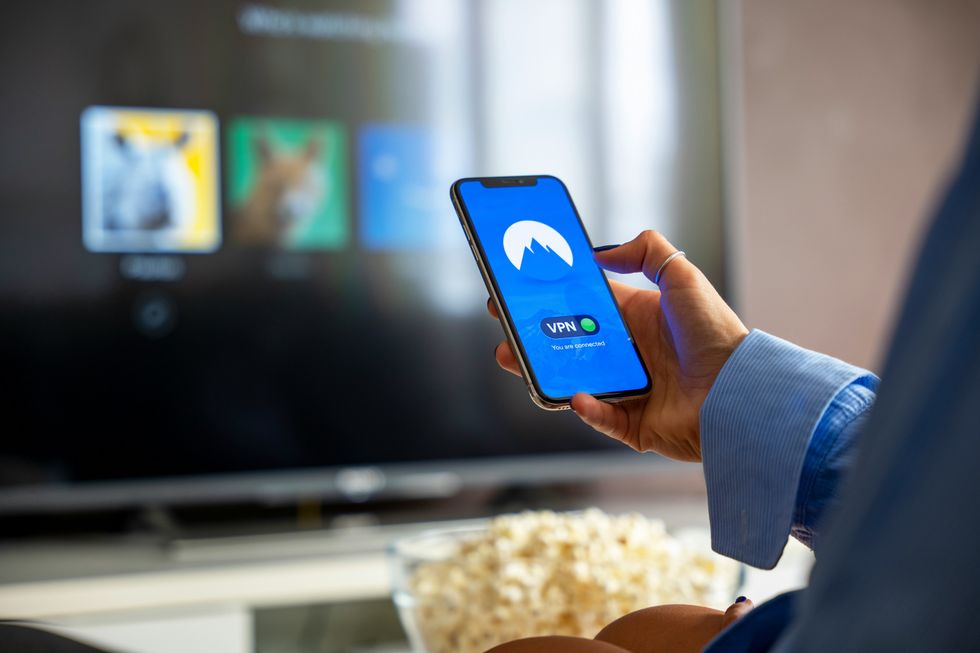
NordVPN is a virtual private network service that secures your online activity by encrypting your internet connection and masking your IP address
|NORDVPN
This change in tactic bypasses the need for hackers to break into a company's systems, and instead, they can simply log in using credentials stolen directly from your laptop. Cloudflare, an IT service management firm's 2026 Threat Report, calls this shift a change in "attacker psychology" – trading complexity for volume.
What's arguably the most unsettling part is that you won't get a heads-up when an infostealer hits your device.
These malicious programs typically sneak onto your computer through pirated software, dodgy downloads, or those convincing phishing emails you've most likely seen pop up in your inbox at some point. Once they're in, they run silently in the background, scooping up your passwords and other personal information.
Marijus Briedis, chief technology officer at NordVPN, said, "With infostealers, nobody sends you a warning. Your credentials end up on the dark web, and you only find out when your accounts are already compromised."
LATEST DEVELOPMENTS
Although there are a few methods you can take to protect yourself from the rise in infostealers.
Start by ditching the habit of saving passwords in your browser — use a dedicated password manager or passkey instead. Password managers safely store and autofill your passwords for different accounts, making it easier to use strong, unique passwords everywhere. Together, they can simplify your login security and greatly reduce the risk of hacks.
On the other hand, passkeys are a modern replacement for traditional passwords, using cryptographic keys stored on your device to securely log in without typing a password. They help protect against fraudsters and are more secure than passwords alone. Several web browsers, like Google Chrome and Safari, already have them built into their systems to help reduce the risk.
It's also best practice to turn on multi-factor authentication wherever you can. This adds an extra layer of security by requiring a second form of verification — like a code from your phone or a security key — when logging in. Even if someone somehow gets your master password, they still won’t be able to access your password vault without this second factor.
Keep your software updated, too. Outdated devices or apps can have security vulnerabilities that hackers exploit, such as the recently discontinued Windows 10 software. Regular updates patch these weaknesses and ensure your password manager and devices stay as secure as possible.