

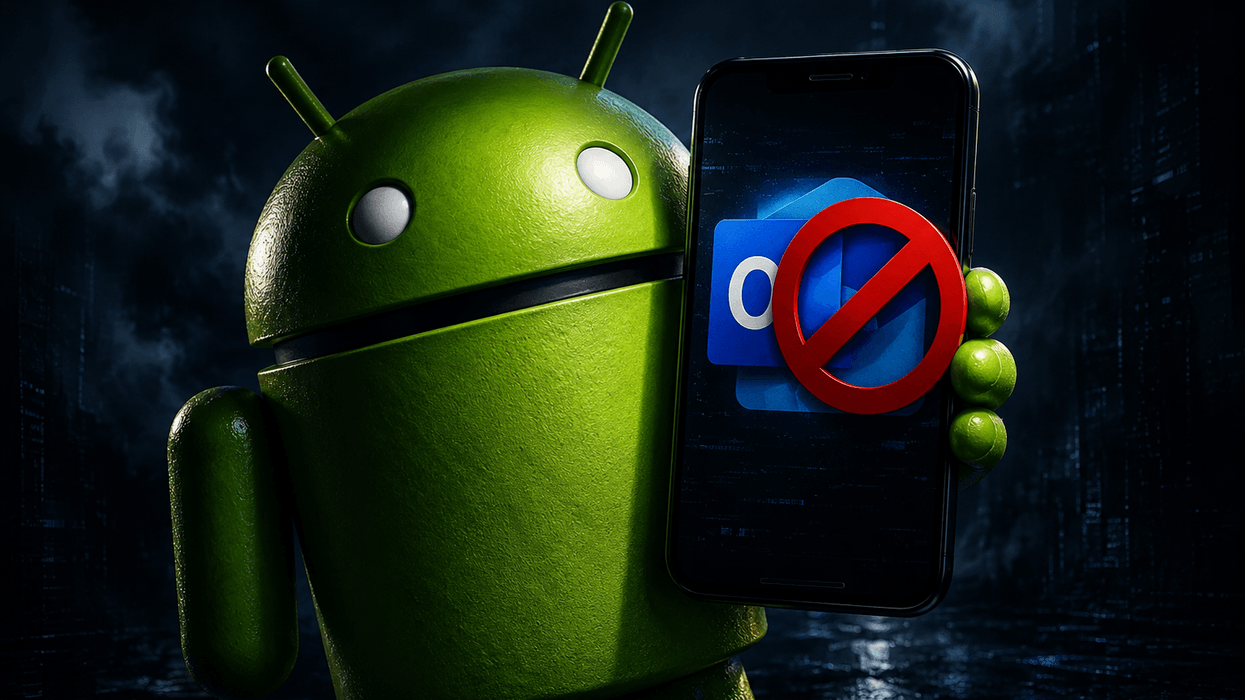









Microsoft has pulled the plug on its Outlook Lite app for Android.
Anyone with the lightweight Outlook Lite app still downloaded on their mobiles will no longer be able to read, send, or receive any emails, Microsoft has confirmed. The US company first launched Outlook Lite back in 2022, when there was a real push across the tech industry to build lighter mobile apps.
It's a smaller, faster variant of the standard Outlook, meant to be kinder on the built-in storage inside your phone, as well as those with ageing or budget Android devices, particularly devices running on just 1GB of RAM. It was also designed to use less mobile data — making Outlook accessible in areas without decent 4G or 5G coverage.
The app surpassed 10 million downloads before new installs were blocked on October 6 last year — a few days prior to the company ending support for Windows 10.
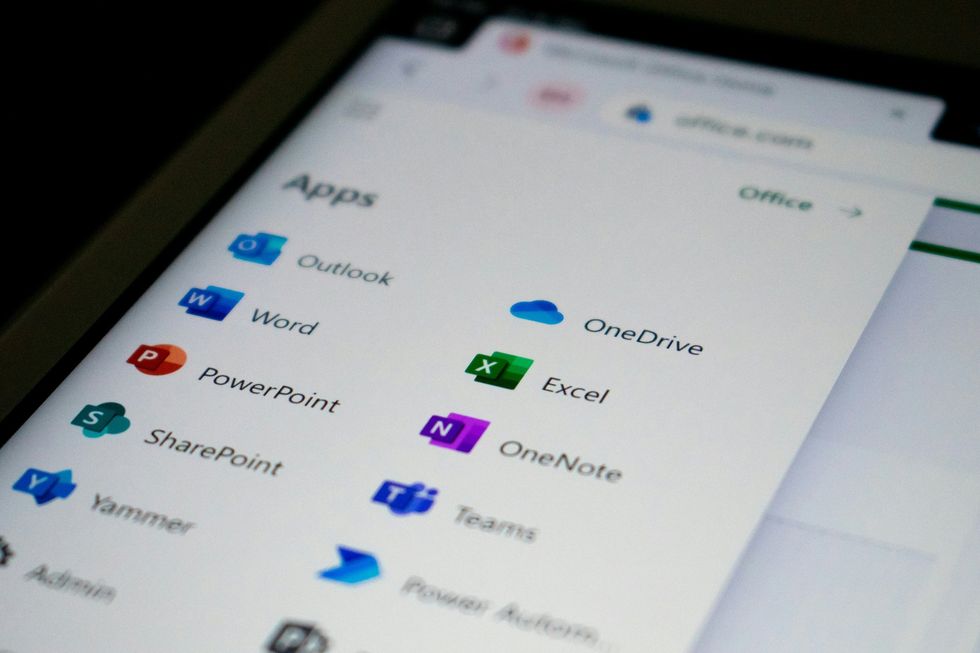
The standard Microsoft Outlook integrates with Microsoft 365 apps more seamlessly, such as Teams and Planner
|UNSPLASH
Microsoft now wants everyone to use its standard Outlook app, which offers more features and easier integration with other Microsoft 365 services.
For instance, Outlook Lite only supports Microsoft-hosted accounts, including Outlook.com, Hotmail, Live, MSN, and Microsoft 365/Exchange Online. It's also integrated with other apps and services, like Microsoft Teams and Planner.
However, the fully-featured version lets you add accounts from a wide array of providers, including Gmail, Yahoo, and iCloud.
LATEST DEVELOPMENTS
Microsoft has promised that all your emails, calendar entries, and attachments will automatically sync up once you log into the full Outlook Mobile app, so everything you have saved will still be there waiting for you.
Follow these steps to migrate to the full Outlook app:
- Install the full Outlook Android app:
- Open it and tap Sign in.
- Enter the same email address you used in Outlook Lite.
- Complete sign-in (including MFA if prompted).
- Wait for sync to finish.
You should then see existing emails, folders, calendar, and your contacts.
There may be a few details that won't carry over, such as the following:
- Notification preferences
- App theme
- Email signatures
- Swipe settings
- Downloaded offline content
You'll need to reconfigure these in your settings.
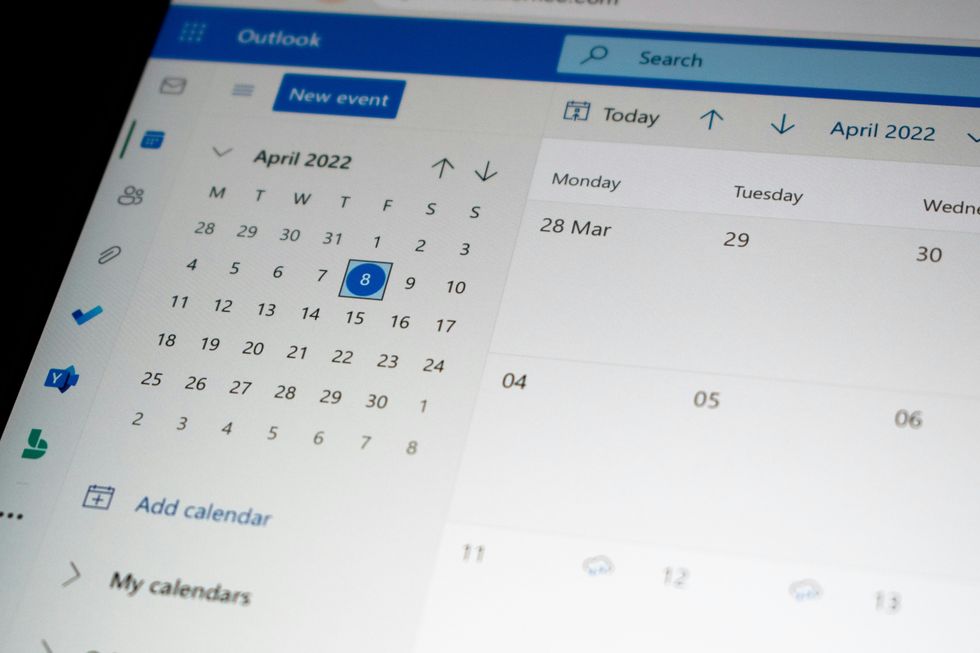
The standard Outlook supports accessing shared mailboxes and delegated calendar access, whereas Lite lacks these functionalities
|UNSPLASH
If you work for a company that uses Microsoft services, there's no need for your IT team to do anything special either. Microsoft has suggested that organisations update their internal guides and point staff towards Outlook Mobile before the deadline hits, just to keep everything running smoothly.
Microsoft first announced that they were sunsetting Lite last September.