









Struggled to sign in to your Microsoft account? You're not alone.
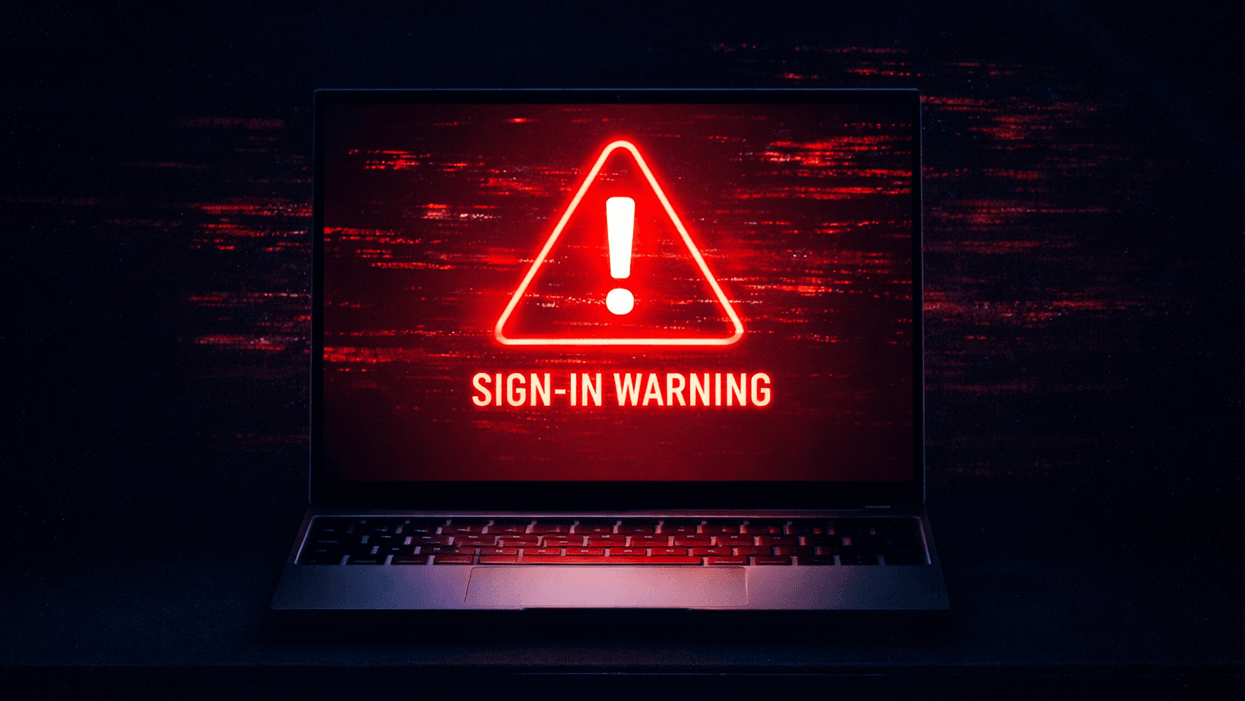
It's not you, but a glitch inside the most recent Windows 11 update, dubbed KB5079473, which has left several PC owners confronted with an error message when attempting to sign into their accounts. The bug has hit a whole range of Microsoft-owned apps, including Teams, OneDrive, Edge, Excel, Word and Microsoft Copilot.
What's going on? The error in the update means your PC mistakenly believes that you do not have an internet connection, even if you were connected to a network. Its error message states, "You'll need the Internet for this. It doesn't look like you're connected to the Internet."
To remedy the issue, the tech firm has rushed out an emergency update version KB5085516.

Users have been unable to sign into various Microsoft accounts — including Microsoft Teams, OneDrive, Edge, Excel, Word and Microsoft 365 Copilot
| MICROSOFT PRESS OFFICEYou can install the update by navigating to Settings > Windows Update. Next up, tap the Check for Updates button and install the emergency fix. Once you've downloaded and installed the latest patch, restart your computer, and you shouldn't be met with any more login issues.
If you don't see the pending update available on your device yet, there's a handy workaround that can get you back up and running. Simply restart your computer while keeping it connected to the internet – this resets that dodgy connectivity state and should restore normal sign-in functionality.
Although one thing to watch out for is if your device restarts without an active internet connection, the problem might come back. Should that happen, you'll need to restart your device while online to sort things out.
LATEST DEVELOPMENTS
It's also worth noting that your device must be updated to Windows 11 — the latest operating system — to receive the latest features and security fixes. If you missed the memo, Microsoft ended support for Windows 10 in October of last year.
This means free software updates — like what was mentioned above — to address security vulnerabilities, bugs, and critical issues for the older operating system are no longer available.
This has pushed many users to either upgrade to the new operating system or replace their PCs with devices that support it, so they can prevent hackers from taking advantage of them not being treated to these free updates. For instance, a critical Windows security update was recently released by Microsoft to fix 59 flaws.
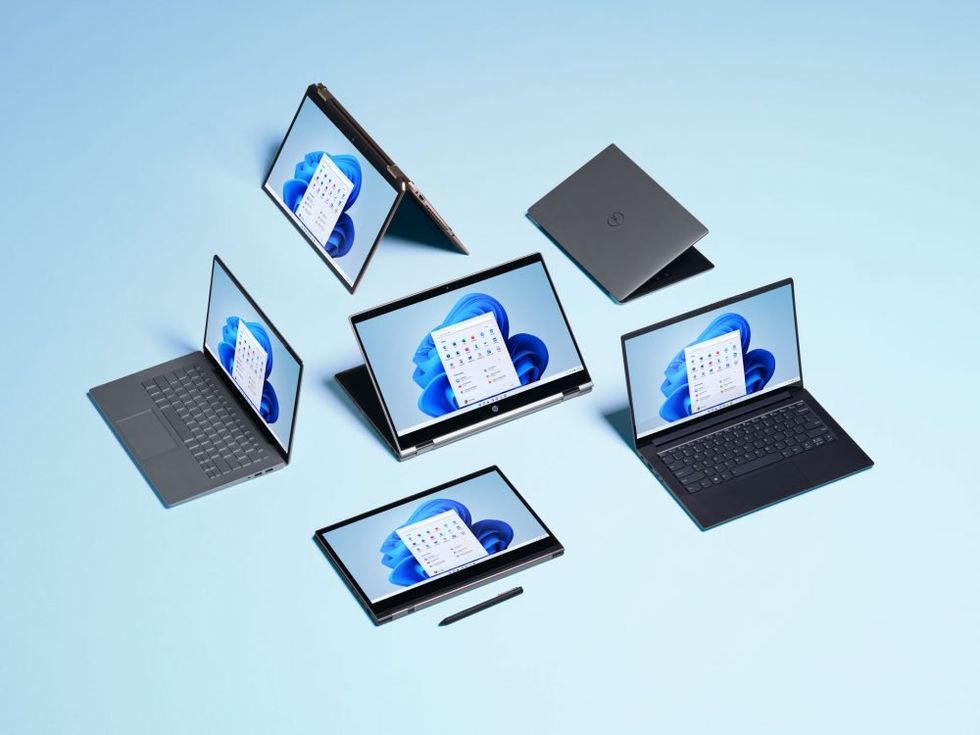
Your Microsoft device must be updated to Windows 11 — the latest operating system — to receive the latest features and security fixes
| MICROSOFT PRESS OFFICEIf your Windows 10 computer meets the minimum criteria to run Windows 11, Microsoft will let you upgrade to its newest operating system free of charge. Similar to the free upgrade scheme that let PC owners with Windows 7 and Windows 8 switch to Windows 10, there's no charge to unlock the latest Windows 11 features.
To check the eligibility of your laptop or desktop PC, you can either use the PC Health Check feature included on Windows 10 or a third-party tools like WhyNotWin11. If your hardware is compatible, the simple upgrade process involves clicking the Windows Start button, then select Update & Security> Windows Update.