









Apple dropped a slew of software updates this week, patching more than 35 security vulnerabilities across its devices. The all-new iOS 26.3, iPadOS 26.3, macOS 26.3, and watchOS 26.3 dropped at the same time, so you'll be able to upgrade all of your devices tonight.
With these updates installed, you'll be protected from hackers, who have already managed to exploit one of the bugs, known as a "zero-day". Identified as CVE-2026-20700, this bug lets attackers run malicious code on your device.
Apple says this flaw may have been used in what they describe as an "extremely sophisticated attack" targeting specific individuals. Other fixes address problems across various apps. For instance, a dodgy media file could crash CoreAudio. Game Center also had a bug that might expose sensitive information.
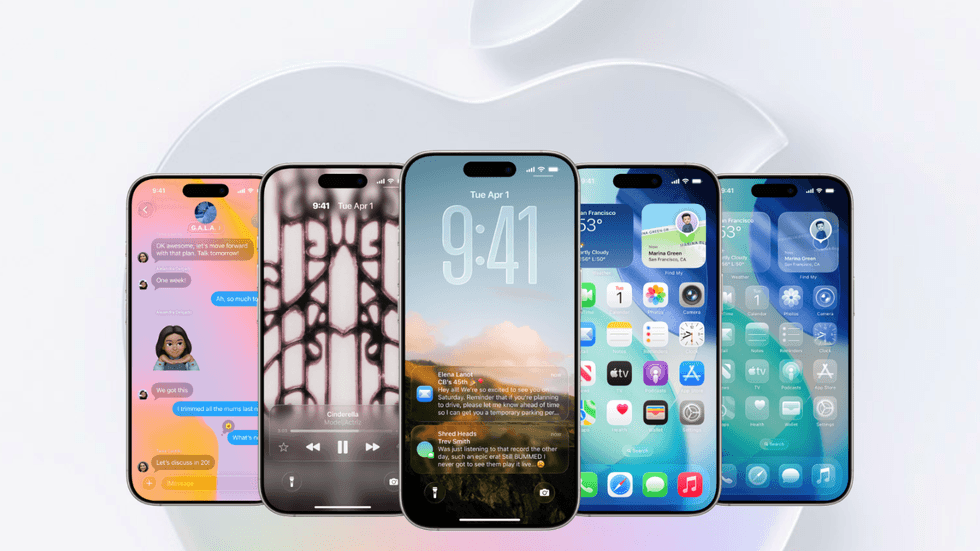
iOS 26 is the successor to iOS 18, which was launched late last year
| APPLE PRESS OFFICE | GBNThere was even an issue in Photos that could let someone with physical access to your phone view pictures straight from the Lock Screen. Since Apple has made these security flaws public, hackers who weren't aware of them could now be attempting to take advantage of the vulnerabilities. If successful, they could potentially install malicious malware and steal your personal information.
To avoid hackers taking advantage of these glitches to wreak havoc, it's recommended that you update every one of your Apple devices as soon as possible.
LATEST DEVELOPMENTS
However, not every Apple device will be eligible. iPhone models compatible with iOS 26.3 include:
- iPhone 16 series (iPhone 16, 16 Plus, 16 Pro, 16 Pro Max, 16e)
- iPhone 15 series (iPhone 15, 15 Plus, 15 Pro, 15 Pro Max)
- iPhone 14 series (iPhone 14, 14 Plus, 14 Pro, 14 Pro Max)
- iPhone 13 series (iPhone 13, 13 mini, 13 Pro, 13 Pro Max)
- iPhone 12 series (iPhone 12, 12 mini, 12 Pro, 12 Pro Max)
- iPhone 11 series (iPhone 11, 11 Pro, 11 Pro Max)
- iPhone SE (2nd generation and later)
iPad models compatible with iPadOS 26.3 include:
- iPad Pro: M4, 12.9-inch (3rd generation and later), and 11-inch (1st generation and later)
- iPad Air M2 and later, and 3rd generation and later
- iPad 8th generation and later and A16 chip models
- iPad mini 5th generation and later and A17 Pro
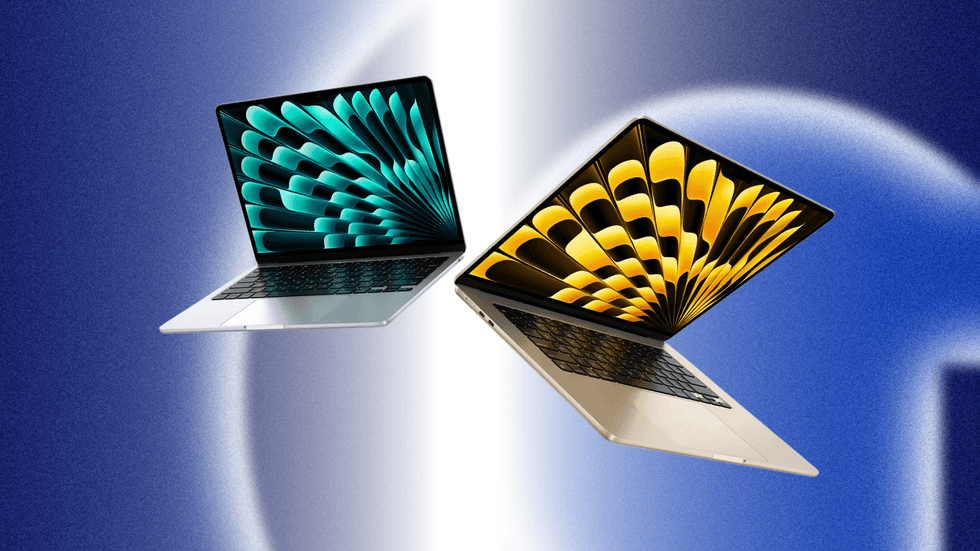
Check your Mac and see if you can update it to macOS 26.3 (Tahoe), the most up-to-date operating system
|APPLE | GB NEWS
Mac models compatible with macOS 26.3 (Tahoe) include:
- MacBook Pro: 16-inch, 2019, 13-inch, 2020, Four Thunderbolt 3 ports, 13-inch, M1, 2020 and later including M2, M3, M4 chips, and all newer 14-inch/16-inch Apple Silicon models (2021–2025)
- MacBook Air: M1, 2020 and later, and M2, M3, M4 variants
- iMac: 27-inch Retina 5K, 2020 and newer and 24-inch, M1 and later, and
- Mac mini (M1, 2020) and later
- Mac Studio (2022, 2023, 2025 models)
Apple Watch models compatible with watchOS 26.3 include:
- Apple Watch SE (2nd generation)
- Apple Watch SE (3rd generation)
- Apple Watch Series 6
- Apple Watch Series 7
- Apple Watch Series 8
- Apple Watch Series 9
- Apple Watch Series 10
- Apple Watch Series 11
- Apple Watch Ultra
- Apple Watch Ultra 2
- Apple Watch Ultra 3
For iPhone owners, you also get new privacy settings that give you more control over how much your mobile network knows about where you are on your iPhone. The feature is called "Limit Precise Location," and it stops carriers from pinpointing your exact street address.
Instead, they'll only be able to work out roughly which neighbourhood you're in.
If you're using either EE or BT as your mobile provider in the UK, you can use this right now. The catch is that it only works on newer devices with Apple's C1 or C1X modems, so you'll need an iPhone Air, iPhone 16e, or the cellular iPad Pro with M5 chip.
To switch it on, head to Settings > Mobile Service > Mobile Data Options, and toggle on Limit Precise Location. You'll need to restart your phone afterwards.
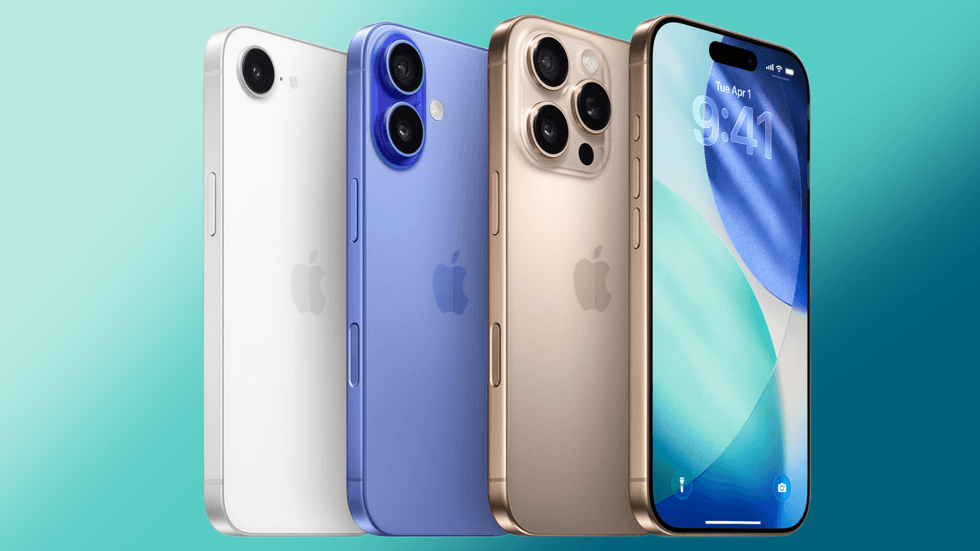
If you're using either EE or BT as your mobile provider in the UK, you can use the new feature "Limit Precise Location" right now
| APPLE PRESS OFFICE | GBNiOS 26.3 also brings a brand new "Transfer to Android" tool that Apple built with Google.
If you're thinking about making the switch to an Android phone, the process just got brilliantly simple. You can just place your new Android device next to your iPhone, and the two start talking to each other wirelessly.
From there, you can move your photos, messages, notes, apps, passwords, and even your phone number across to your new handset. There's no need to download any extra apps to make it happen. It's worth knowing that some feature information won't transfer over, including Health data, Bluetooth-paired devices, and locked notes.
More From GB News