


All products and promotions are independently selected by our experts. To help us provide free impartial advice, we will earn an affiliate commission if you buy something. Click here to learn more






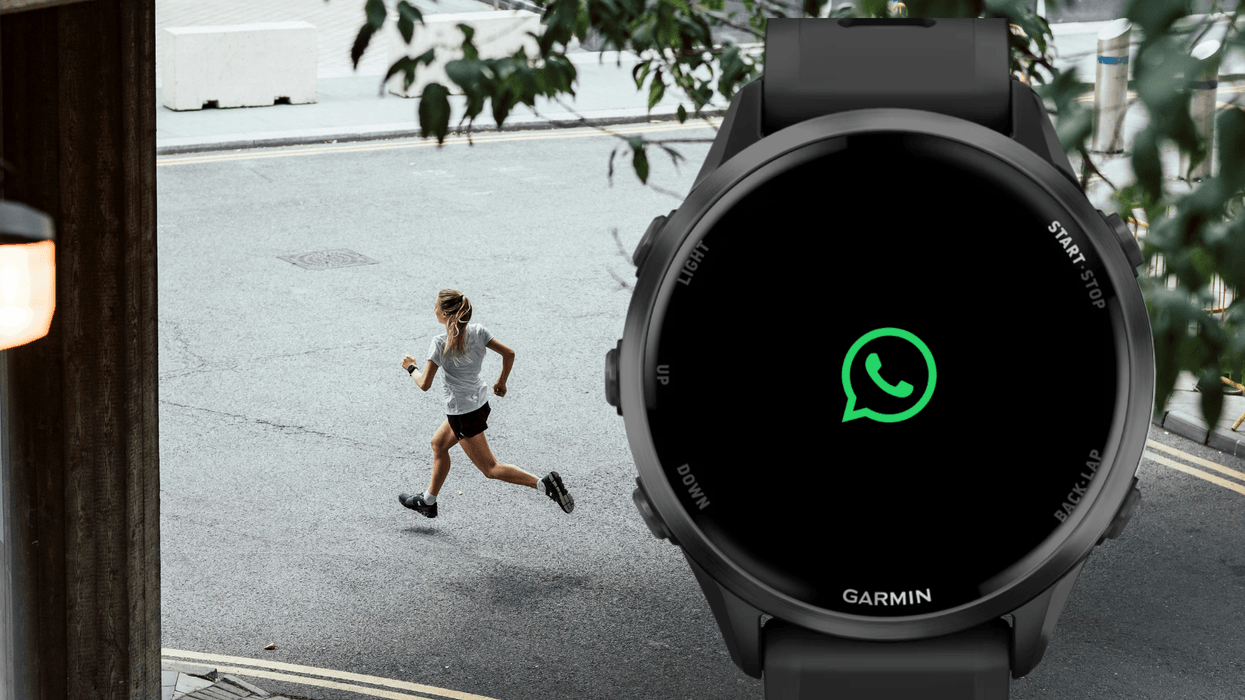
WhatsApp has become the first chat app to land on Garmin watches. You're now able to check your WhatsApp messages from your wrist without having to fish your phone from your pocket.
Garmin is known for durable, GPS-enabled smartwatches. Popular among athletes and outdoor enthusiasts, its watches offer advanced fitness, health, and navigation features across a range of activities.
These premium wearables can act like a gym buddy, providing valuable insights into your workouts and recovery, and suggesting next best actions based on your activity. They're an ideal option if you're looking to get a detailed overview of your health and fitness levels. Here's how you can access WhatsApp on these fitness watches.
Send WhatsApp messages with the Garmin Forerunner 570 from Amazon
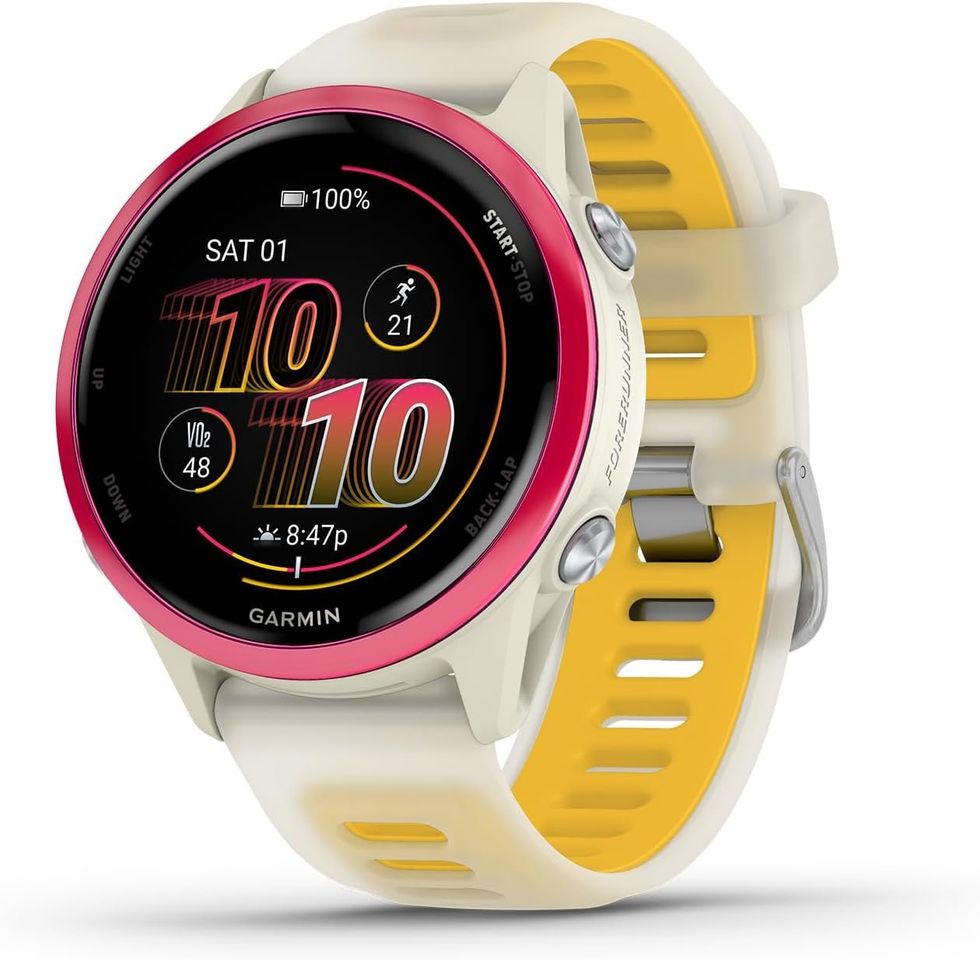
Having just been released this month, the Garmin Forerunner 570 is a smartwatch with a bright AMOLED display, button controls, and a durable aluminium bezel. It's designed with up to 10 days of battery life, personalised Garmin Coach training plans, and daily workout suggestions. You can also track performance with advanced insights like HRV and VO2 max, take calls from your wrist, and stay safe with built-in tracking and emergency features
Garmin Forerunner 570
$453.24
Send WhatsApp messages with the Garmin vívoactive 6 from Amazon
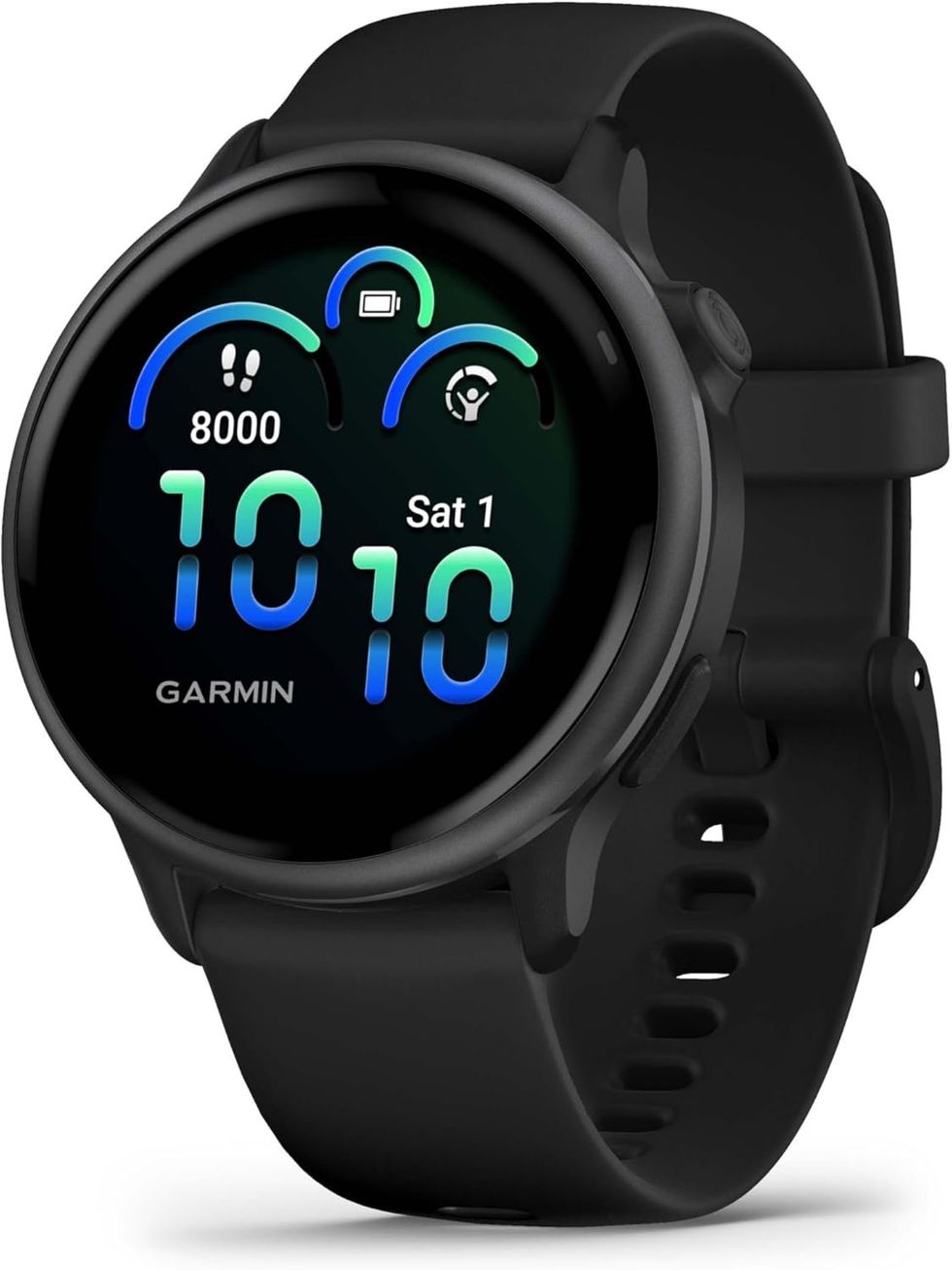
The Garmin vívoactive 6 is a smartwatch offering up to 11 days of battery life. You can track energy levels, sleep, stress, and recovery with personalised insights and coaching. Plus, you can enjoy access to more than 80 sports apps, daily workout suggestions, and animated training sessions. With advanced health monitoring and smart features like nap tracking and alarms, it’s designed to support various areas of your fitness journey
Garmin vívoactive 6
$269.99
$219.99
It's important to note that the Meta-owned chat app is compatible only with select Garmin models. You'll need either a fēnix, Forerunner, Venu, or vívoactive smartwatch from the brand to start using WhatsApp.
Susan Lyman, Garmin Vice President of Consumer Sales and Marketing, said: "Collaborating with WhatsApp underscores the strength and momentum of the Garmin Connect IQ ecosystem. By bringing a global messaging brand like WhatsApp to select Garmin smartwatches, we're giving customers another meaningful way to stay connected—whether they're training, exploring or simply on the move."
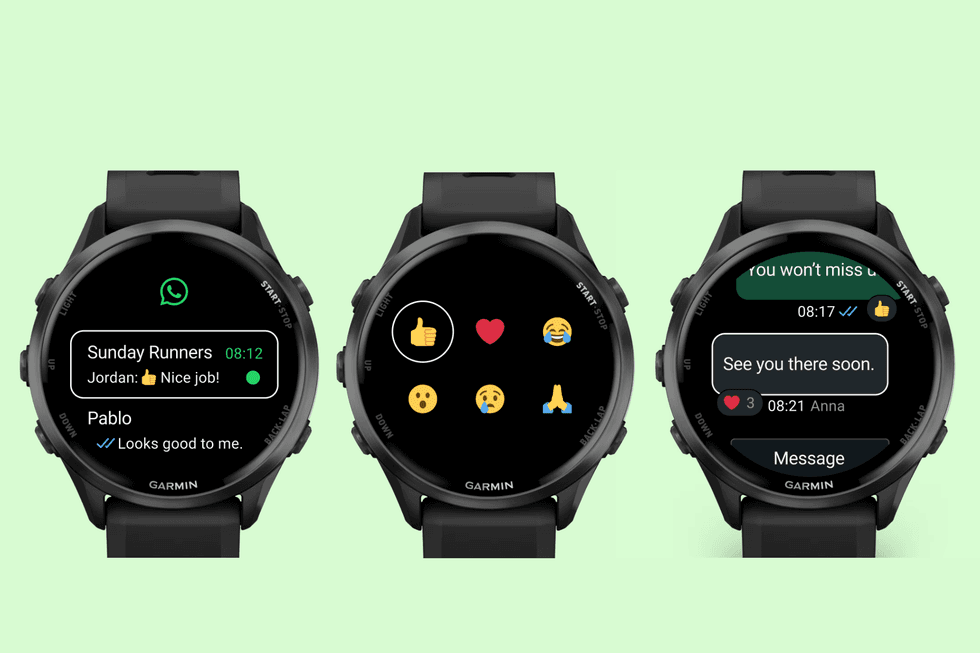
Using the WhatsApp app on your Garmin, you can browse recent chats, reply, accept calls, and more
|GARMIN | GB NEWS
To download WhatsApp for free onto your wearable, you'll need to be able to access the Connect IQ Store — Garmin's own app store.
You'll also need a paired iPhone or Android phone with WhatsApp installed to use the app. To do this, follow these steps:
- Pair your watch: Open Garmin Connect and tap Devices → Add Device. Follow prompts to connect your Garmin watch via Bluetooth
- Enable notifications: In Garmin Connect, go to Settings → Notifications → App Notifications. Then turn on notifications for WhatsApp
- Allow phone permissions: On your phone, ensure WhatsApp notifications are enabled: iPhone: Settings → Notifications → WhatsApp → Allow Notifications. Android: Settings → Apps → WhatsApp → Notifications → Allow
- Turn on smart notifications: In Garmin Connect, go to Smart Notifications. Enable for calls, texts, and apps
LATEST DEVELOPMENTS
Once installed, you can browse your recent chats and messages at a glance, which is great for staying on top of conversations while you're out running or exploring.
If you need to reply, you can type back using the watch's built-in keyboard, or simply fire off an emoji or reaction if you're in a hurry.
The app shows up to 10 messages in your chat history, so you won't lose track of what's been said.
You'll also see incoming WhatsApp calls pop up on your screen, with the option to decline them if you're busy.
If you're worried about privacy and keeping your messages secured, WhatsApp provides end-to-end encryption, meaning only you and the person you're chatting with can see them.
More From GB News