








If you've got a Freeview box or TV, you're being treated to an update that won't cost you a penny. The UK's free television platform has just launched a new channel called That's Entertainment, which you can tune into on channel 75.
The TV platform said in a statement: "Channels continue to evolve on Freeview with individual channel providers making the decision to move, add or remove channels. Freeview continues to ensure that audiences can enjoy a rich and varied content offering."
However, the channel is so new that you can't see which shows or movies are airing quite yet.
Freeview is consistently updating its channel offerings. Most recently, three music channels were retired on the platform. TLC, which you could only watch if you paid for Sky TV or Virgin Media, became completely free to watch on Freeview or Freely earlier this year.
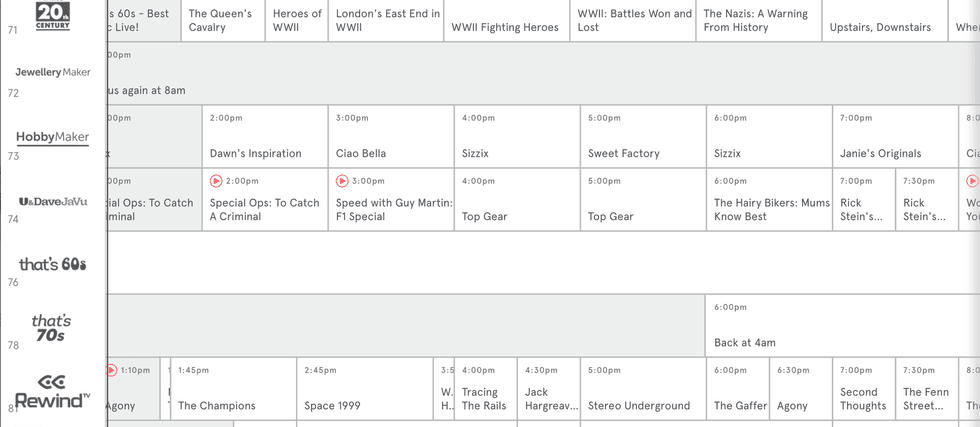
Freeview's TV Guide isn't displaying the new channel called That's Entertainment quite yet
|FREEVIEW
But a new channel isn't the only update to look forward to, as Freeview has also confirmed that three channels have been given fresh names.
That's TV 3, which you'll find on channel 71, is now called That's 20th Century. This one features music from decades gone by alongside classic programmes like Yes, Minister, In Sickness and in Health, and The Saint.
Over on channel 86, That's TV 3 MCR has become That's 20th Century MCR. It airs a mix of classic British sitcoms, vintage TV, music blocks, and teleshopping.
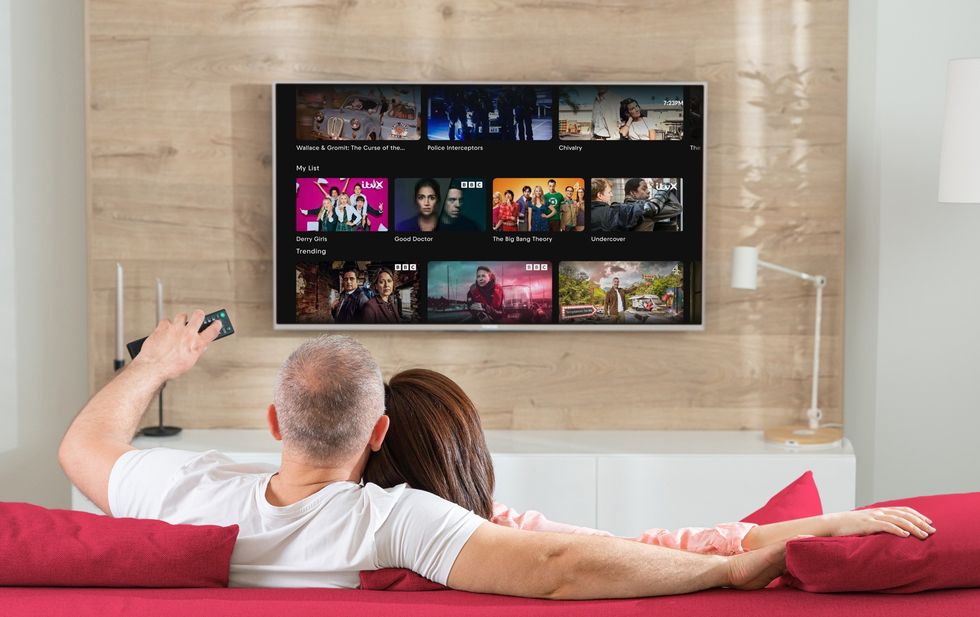
Freeview recommends that you retune your TV so you can enjoy all of the latest updates
| EVERYONE TV PRESS OFFICEMeanwhile, That's Classics MCR on channel 93 has dropped the MCR part and is now called That's Classics, which is more focused on showing archive and older British television.
Freeview always recommends that users retune their devices to guarantee that all of the changes have been applied.
Some Freeview devices will retune automatically once an update is available, but if you're missing any new channels, or the channel numbers in your TV Guide don't reflect the latest changes, it's worth following the step-by-step guide to retune Freeview Smart TVs and set-top boxes below.
LATEST DEVELOPMENTS
You can update your TV when you follow these steps:
- Start by pressing the menu button on your remote control
- Look for an option like 'set-up', 'installation', or 'update' – the wording varies depending on your device.
- If it asks for a PIN, try 1234 or 0000, as these are the standard defaults.
- Select 'first-time installation', which might also be labelled 'factory reset' or 'full retune'.
- Your device will ask if it's okay to delete your existing channels – confirm this, and the search will begin automatically.
Once complete, save the channels when prompted, and you're all sorted.
Freeview is the most popular free-to-watch provider in the UK, with 16 million homes watching content via its service on Smart TVs and streaming boxes.