


All products and promotions are independently selected by our experts. To help us provide free impartial advice, we will earn an affiliate commission if you buy something. Click here to learn more








Fraudsters are still very hungry for your passwords.
Last year, cybersecurity firm Surfshark reported that by the end of the first quarter of 2025, 2.2 million UK accounts had been breached — increasing to 3.2 million by the end of the quarter.
While these numbers are extremely high, they're not as large as what we saw in 2024. In comparison, Surfshark also reported that 5.7 million users experienced a breach in the first quarter of the year alone. This is equivalent to nearly 64 accounts breached every minute.
So, why has there been a decrease in these numbers?
Experts point to an increase in the use of security tools like password managers and passkeys to help better protect yourself. Only 17% of Britons were using these handy tools in 2024, but this has more than doubled to 37% in 2025, according to a survey from cybersecurity firm Yubico.
Password managers safely store and autofill your passwords for different accounts, making it easier to use strong, unique passwords everywhere. Together, they can simplify your login security and greatly reduce the risk of hacks.
On the other hand, passkeys are a modern replacement for traditional passwords, using cryptographic keys stored on your device to securely log in without typing a password. They help protect against fraudsters and are more secure than passwords alone. Several web browsers, like Google Chrome and Safari, already have them built into their systems to help reduce the risk.
Switch to 1Password for FREE
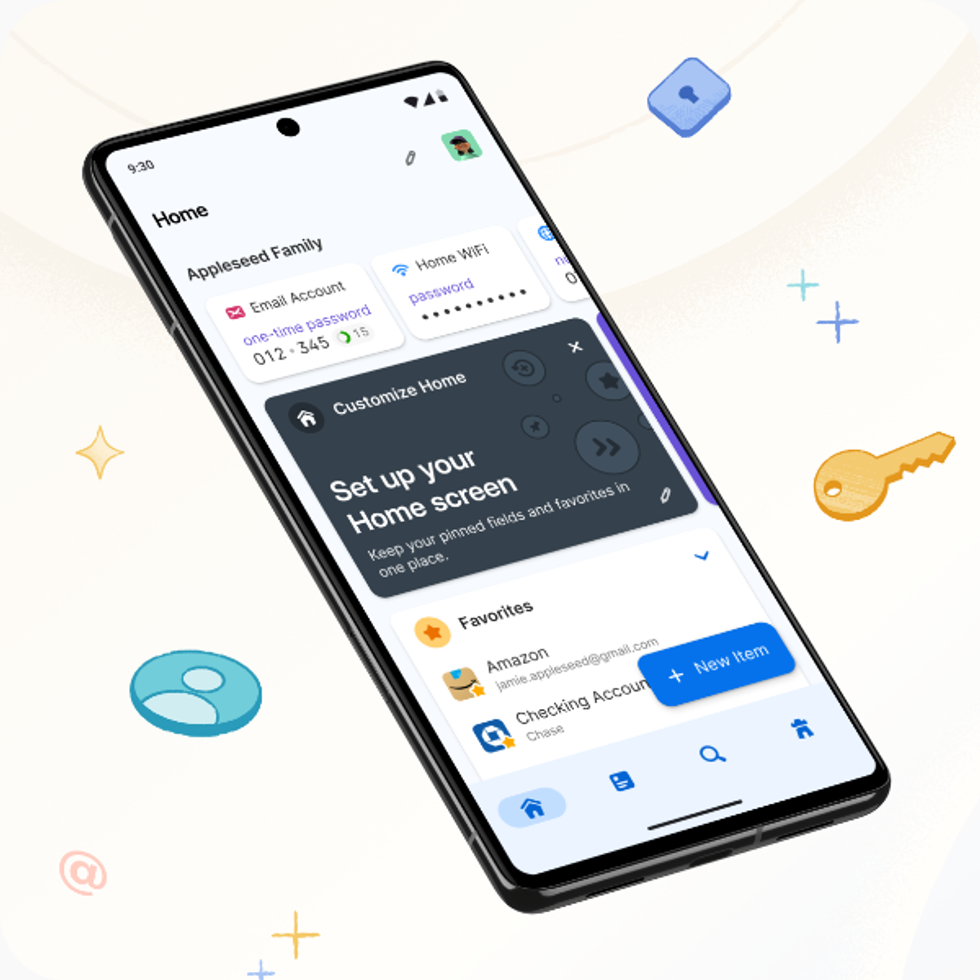
The award-winning 1Password is designed to generate and store unguessable passwords, passkeys, credit card numbers, national insurance numbers, and much more. This encrypted vault is available across all of your favourite devices, including iPhone and Android, Windows and Mac computers, iPad and other tablets. It's built-in WatchTower feature evaluates password strength and warns about data breaches that impact you. 1Password is currently free to test for 14 days with no obligation to subscribe
1Password
$2.99
$0
Get 74% off ExpressVPN + unlock its Keys Password Manager for two years

ExpressVPN bundles its encrypted Keys password manager with some of its subscriptions, including the Advanced subscription that's currently on-offer for just £2.79 per month. As well as being able to sign-in to 12 devices at the same time with its award-winning VPN, you can generate and store secure logins for every online account, and benefit from 3 days of mobile data via eSIM from holiday.com
ExpressVPN
$10.99
$2.79
Get 56% off NordPass and an extra three months for free
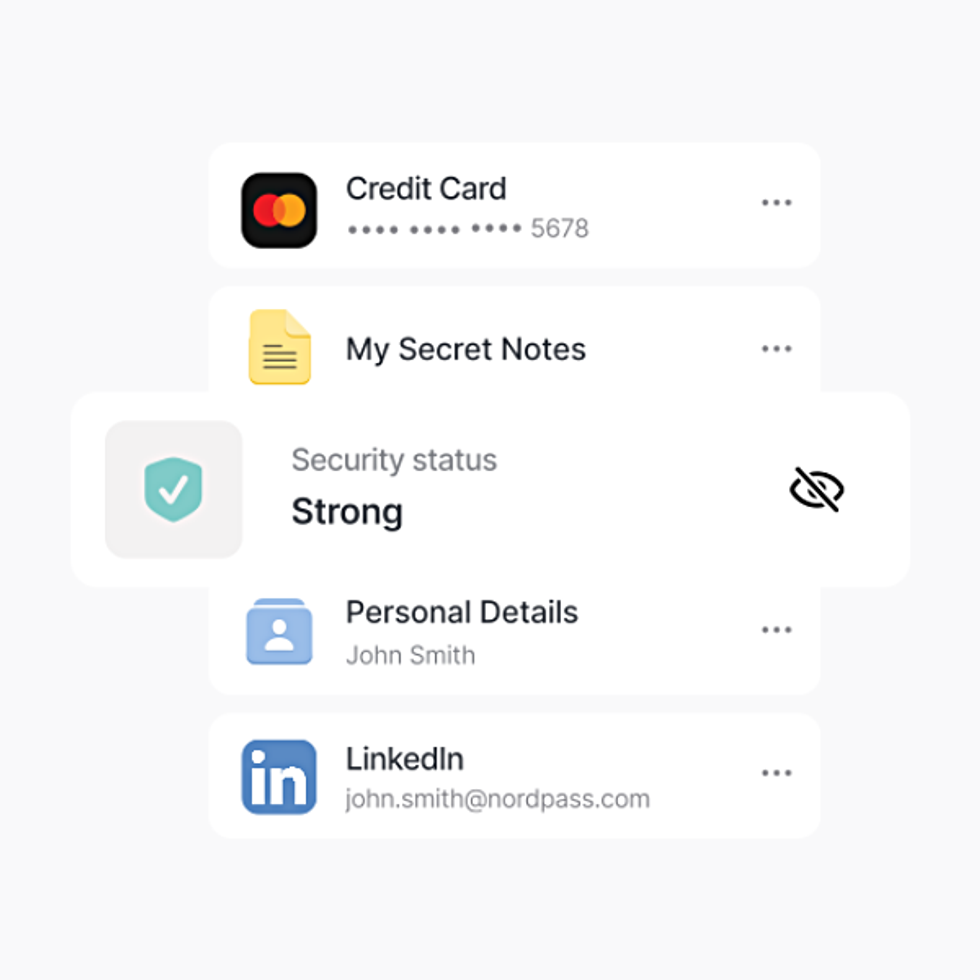
NordPass is a secure password manager that works across your favourite devices, including iPhone and Android, Windows and Mac computers, iPad and other tablets ...it will evaluate your password strength, autofill login details for you, and warn about any data breaches on the Dark Web that impact you. It's a one-stop-shop to improve your online security and fightback against hackers from the team behind the award-winning NordVPN
NordPass
$2.29
$0.99
"The practice of using password managers has encouraged individuals to create unique and complex passwords for all their accounts, thereby significantly minimising the chances of the use of the same password," cybersecurity expert Jacob Klavo, told GB News.
"On the other hand, passkeys, which can be defined as cryptographic credentials that are a substitute for regular passwords, do not involve the human factor at all and thus make phishing attacks and leaks far less effective. We are witnessing the initial measurable influence of the widespread adoption of more secure password practices."
Despite these new trends, this doesn't mean that there aren't still massive breaches occurring. Earlier this past summer, 16 billion login credentials were exposed in a global data breach — affecting those with accounts to Google, Facebook, Zoom, and several other online platforms.
 Passkeys are a passwordless sign-in method for users | GOOGLE PRESS OFFICE
Failing to protect your accounts with a password manager or passkey can leave you dangerously exposed. Many people reuse passwords across multiple accounts or choose simple, easy-to-guess passwords. In a recent report, it was revealed that Britons are still using common words for their login credentials, like "password" and "admin."
Cybercriminals are well aware of this and actively exploit it, using stolen credentials from one breach to access countless other accounts — a tactic known as credential stuffing.
"When a password for one site is exposed, cybercriminals will try it across dozens of other services, which is why using a unique password for every service is extremely important. Password managers make that simple. They also help users avoid predictable patterns like adding symbols or letters to the same base password," security expert Danny Jenkins told GB News.
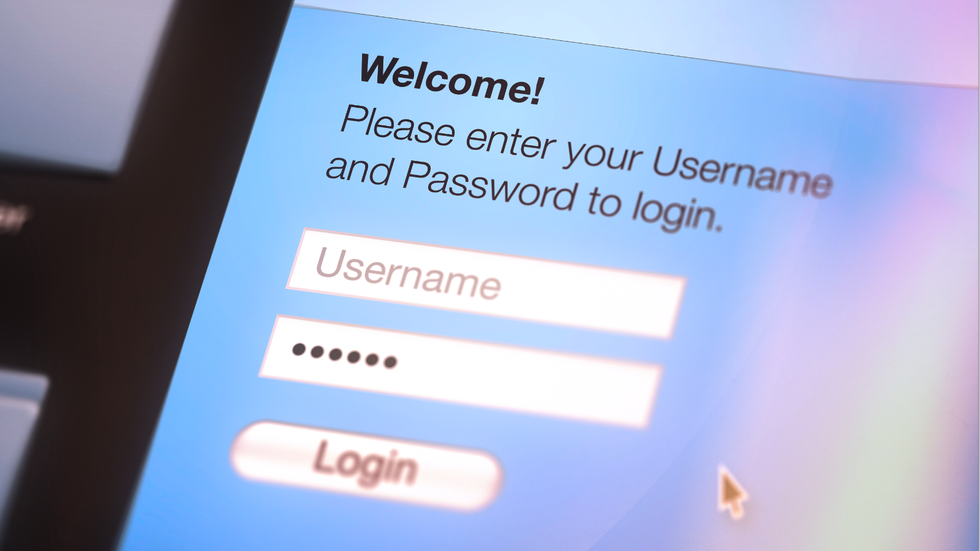
Using a password manager or passkey drastically reduces these risks by generating strong, unique credentials for every account and storing them securely.
| GETTY IMAGESWithout a secure way to manage your passwords, sensitive information such as banking details, personal emails, and social media profiles can be compromised.
The consequences can be severe, too. This includes financial loss, identity theft, unauthorised purchases, and even reputational damage if your accounts are hijacked.
Phishing attacks also become more effective when passwords are weak or reused. This is a type of tactic where criminals attempt to trick you into revealing your personal information through the use of fake emails, messages, or websites that look legitimate.
Beyond theft, you may spend countless hours recovering accounts, resetting passwords, and dealing with the fallout — sometimes without ever fully regaining control.
Using a password manager or passkey drastically reduces these risks by generating strong, unique credentials for every account and storing them securely.
LATEST DEVELOPMENTS
However, password managers aren't completely invincible. "When using these tools, it's important to remember that they can be compromised," said Mr Jenkins.
For instance, if your master password for a password manager isn't strong, then fraudsters could still find a way to hack into your accounts.
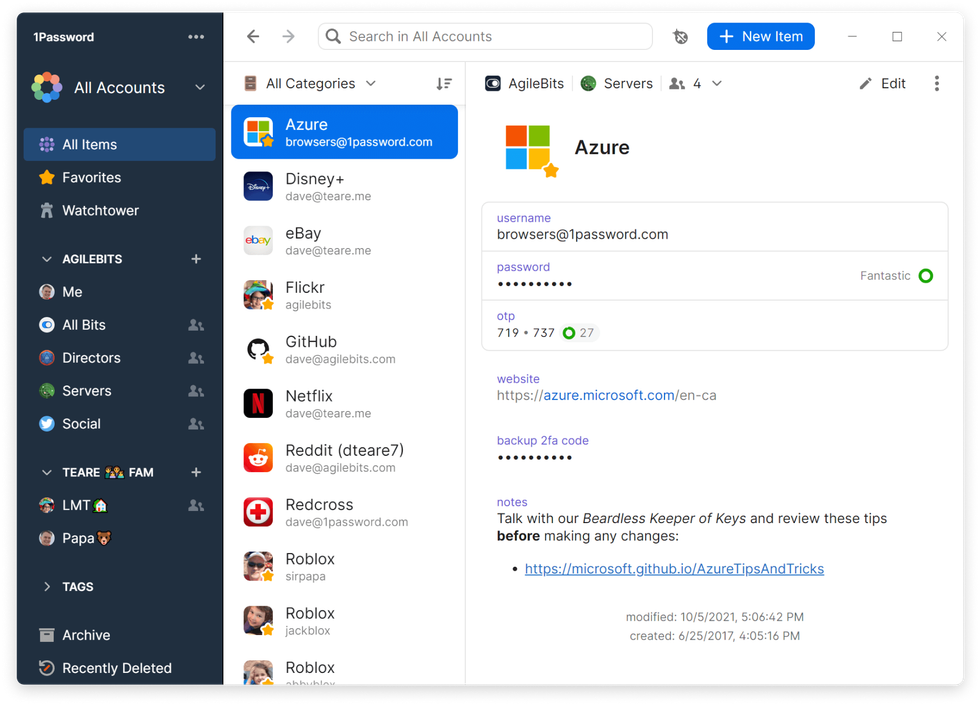 Password managers, like 1Password (pictured), can manage lengthy, unique alpha-numeric passwords for every online account and monitor the Dark Web for breaches and hacks | 1PASSWORD PRESS OFFICE
 When you combine the use of a password manager with the following steps, you can make your accounts even more secure.
- Use a very strong master password: Avoid common words, predictable patterns, or anything easily guessable. Think of it as the single lock that protects your entire digital life — if it’s weak, all your accounts are at risk.
- Enable two-factor authentication (2FA) for your manager: This adds an extra layer of security by requiring a second form of verification — like a code from your phone or a security key — when logging in. Even if someone somehow gets your master password, they still won’t be able to access your password vault without this second factor.
- Keep devices and software up to date: Outdated devices or apps can have security vulnerabilities that hackers exploit, such as the recently discontinued Windows 10 software. Regular updates patch these weaknesses and ensure your password manager and devices stay as secure as possible.
- Combine with passkeys: Passkeys can't be guessed or reused, making them one of the most secure login methods available today. When you combine these with your password manager, it makes it highly unlikely for fraudsters to steal your information.
More From GB News