



All products and promotions are independently selected by our experts. To help us provide free impartial advice, we will earn an affiliate commission if you buy something. Click here to learn more






Alexa+ is slowly rolling out in "early access" to millions of UK households. Ahead of the launch, GBN Tech had the chance to test this overhauled assistant. And we were really impressed.
For those who missed the announcement for US-based Echo owners last year, Alexa+ is designed to be a massive boost to Amazon's iconic voice assistant, fuelled by generative Artificial Intelligence (AI) smarts to handle more complex tasks and make conversations feel more natural. The enhanced system also lets you ask follow-up questions without repeating "Alexa," and even interrupt mid-answer with a clarification.
This is a fundamental shift from the classic command-and-response model that we've all become accustomed to over the last decade, since Alexa arrived on UK shores, into a more intuitive, conversational experience. You won't need to learn how to speak to Alexa anymore... the chatty AI should be able to understand whatever you're asking.
To see whether this upgraded Alexa is truly the AI companion that you need, we test the latest Alexa+ capabilities in a variety of demo rooms designed to simulate different rooms in a house — crafting complex questions and commands in the kitchen and living spaces. Here's exactly how Alexa did...
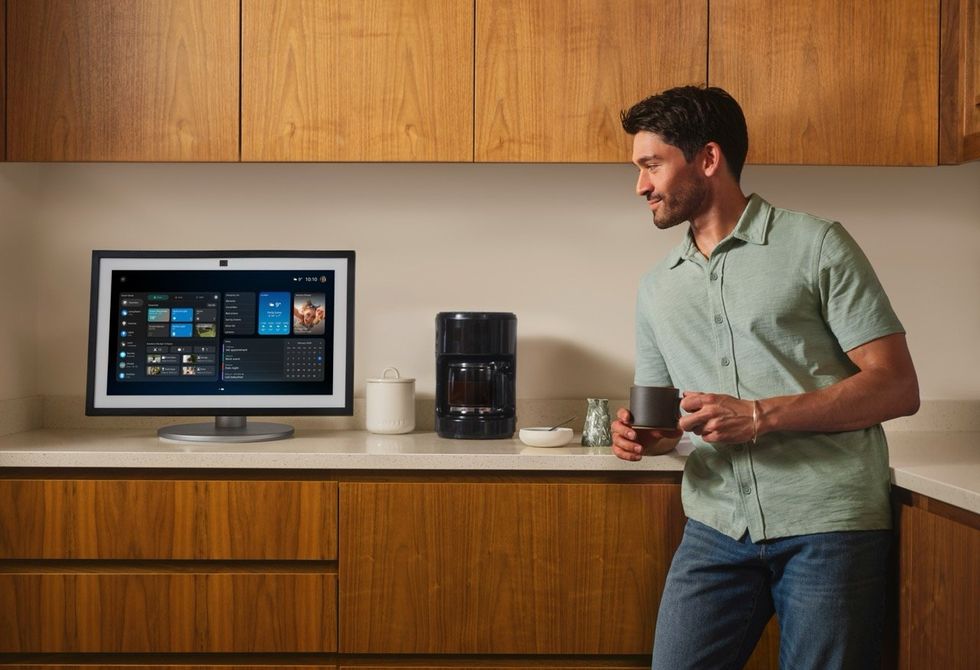
Alexa+ allows follow-up questions without repeating "Alexa," and can link your other queries within the same conversation
|AMAZON PRESS OFFICE
It's important to note that Alexa+ is only available right now with newer Amazon devices. Amazon is slowly rolling out the improved assistant to the majority of its Echo portfolio. As we navigated Alexa+'s different uses, we also used a few from the following list:
- Echo Dot Max
- Echo Dot Studio
- Echo Show 8
- Echo Show 11
- Fire TV Stick HD
- Fire TV Stick 4K Max
- Fire TV Stick 4K Select
- Fire TV Stick 4K Plus
- Fire TV sets (Omni Mini-LED Series, Omni QLED Series, 4-Series, 2-Series)
- Fire TV Cube
Upgrade to the Echo Dot Max speaker to use Alexa+
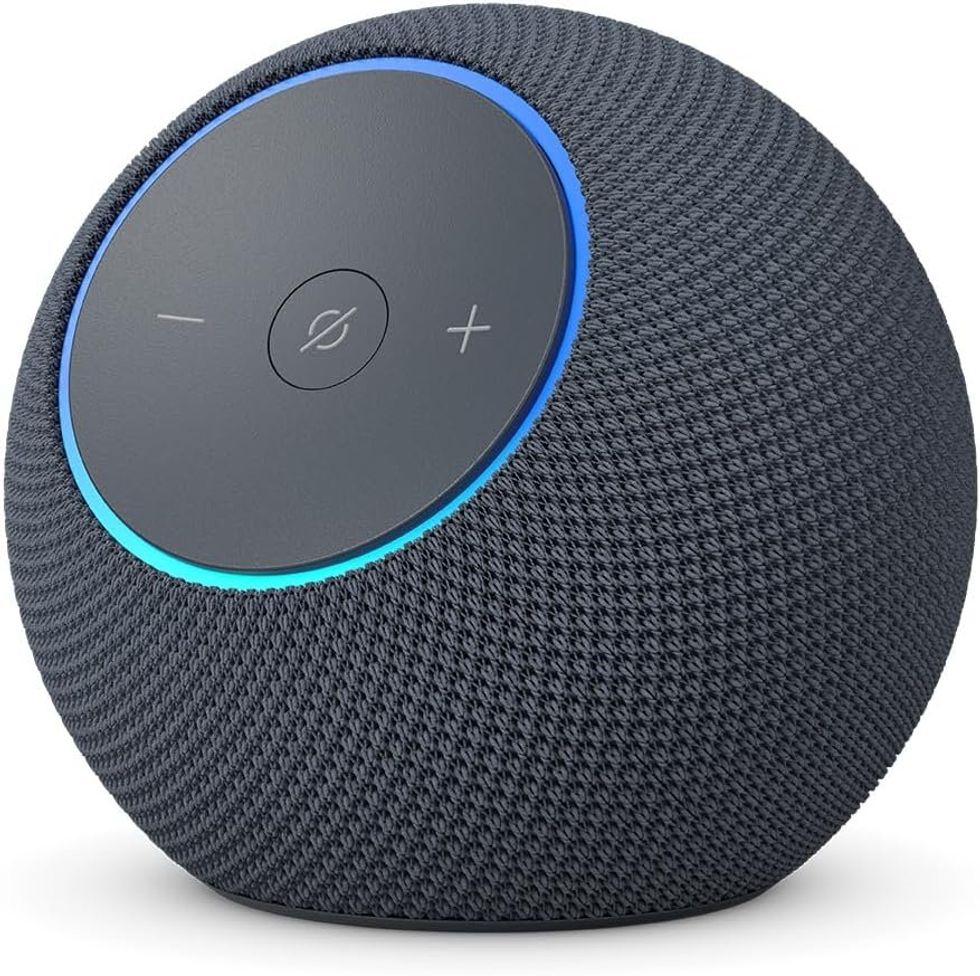 Buy the Echo Dot Max speaker at its lowest EVER price
The Echo Dot Max speaker is designed for you to enjoy room-filling audio with 3x more bass, adaptive playback, and deep clarity. The built-in smart home hub and Omnisense technology enhance your space. You can also pair devices for multi-room audio or home cinema, control thousands of smart home devices, and let Alexa+ help with tasks.
Echo Dot Max speaker
$99.99
Upgrade to the Echo Show 8 to use Alexa+
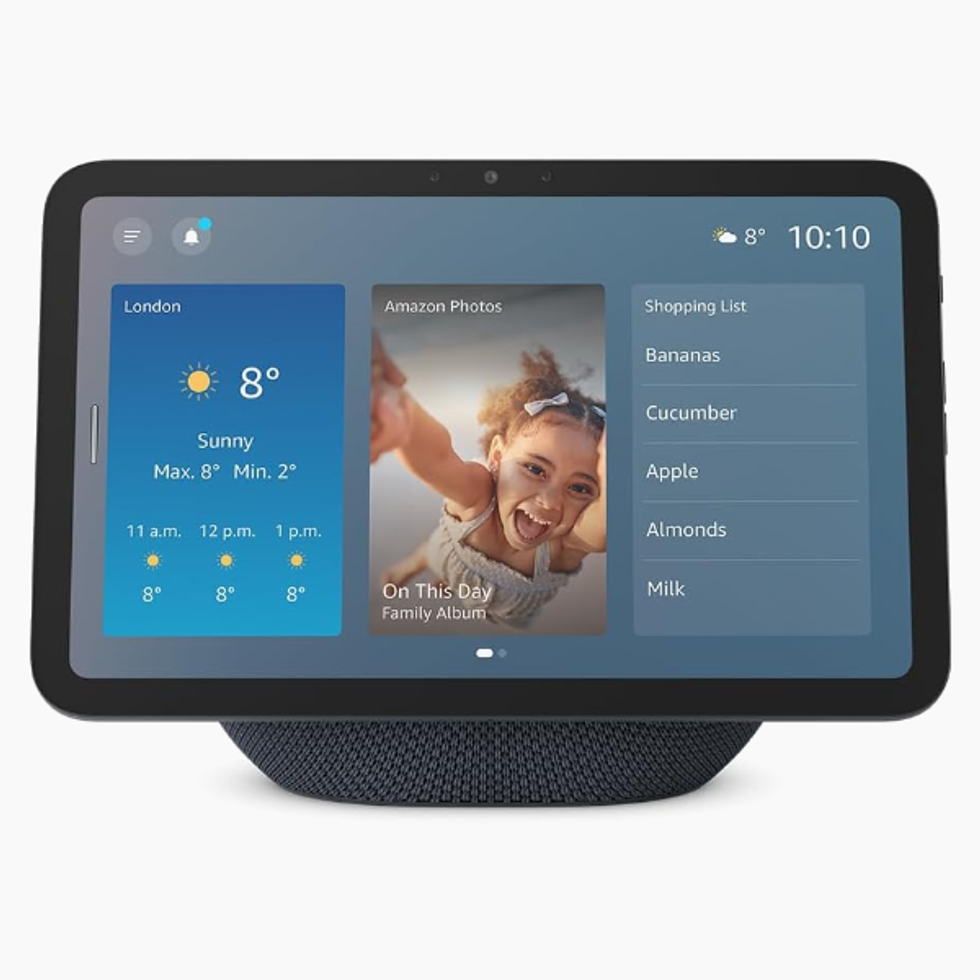
Despite the name, the Echo Show 8 boasts an almost 8.7-inch screen size. With a vibrant new HD panel with wider viewing angles and powerful AZ3 Pro chip for faster performance, this gadget is designed to be the centre of your smart home — allowing you to make and recieve calls via the 13MP front-facing camera, control music playback across your speakers, view a live feed from a doorbell camera, add reminders, check the calendar, and more with a few taps.. or using voice assistant Alexa.
Echo Show 8
$179
We started using Alexa+ in the living room, where the improved assistant was a good co-host when you're having guests over for a dinner party or to watch a movie.
While you've long been able to request a specific film or TV show on the big screen using Alexa in your Fire TV, the way this came about with Alexa+ was very different.
We started a conversation about the recent Academy Awards, which turned into a very natural discussion about Best Actress winner Jessie Buckley and her filmography. The conversation with Alexa+ felt fluid, as if speaking to a real human being — albeit one with a vast amount of knowledge about the Wild Rose star —in the room. We were able to interrupt answers to ask for clarification without derailing the experience.
Alexa knew exactly who we were talking about, despite referring to the award-winner as "she" for the vast majority of the conversation with the AI. By the end, Alexa+ was able to advise where we could watch Hamnet, make the purchase, and queue up the film on the big screen via a paired Fire TV.
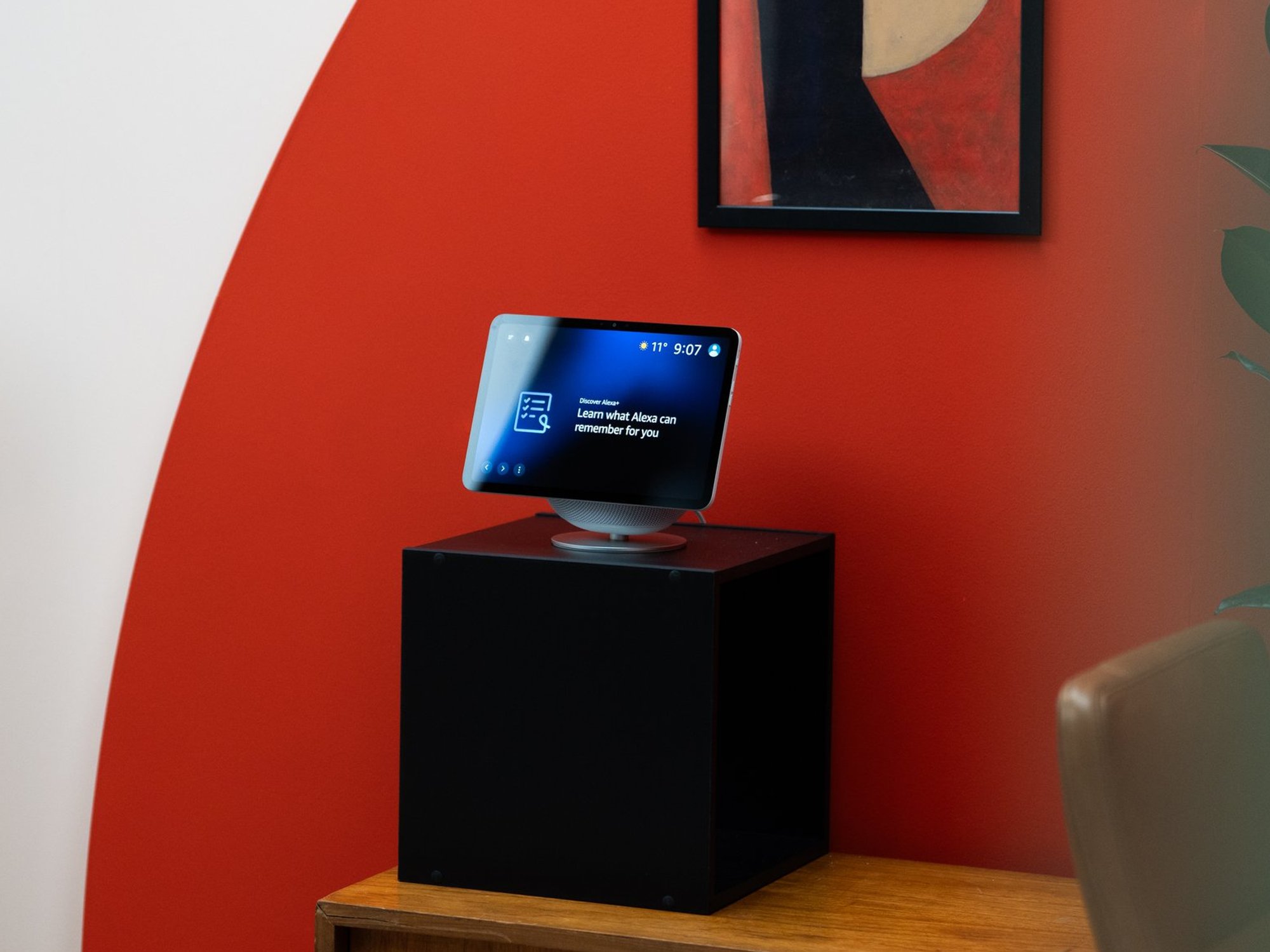
You can pair multiple Echo devices together throughout your home and synchronise playback in different rooms with a quickl voice command to Alexa
|AMAZON PRESS OFFICE
While Alexa+ is much smarter, drawing on millions of Wikipedia entries, blog posts, press releases, and online articles to bring a comprehensive summary based on whatever you're talking about — much in the same way that ChatGPT and Google Gemini are able to do — it still suffers from some of the usual pitfalls.
We noticed that if the room was particularly loud with conversation, Alexa+ didn't always hear the spoken voice command. So, you may need to repeat yourself once or twice in noisier settings.
Want to listen to music instead? Alexa+ played some of our favourite artists using a few Echo Dot Studio speakers from compatible streamers like Amazon Music, Spotify, or Apple Music. Alexa+ now understands the space around you, so you're able to shift the song currently playing to different parts of the room using spatial cues, like "Alexa, play this song on the right of the room".
Of course, you can pair several of your Echo speakers together to maximise the Dolby Atmos-certified speaker for complete surround sound as you'd experience at a cinema.
LATEST DEVELOPMENTS
Next up, we headed to the kitchen and discovered Alexa+ can be an incredible companion when cooking. For starters, it can easily pull up recipes based on specific criteria and read out ingredients you need so you can start making dinner without having to flip through a traditional cookbook – handy if it's a hands-on process.
If you have saved contacts with specific dietary requirements or allergies, Alexa+ will store these details and make sure to only suggest recipes that meet their needs. And if you have a few friends who share the same name, the AI assistant will go a step further and ask which one you need to cater for – so it doesn't miss any crucial dietary requirements.
We also found that sometimes when we were looking for quicker answers, Alexa+ still provided longer, more chatty responses. If you're in a rush to run out the door, the AI assistant's conversational style could feel a little too lengthy.
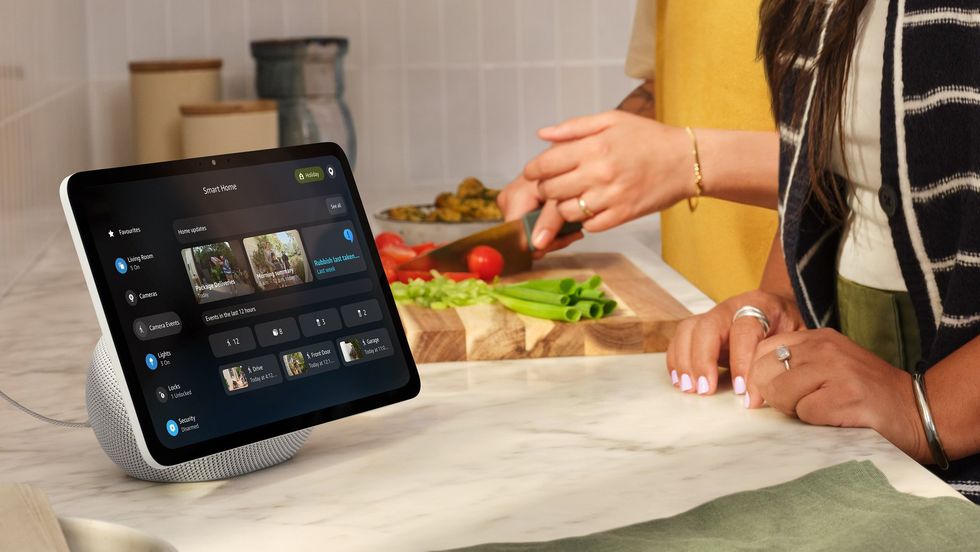
Alexa+ will remember if any of your contacts have specific dietary requirements and only recommend appropriate recipes
|AMAZON PRESS OFFICE
Making breakfast in the morning, and noticed one of the best coffee machines isn't working as well as it did before? You can ask for a list of the bestsellers and see which machine matches your needs.
What's arguably even more nifty is that if your top pick is slightly out of your budget, then you can ask to keep tabs on the item and be informed when it goes on sale. For example, you can say, "Let me know when this coffee maker is marked down to under £100." It's similar to asking Google to keep an eye out for a lower price on a flight before booking.
And if you don't feel like cooking at all, Alexa+ can order a meal for you using one of the brands it has partnered with, like Uber Eats or Just Eat. It can also make a reservation to dine out with OpenTable.
However, while Alexa+ can do all of these tasks for you in just a few quick commands, we recognise that you do need to put ample trust in the assistant. For instance, if she's placing an order for groceries, you're entrusting that it's able to truly find the best deals, brands, etc.
If it's looking up a highly rated recipe, we question if it's something we'd choose for ourselves, or if it's truly the best option.
Of course, you can always ask for Alexa+ to make edits and alterations, but this could end up taking more time down the line until you're satisfied with your choices.
Alexa+ also proved to be useful during your nighttime routine.
For instance, we asked to have the lights turned down throughout the house — ideal if you're getting ready to go to bed. You can do this as long as Alexa+ is connected to your smart, dimmable light bulbs.
Planning to stay up late and watch the Arsenal game? We asked to have the light bulbs switched to the team's colours while we watched. Alexa will adjust its tone based on how the AI assistant thinks you'll react to the news that it has to share with you – for example, if Alexa has good news about the latest Arsenal fixture, it'll be cheerful and enthusiastic in its response, whereas a bad score will be conveyed in a consolatory tone.
Alexa+ can handle long requests with multiple tasks back-to-back without getting confused. For instance, a long command was requested to play the radio for today's news, check footage from your Ring video doorbell to see if your package was delivered, and set an alarm for the next morning.
If you want to use Alexa+ for yourself, it will come at a cost. The new service will set you back £19.99 per month. However, if you're an existing Amazon Prime member, you won't need to pay anything additional.
More From GB News