


All products and promotions are independently selected by our experts. To help us provide free impartial advice, we will earn an affiliate commission if you buy something. Click here to learn more








If you've experienced the frustration of scribbling your ideas during a meeting, only to face the tedious task of typing them up later, you're not alone.
But if you own a reMarkable paper tablet, this common problem has just been solved.
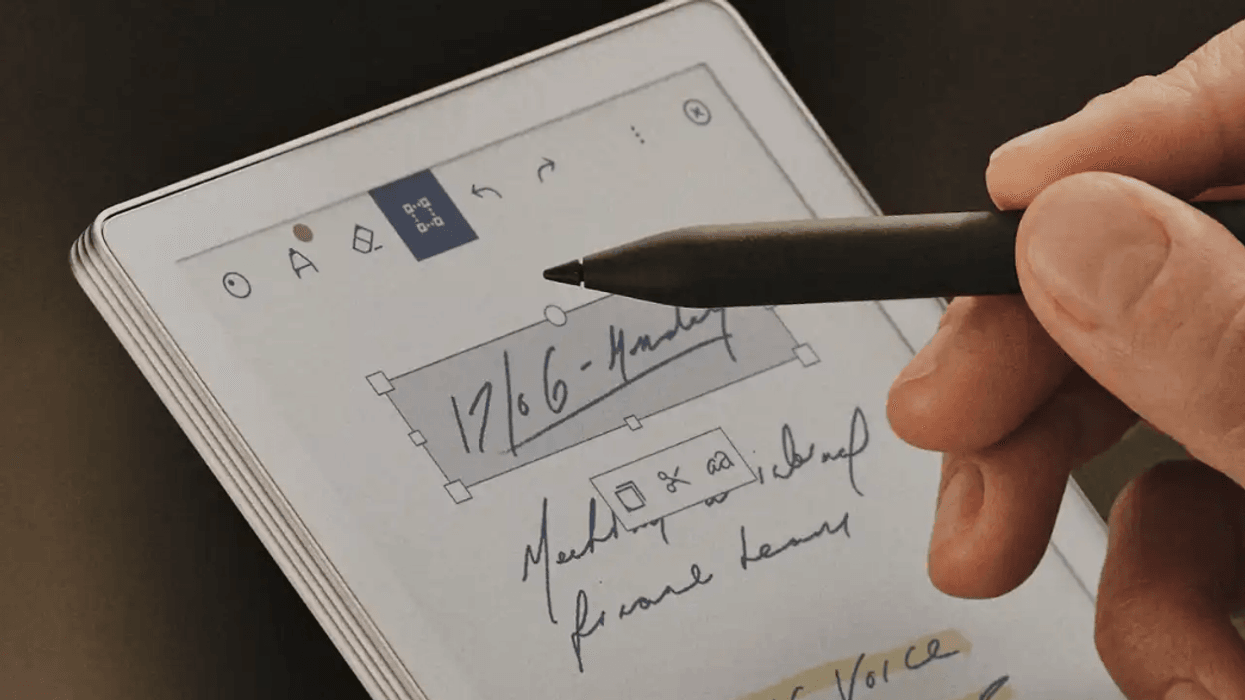
The Norwegian E-Ink device maker has teamed up with Miro, a popular visual whiteboard platform, to launch a clever new feature called Send to Miro.
Instead of needing to type up everything you've jotted down, all you'll need to do is tap a button, and your handwritten notes and sketches automatically transfer to a Miro board, ready for you and your team to access and edit together.
For comparison, Amazon's Kindle Scribe offers a Convert to Text feature that will transform your handwritten notes. Although the same can't be said for the sketches you draw on the tablet.
"Inspiration can strike at any moment, but typing up handwritten notes can be a hassle," said Phil Hess, CEO of reMarkable. "With Send to Miro, you get all the benefits of pen and paper as part of your digital workflow."
Upgrade your note-taking with the new reMarkable Paper Pro Move tablet

Upgrade the way you take notes with a portable tablet that allows you to streamline your daily workflow. The tablet won't beep or buzz to cause distractions, and the battery lasts for days.
And if you're not sure if the device is the right fit, you can try it out for 100 days risk-free.
reMarkable Paper Pro Move tablet
$399
If you're not familiar with the brand, reMarkable is a Norwegian tech company known for creating digital paper tablets aimed at replacing notebooks and printed documents. Known for their ultra-thin, paper-like devices, reMarkable hopes to combine the feel of handwriting with the power of digital organisation — offering a focused, distraction-free experience for reading, note-taking, and sketching.
As such, reMarkable devices have a glare-free, paper-like quality for a true-to-life writing experience when annotating documents or writing notes, but benefit from the perks of modern-day devices, with files synced in the cloud so they can never be lost and the ability to search through your scrawlings for a specific word or name.
Jeff Chow, Miro's Chief Product and Technology Officer, said, "Our partnership with reMarkable allows us to take a step forward and merge offline and online ideation into a seamless interaction. Now, no matter where an idea comes from, teams can be collaborative."
LATEST DEVELOPMENTS
Once your notes land on a Miro board, the platform's artificial intelligence (AI) gets to work converting your handwriting into editable digital text and diagrams.
Those rough sketches you drew? They can be transformed into proper mind maps, flowcharts, or presentation slides using handy shortcuts built into the board.
You can then keep building on your ideas using Miro's other AI tools. For insance it can summarise large portions of text. It can also help give suggestions for your work by generating new angles on the related ideas.
The feature is ideal for bridging that gap between quiet solo thinking and team collaboration – the sticky notes you sketch up on your tablet could end up professionally shaping ideas for work projects within minutes.
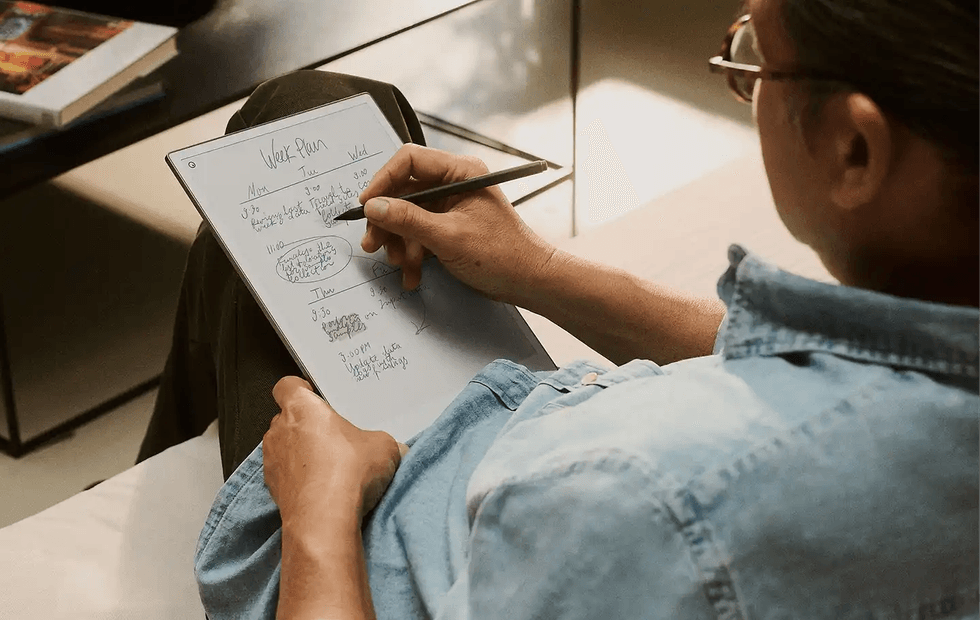
You'll need a paid Connect subscription to access the new Send to Miro feature — with prices starting from £3.99/month
|REMARKABLE PRESS OFFICE
The catch? You'll need a paid Connect subscription to use it on your reMarkable device.
A subscription will give you access to unlimited cloud storage, let you write, create, and edit on mobile and desktop apps, and three-year device protection with the brand's reMarkable Protection Plan.
For personal accounts, the plan costs £3.99/month. On the other hand, business accounts will need to pay £5.99/month.
There are a couple of notable differences in features between the two plans, too. For instance, the added protection for your reMarkable tablet is only included in the personal plan.
Business plans will be treated to a user management feature, where you can manage users, devices, and security settings. You can even set up passcode enforcement and auto-lock.
You'll also be able to enforce Single Sign-On, which lets you manage your team's access through one central point.
If you're unsure if a Connect subscription is for you, then you can activate a 50-day free trial with your tablet.