










Breathe a sigh of relief! You can finally ditch that cringeworthy Gmail address that's haunted you for the last 22 years. Google will let you swap your username – that's the bit before @gmail.com – to something else.
Google CEO Sundar Pichai shared the news on X, formerly Twitter, writing: "2004 was a good year, but your Gmail address doesn't need to be stuck in it."
2004 was a good year, but your Gmail address doesn't need to be stuck in it.
— Sundar Pichai (@sundarpichai) March 31, 2026
To say goodbye to v0t3f0rp3dr02004@gmail.com or mrbrightside416@gmail.com (or whatever you were into at the time), go to your Google Account settings and choose any name available. You'll keep your old…
The best part? You won't lose a single email, contact, or any of your account history in the process.
When you pick a new username, your old address doesn't just vanish into thin air. Instead, it automatically becomes an alias for your account. This means both your old and new Gmail addresses will point to the same inbox. Any emails sent to your previous address will still land right under your new username.
You can also sign in to all your Google services – whether that's Gmail, Drive, YouTube, Maps or Google Play – using either address. Your photos, messages, and everything else linked to your account also stay exactly where they are, as nothing gets lost or moved around.
There are a few catches to keep in mind, though.
LATEST DEVELOPMENTS
First, you're only allowed to change your Gmail username once every 12 months, so it's best to really make sure you're happy with it. On top of that, there's a lifetime cap of three changes per account. Once you've used up those three swaps, that's your lot.
If you have a change of heart, you can switch back to a previous username, but only if it's still available and hasn't been snapped up by someone else. This same caveat applies to social media platforms like Instagram or TikTok.
The same yearly and lifetime limits apply to reversions, too.
For now, this feature is exclusively available to personal Gmail accounts in the US. Google hasn't announced when it might reach users elsewhere in the world.
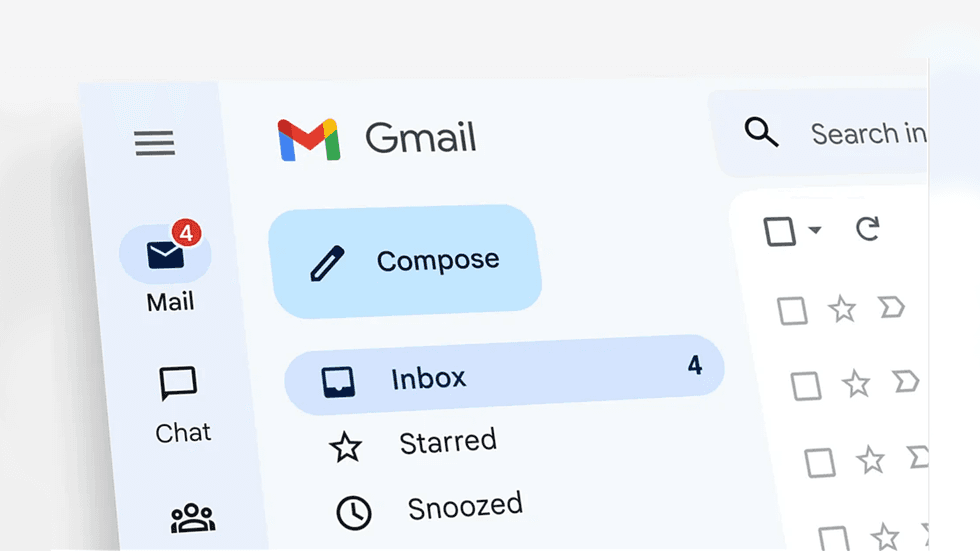
Once you confirm the change, your new username becomes your primary identity and will be what recipients see when you send an email
| GOOGLE PRESS OFFICETo change your username, head to your Google Account settings and tap on the Personal info section.
From there, look for the email or username field and click to edit it. You'll then be able to pick any available @gmail.com address that you prefer.
Once you confirm the change, your new username becomes your primary identity. It's what people will see when you send emails, share files on Drive, or use "Sign in with Google" on other websites.
Google recommends backing up your data before making the switch, too. While the process shouldn't cause any issues, it's always smart to have that safety net in place so you don't lose any valuable information