








If you've got a Freeview box or TV, you'll want to make sure it's up to date. Some broadcasters have made changes to their channels in a routine switch-up.
The terrestrial TV service often makes updates to make space for new entertainment, accommodate changes made by providers, or, in some cases, lose access to channels altogether.
This time, various shows and movies will either have a new home or a notable update.
Here's what's expected to change.
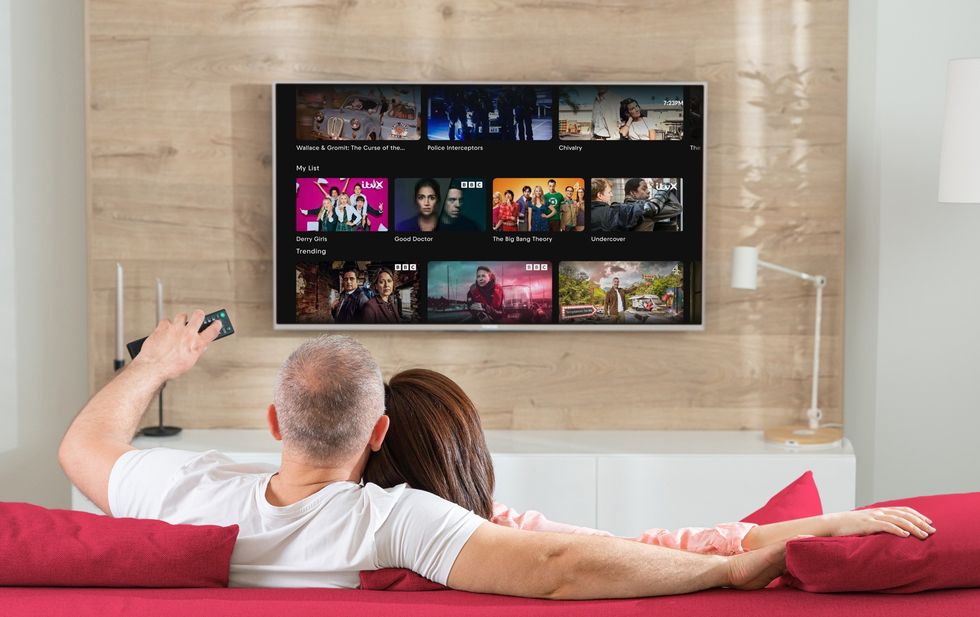 Freeview recommends that you retune your TV so you can enjoy all of the latest updates | EVERYONE TV PRESS OFFICE
 For starters, GREAT! TV + 1 will now be located on channel 61 — replacing GREAT TV. You can often find dramas, cult favorites, and retro entertainment. Some common reruns can include Robin's Nest, Rumpole of the Bailey, and The Waltons.
The swap technically replaces GREAT! Romance Mix, which is considered a spin-off of GREAT! Romance. This often featured a steady lineup of feel-good romantic comedies, dramas, and love stories from the 2010s to the present day, alongside short feel-good news segments.
At one point, you may have encountered GREAT! TV+1 on GREAT! Romance Mix’s old channel slot of 62, but this was found to be a temporary glitch.
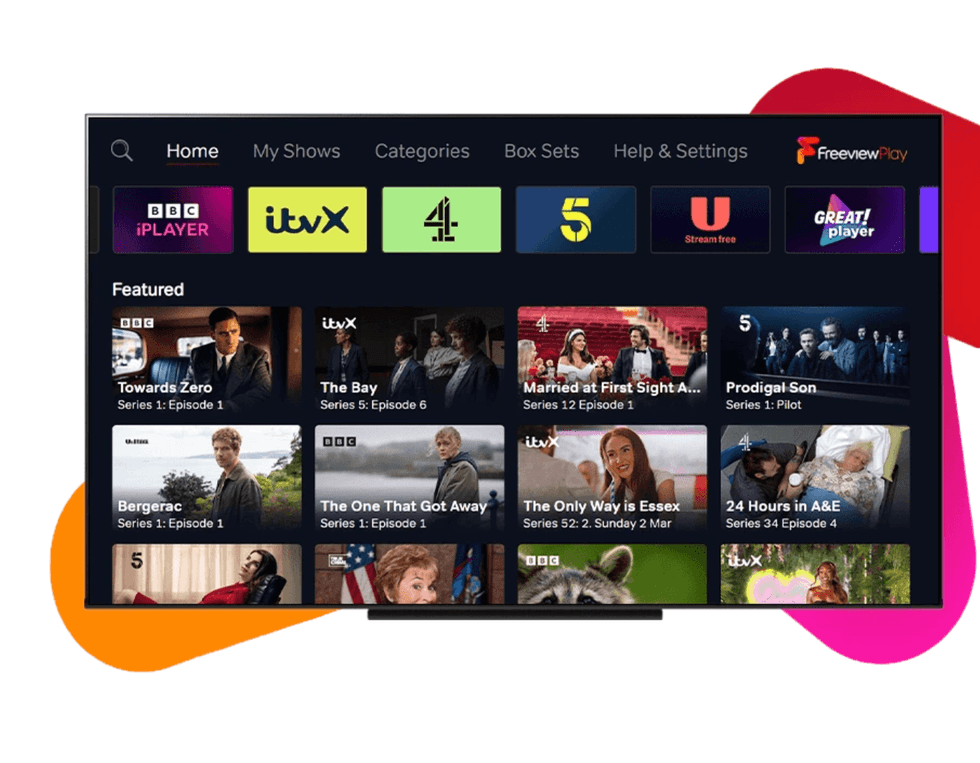
Freeview makes routine switches to its channels
|FREEVIEW
GREAT! Movies will now move over to channel 62 — where you can find a rotating selection of Hollywood blockbusters, contemporary hits, cult classics, and easy-watching feature films.
Hobbycraft TV, which can be found on channel 97, has now been relabelled to Shop Unlimited. It began as a Facebook-based shopping service, but it now shows expert-led demonstrations, project tutorials, and deals on crafting supplies.
LATEST DEVELOPMENTS
- Sold-out Freely TV box returns to Amazon with a cheaper price tag
- You'll never Google in the same way again! 'Biggest upgrade in 25 years' comes to search
- HBO Max confirms UK price for all-new shows, films, and TNT Sports
- Now traditional landlines will be 'switched off' for extra 1.23m in UK
- Roku unveils largest-ever cinema-style experience, and Fire TV can't match it
Freeview always recommends that users retune their devices to guarantee that all of the changes have been applied.
Some Freeview devices will retune automatically once an update is available, but if you're missing any new channels, or the channel numbers in your TV Guide don't reflect the latest changes, it's worth following the step-by-step guide to retune Freeview Smart TVs and set-top boxes below.
You can update your TV when you follow these steps:
- Start by pressing the menu button on your remote control
- Look for an option like 'set-up', 'installation', or 'update' – the wording varies depending on your device.
- If it asks for a PIN, try 1234 or 0000, as these are the standard defaults.
- Select 'first-time installation', which might also be labelled 'factory reset' or 'full retune'.
- Your device will ask if it's okay to delete your existing channels – confirm this, and the search will begin automatically.
Once complete, save the channels when prompted, and you're all sorted.
Freeview is the most popular free-to-watch provider in the UK, with 16 million homes watching content via its service on Smart TVs and streaming boxes.